
3 Claude Code Plugins
Aug 10, 2026
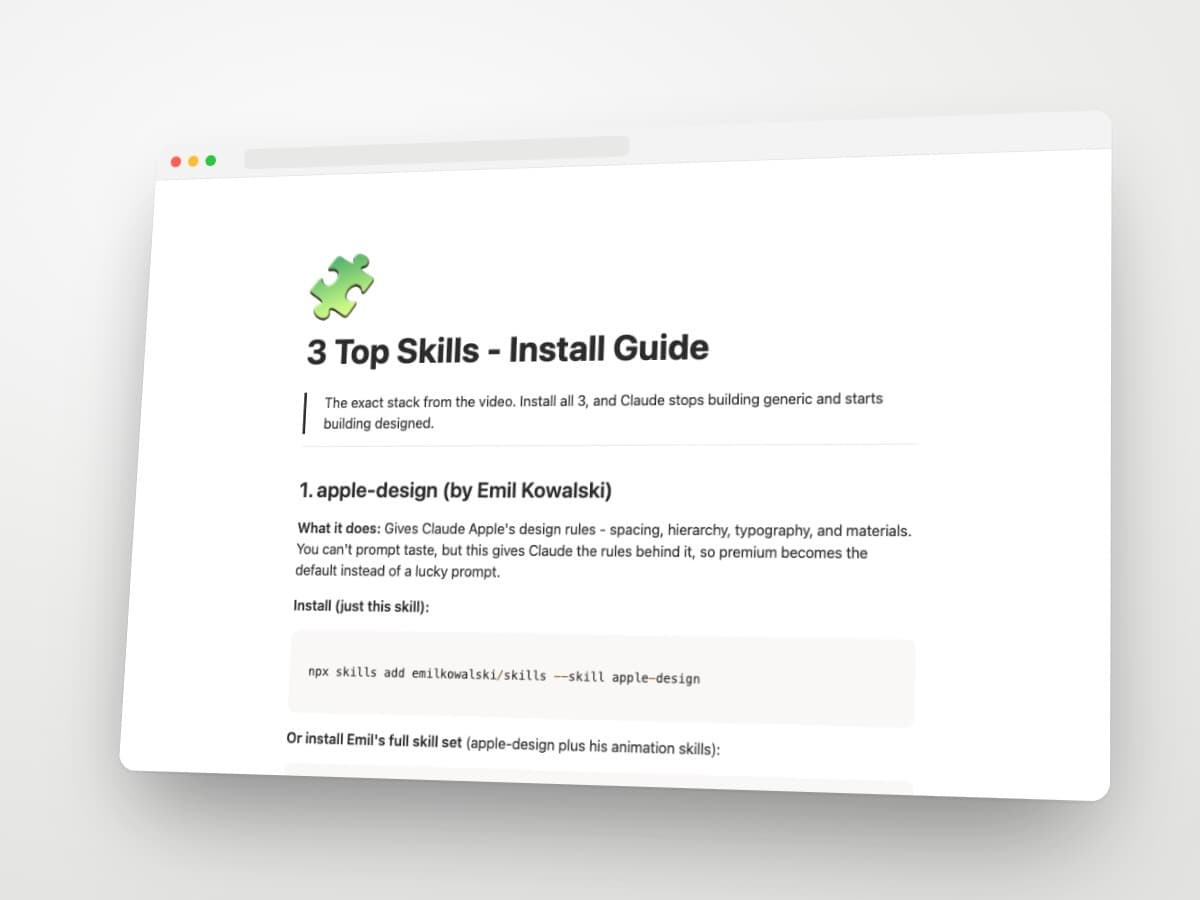
The exact stack from the video. Install all 3, and Claude stops building generic and starts building designed.
1. apple-design (by Emil Kowalski)
What it does: Gives Claude Apple's design rules - spacing, hierarchy, typography, and materials. You can't prompt taste, but this gives Claude the rules behind it, so premium becomes the default instead of a lucky prompt.
Install (just this skill):
npx skills add emilkowalski/skills --skill apple-design
Or install Emil's full skill set (apple-design plus his animation skills):
npx skills@latest add emilkowalski/skills
How to use it: Point Claude at your current site or a screen you're building and ask it to review the design. It catches the small stuff that quietly makes a build look cheap.
2. Playwright CLI
What it does: Gives Claude eyes. It opens a browser, screenshots the page it just built, and fixes the broken layouts before you ever notice them.
Install:
npm install -D @playwright/cli@latest
npx playwright-cli install --skills
How to use it: After Claude builds a page, ask it to open the site and screenshot it. It reviews its own output visually and self-corrects. The CLI saves screenshots to disk instead of dumping them into context, so it's far more token-efficient than the MCP version.
3. transitions.dev (by Jakub Antalik)
What it does: A library of ready-made UI animations - menus, modals, buttons, page reveals. Claude grabs the ones it needs, and the whole product suddenly feels polished. 27+ production-ready transitions.
Install:
npx skills add Jakubantalik/transitions.dev
How to use it: Ask Claude to add a transition to any component (a modal open, a dropdown, a card resize) and it pulls from the catalog. Works with Claude Code, Cursor, Codex, and more.
Site: https://transitions.dev
That's the stack
Taste, QA, and motion - handled. Install all three and rebuild your next site. Same tool, completely different result.
P.S. The one thing these don't touch is how your site actually looks - the images. That's what Limora is for. Check it out here.