Happy Monday, creative family, and welcome to Logiaweb Weekly.
This week’s design intelligence briefing reveals:

WHAT I’M BUILDING
Behind the Scenes
This week, most of our time went into clarifying the studio’s offer. After working with nearly ten clients in our first three months, across branding, websites, and product design, a pattern became obvious. Our best projects all had one thing in common: founders launching a startup who needed a true design partner to bring their idea to life.
So we took a step back and did the work properly. We refined our ICP, clarified our offer, and aligned all our internal docs around that vision. From now on, we’ll only work with that exact profile. It means higher prices, better results. And most importantly, more fun building meaningful products.
On the tooling side, we’re also spending more time with Cursor and Claude Code. We don’t offer development yet, but if these tools keep evolving, it’s something we’re seriously considering once we fully master it.

BIG NEWS
Adobe Just Got Hollywood's Stamp of Approval for AI
Adobe just announced Firefly Foundry, and this one's different. CAA, WME, UTA, Disney Imagineering, and major VFX studios are all backing it. For designers, this signals a shift in how AI creative tools will be built moving forward.
What caught my attention
Firefly Foundry: isn't just another AI image generator. It's designed to be "commercially safe", trained on content Adobe has rights to, with deep customization tied to specific brands, franchises, and IP universes.
The big agencies are on board because it protects creators' rights. Bryan Lourd from CAA said Adobe "recognizes the importance of protecting creators’ rights and intellectual property." That's not something you hear often in the AI space.

Why it matters
Hollywood's been nervous about AI since the 2023 strikes. Writers and actors walked out partly because of concerns about their work being used to train AI without consent.
Adobe is positioning Firefly Foundry as the responsible alternative. The models can be tuned to a specific brand's creative universe, so a studio could train it on their visual style and generate on brand assets without the copyright headaches.
For freelance designers working with brands, this sets a precedent. Clients are going to start asking if your AI tools are "commercially safe."

The real win
This isn't just about big studios. The same technology that lets Disney generate brand safe visuals could eventually filter down to the design tools we use every day.
If you've ever worried about using AI generated assets in client work, Adobe is betting that Firefly Foundry solves that problem. No more guessing if an image was trained on copyrighted material.
They're making AI adoption safer for everyone in the creative industry.
DESIGN INSPIRATION
High Quality Website Backgrounds
Tool Used: Limora

PROMPT: A sophisticated abstract composition featuring gentle rolling hills of terracotta and rust-colored gradients that flow horizontally across the frame, intersected by soft cream-colored organic curves that create natural depth and visual hierarchy. The warm earth palette includes deep sienna, muted ochre, dusty rose, and warm taupe tones that blend seamlessly into one another. Subtle grain texture throughout adds tactile quality while maintaining a clean, modern aesthetic. Soft ambient lighting creates gentle shadows where the curved forms overlap, suggesting dimension without harsh contrasts. The overall mood is calm, grounded, and premium—perfect for a hero section background that needs to feel both welcoming and refined. Horizontal composition optimized for wide-screen display with natural focal points in the lower third.Tool Used: Midjourney

PROMPT: An ethereal abstract landscape rendered in lush green tones featuring layered mountainous silhouettes receding into a hazy horizon. The foreground presents rich forest green and deep emerald colors that gradually transition through jade, soft sage, and pale mint tones toward a misty seafoam sky. Organic shapes suggest natural formations—perhaps rolling hills or moss-covered valleys—with smooth gradients creating a sense of atmospheric depth. Delicate noise texture adds visual interest without competing with text overlay potential. The composition follows rule of thirds with darker tonal values anchoring the bottom portion while ligTool Used: DALL-E 3

PROMPT: A minimal geometric pattern of overlapping circular forms in warm earth tones arranged in a subtle, rhythmic composition. The palette centers on muted terracotta, warm beige, dusty coral, and soft caramel with occasional accents of deep mahogany for contrast. Each circle features soft edges that blur gently into neighboring shapes, creating an almost watercolor-like quality. The circles vary in size from large background elements to smaller foreground details, establishing visual depth through scale and transparency. Warm off-white negative space balances the composition and ensures readability when text is overlaid. Grain texture throughout unifies the elements while adding organic warmth. The overall effect is contemporary yet timeless—sophisticated enough for portfolio sites, agency landing pages, or creative studio hero sections needing distinctive visual character without distraction.TUTORIAL OF THE WEEK
Create Unlimited Website Visuals with Limora
Stop relying on stock photos that everyone else is using. With Limora, you can generate unique hero backgrounds, custom icons, product shots, and mockups just by describing what you want.
Step 1: Choose Your Asset Type
Pro Tip: Start with backgrounds. They're the fastest way to make a site feel unique without touching the layout.

Step 2: Describe Your Style
In the prompt field, describe the visual you want in detail.
Include specifics: colour palette, mood, composition, texture.
Hit generate and let the AI work.

Step 3: Iterate Until Perfect
Review your generated assets.
Hit retry to get variations if the first result isn't quite right.
Refine your prompt based on what you like and don't like.
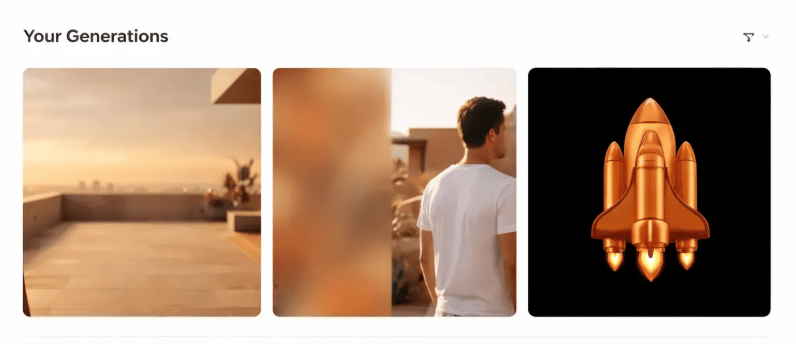

Step 4: Download and Drop Into Your Site
Download your final asset in the resolution you need.
Drop it directly into your website builder, or wherever you work.
Adjust positioning, and you're done.

PROMPT OF THE WEEK

PROMPT: Build a design brief analyzer that helps web designers extract key requirements from client documents. The app should accept PDF or text uploads, use GPT to parse the content, and output a structured brief containing: project goals, target audience, design preferences mentioned, technical requirements, timeline expectations, and budget indicators. Display results in a clean dashboard with sections I can edit. Add an export button that generates a formatted PDF brief I can send back to the client for confirmation. Use a minimal, designer-friendly interface with good typography and plenty of whitespace.TOOL OF THE WEEK
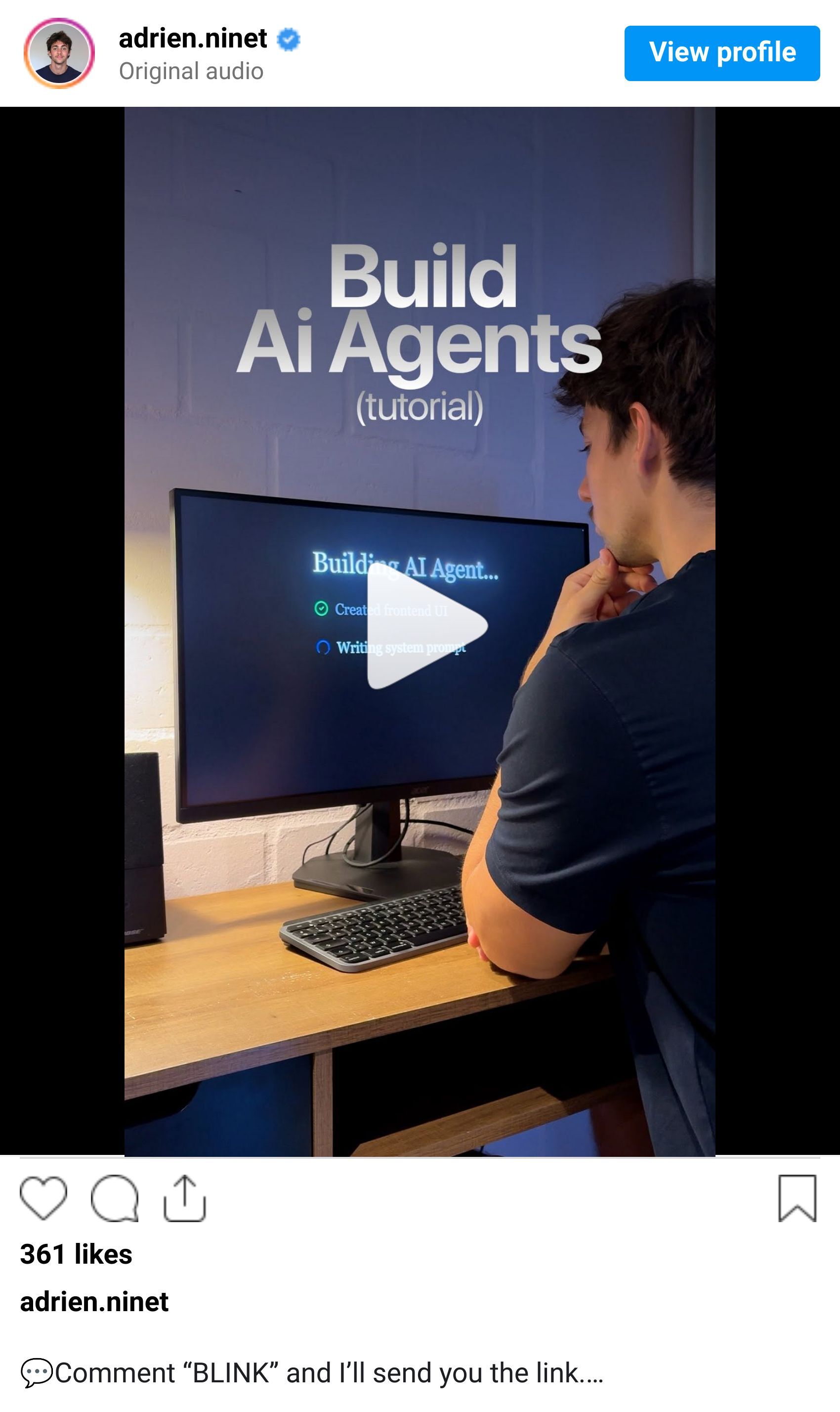
A lot of AI builders handle either the frontend or the backend. Blink can do both for you. Plus your database components, and it does all this with natural language descriptions.
👉 Here's a demo of Blink:
🧠 How I'd use it:
I'd use Blink to:
Build a client intake form that automatically generates design briefs and project timelines from user responses.
Create a personal AI research assistant that searches design trends, fetches articles, and summarizes findings with source links.
Develop a quick mockup generator where I describe a layout and it builds a functional prototype I can show to my clients on the same day.
💡 Bonus Prompt:
Prompt: Build a designer productivity dashboard that combines three core functions: a project tracker with status columns (Discovery, Design, Development, Review, Complete), a quick capture tool for saving design inspiration links with auto-generated thumbnails, and an AI assistant panel where I can paste client feedback and get suggested design revisions. The interface should be minimal and fast dark mode optional, clean typography, and keyboard shortcuts for power users. Include user authentication so I can access my projects from anywhere. Connect to a database that stores all my projects and inspiration permanently.That’s it for this week, but I want to make each edition even better.
👉 Got 30 seconds?
Fill out this quick survey and tell me what you'd love to see next. Your feedback directly shapes the next drop.
💌 Know a designer who should be using AI smarter?
Forward them this email. Or just send them to logiaweb.com/weekly to join.
See you next Monday,
— Adrien


Adrien Ninet
