Happy Monday, creative family, and welcome to Logiaweb Weekly.
This week’s design intelligence briefing reveals:
🧪 What I'm Building: Behind the Scenes
🚨 Big News: OpenAI just dropped image gen you can actually control
🤖 Design Inspiration: AI prompts for product renders
🛠️ Tutorial of the Week: Premium portfolio animation in sub 2 minutes
💡 Prompt of the Week: Documentation grade product realism with Higgsfield

WHAT I’M BUILDING
Behind the Scenes
This week was all about getting ahead. I focused on creating videos in advance, since I’m taking a short break for Christmas next week. Don’t worry though, Logiaweb Weekly isn’t going anywhere, you’ll still get your usual edition.
On the studio side, we signed our last client of the year: a UI/UX redesign with a strong focus on improving conversion rates. A great project to close the year, and one I’m really excited to work on.
On a more personal note, this was also my last week in Bali. I realized I spent most of the time deep in my routine, so I made a conscious effort to explore a bit before leaving. I’ll definitely be back, next time with more space for holidays, not just work.

BIG NEWS
OpenAI just dropped ChatGPT Images powered by GPT Image 1.5 and it's shifting how we iterate on visuals. This is big.

What caught my attention:
Instead of generating once and crossing your fingers you now get controllable editing with real instructions. Lock a composition then tweak specifics. Swap the hero object, adjust typography areas and refine background textures without breaking what you already have.
A good comparison would be having a design assistant who remembers your brief. Now we don’t need to start from scratch every time.
If you work with clients where brand consistency matters this is a big help.

Why it matters
OpenAI gave us iteration control that actually respects context. “Soften the lighting on the left" or "make the typography bolder but keep the layout” preserves what you already locked in.
No more regenerating fifteen thousand times to get back to something that worked three versions ago.

The real win
We usually bounce between Midjourney for generation, Photoshop for editing and Figma for layout to prepare a single concept for a client. With ChatGPT Images it’s all in one place. Generate three styles, pick the winner, then do targeted edits without losing the foundation.
This could be the update that finally makes AI image work feel less like gambling at the roulette wheel.
If you're tired of endless refining just to generate one image, ChatGPT Images might be worth a shot.
DESIGN INSPIRATION
3D asset generators that don't suck
Tool Used: Notion AI

PROMPT: You are building a Notion database of conversion focused website page sections for designers. For each section, clearly explain its purpose, when it should be used, and what problem it solves for the visitor. Include common mistakes that reduce effectiveness. Add an AI assisted customization field that adapts the section for a specific niche and offer using realistic, non hype copy. Optimize for speed, clarity, and learning by example. The goal is to help beginners avoid poor layouts and help experienced designers move faster without rethinking proven structures.Tool Used: Notion AI

PROMPT: You are designing a Notion dashboard for a professional web designer. Create a single command center that shows clients, active projects, revenue impact, and risks at a glance. Prioritize clarity and decision making over complexity. Include a client snapshot view with high signal fields, an active project view with deadlines and priorities, a next action queue that highlights what matters today, a client context memory that summarizes past decisions and preferences, a simple risk tracker with mitigation suggestions, and a revenue leverage view that reveals which clients deserve more or less attention.Tool Used: Notion AI

PROMPT: You are creating a Notion database that tracks AI tools relevant to web designers. For each tool, write a plain language summary of what it does, its best use case, and the type of designer who benefits most. Include a clear verdict on whether it is worth using now, testing cautiously, or ignoring. Note the learning curve and explain whether the tool replaces a task or augments designer judgment. Optimize the system to reduce overwhelm, cut through hype, and help designers stay informed and future resilient.TUTORIAL OF THE WEEK
Premium portfolio animation in under 2 minutes in Framer
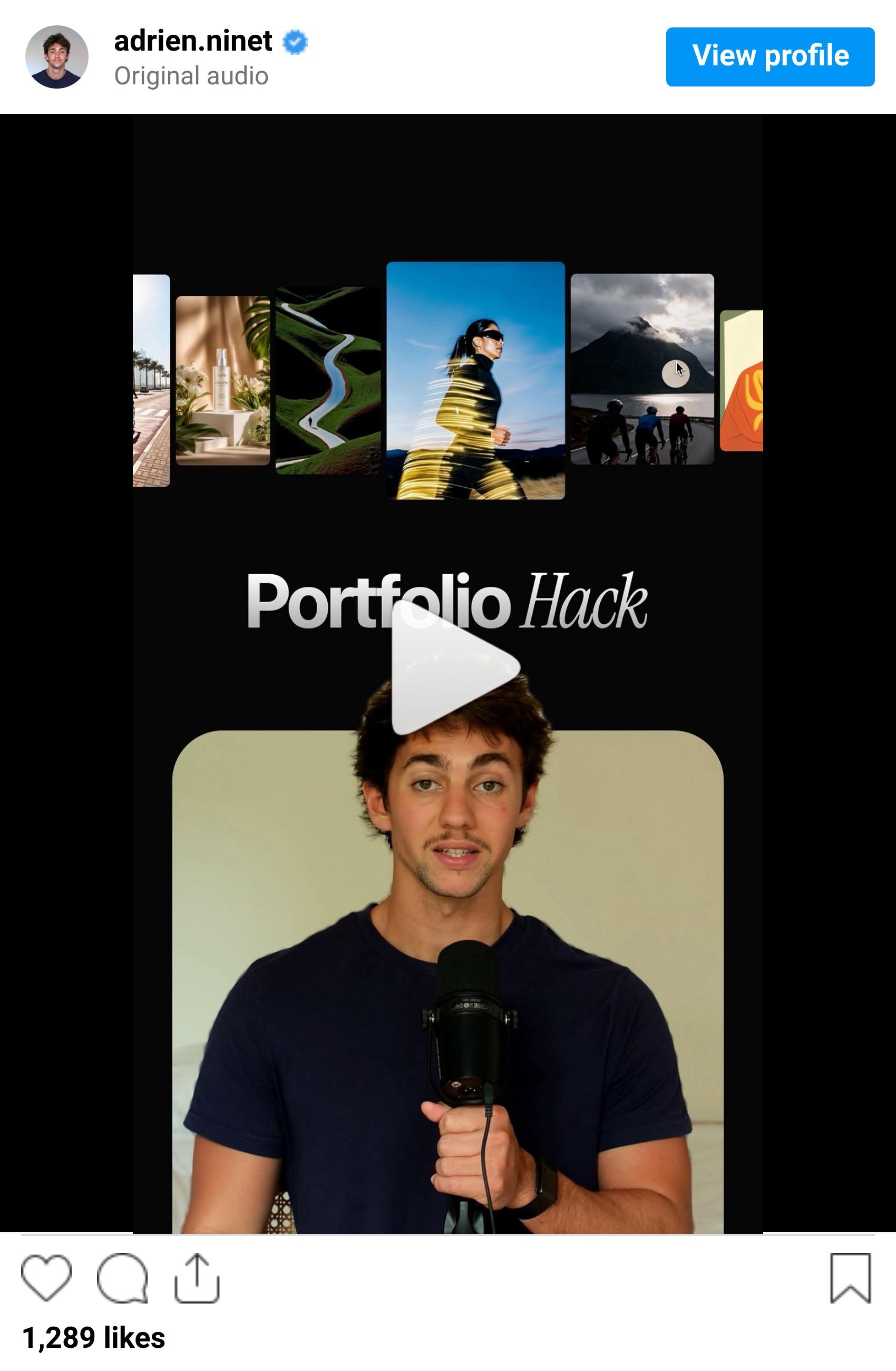
No need to spend hours on custom animations to make your portfolio feel premium. Use this workflow to add smooth, professional movement that clients actually notice.
Step 1: Start with a good base
Use your existing portfolio or grab a template if you're starting fresh.
In this example I'm using a Mike Burnet template from Framer.
Open it in Framer so you can start tweaking.

Step 2: Make it yours
Tweak the colors and text to match your brand.
Keep it clean. Don't overthink this.
Pro Tip: The animation does the heavy lifting. Your job is to stay on brand and let the movement create the premium feel.

Step 3: Record your discovery call
Step 3: Add the Ticker component
Find the Ticker component in Framer. It's built in.
Drag your portfolio images into the ticker area.
It starts looping automatically. Smooth, no janky cuts.

Step 4: Turn on the drag interaction
In the Ticker settings, change the drag option to "Yes."
That one setting gives you the smooth, swipeable interaction that makes portfolios feel responsive and alive.
Test it. The drag should feel natural.

Step 5: Publish and move on
Your site is live, responsive, and instantly more memorable than a static grid.
What used to require custom code or expensive plugins now takes two minutes in Framer.
If you want your portfolio to look premium without the dev headache, this is the move.

PROMPT OF THE WEEK
3D Product renders with Higgsfield

PROMPT: Create a full product render from the provided technical blueprint reference. Depict a vintage Apple Macintosh style desktop computer as a fully realized manufactured object. Preserve all proportions, dimensions, ports, seams, vents, screws, and surface breaks exactly as specified in the drawing. Translate linework into realistic industrial materials including matte beige ABS plastic housing, glass CRT screen with subtle curvature, recessed vents, molded edges, and authentic rear connectors. Use neutral studio lighting with soft reflections to emphasize form accuracy rather than marketing gloss. Render in ultra high detail at native 4K resolution. Single isolated product on a clean neutral background. Physically accurate materials, precise geometry, no stylization, no artistic distortion, documentation grade realism.That’s it for this week, but I want to make each edition even better.
👉 Got 30 seconds?
Fill out this quick survey and tell me what you'd love to see next. Your feedback directly shapes the next drop.
💌 Know a designer who should be using AI smarter?
Forward them this email. Or just send them to logiaweb.com/weekly to join.
See you next Monday,
— Adrien


Adrien Ninet
