
10 Claude Design Prompts
Apr 18, 2026
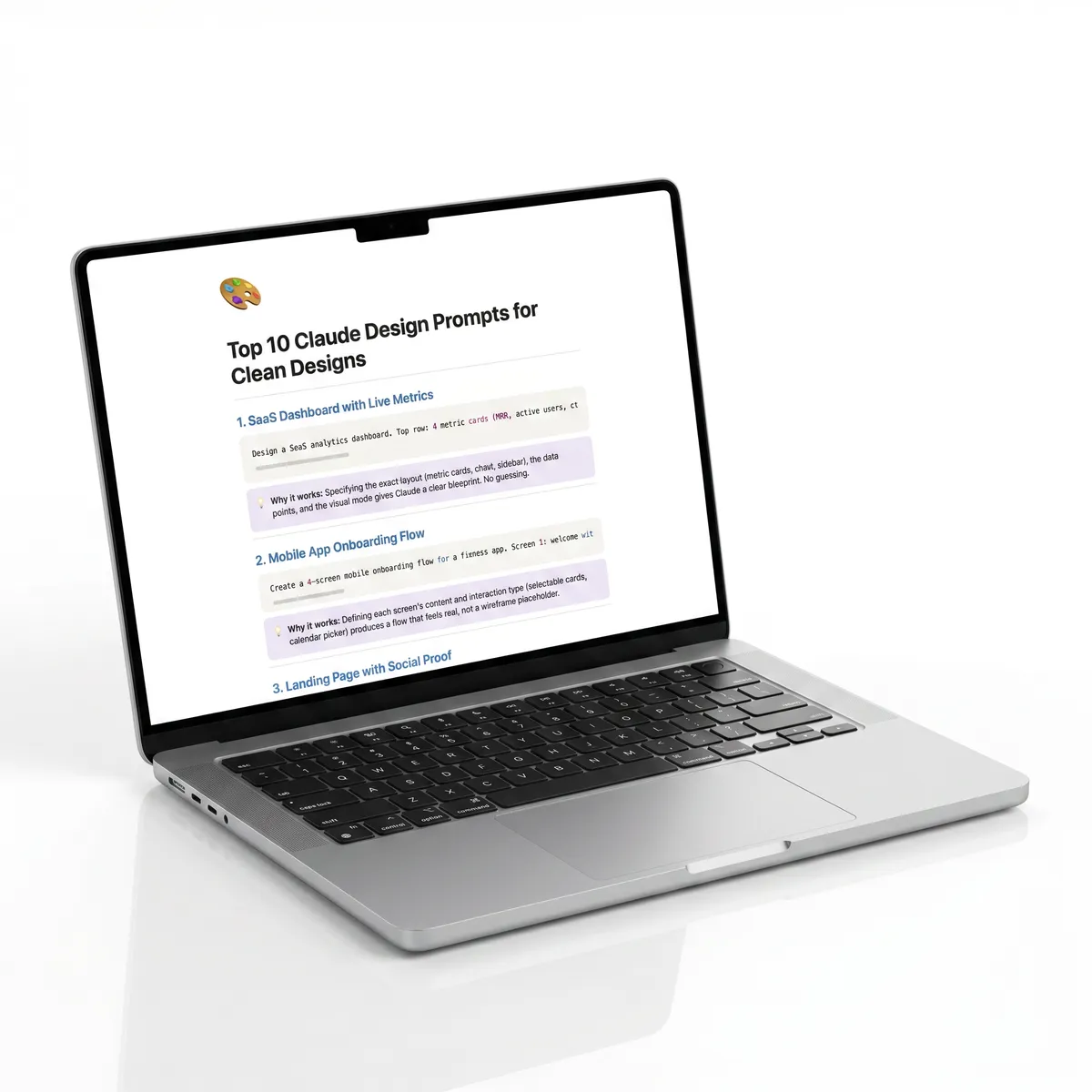
Most people type vague prompts and get generic output. These 10 prompts are structured to get clean, professional designs on the first try - no back and forth.
Copy-paste them. Swap in your brand. Ship faster.
Before you start
Set up your design system first. Before running any prompt, connect your codebase or upload your brand assets during onboarding. Claude learns your colors, typography, and components - and every design after that follows your brand automatically. This is what separates clean output from generic AI slop.
Start simple, then layer complexity. Don't try to design an entire app in one prompt. Start with one screen, refine it with inline comments and the tweaks panel, then expand from there.
1. SaaS dashboard with live metrics
Design a SaaS analytics dashboard. Top row: 4 metric cards (MRR, active users, churn rate, NPS) with sparkline charts. Below: a full-width revenue chart with filters for date range and product line. Sidebar nav on the left with icons. Dark mode. Use my brand colors and typography.
Why it works: Specifying the exact layout (metric cards, chart, sidebar), the data points, and the visual mode gives Claude a clear blueprint. No guessing.
2. Mobile app onboarding flow
Create a 4-screen mobile onboarding flow for a fitness app. Screen 1: welcome with app name and bold value prop. Screen 2: choose your goal (lose weight, build muscle, stay active) with selectable cards. Screen 3: set your schedule with a weekly calendar picker. Screen 4: confirmation with a CTA to start first workout. Minimal, clean, with subtle gradient backgrounds.
Why it works: Defining each screen's content and interaction type (selectable cards, calendar picker) produces a flow that feels real, not a wireframe placeholder.
3. Landing page with social proof
Design a landing page for an AI writing tool. Hero section: headline, subline, email capture field, and a product screenshot. Below: 3-column feature grid with icons. Then a testimonial carousel with photos, names, and roles. Pricing section with 3 tiers (Free, Pro, Team) in cards. Footer with links. Light mode, modern, generous whitespace.
Why it works: Walking through each section in order (hero, features, social proof, pricing, footer) gives Claude the exact page architecture. Mentioning "generous whitespace" prevents cramped layouts.
4. Design system component library
Create a component library page showing my design system. Include: button variants (primary, secondary, ghost, destructive) in 3 sizes, input fields (default, focused, error, disabled states), a card component with image and text, a modal dialog, a dropdown menu, and a toast notification. Arrange everything on a clean grid with labels and spacing tokens visible.
Why it works: This turns Claude Design into a design system documentation tool. Listing every component and its states means you get a reference sheet you can actually hand off to developers.
5. Client pitch deck
Design a 6-slide pitch deck for a branding agency. Slide 1: cover with agency name, tagline, and a full-bleed background image. Slide 2: the problem - why most brands look the same. Slide 3: our process in 3 steps with icons. Slide 4: case study with before/after visuals and metrics. Slide 5: pricing with 2 packages. Slide 6: contact info with a clean CTA. Use my brand system. Make it feel premium and editorial.
Why it works: Specifying the narrative arc (problem, process, proof, pricing) means Claude builds a deck that tells a story, not just a stack of slides. "Premium and editorial" sets the aesthetic bar.
6. E-commerce product page
Design a product detail page for a premium headphone brand. Large product image gallery with thumbnail nav on the left. Right side: product name, price, color selector with swatches, size selector, add to cart button, and expandable sections for specs, reviews, and shipping info. Below the fold: related products grid. Clean, minimal, high-end feel.
Why it works: E-commerce pages have established UX patterns. Naming each element (swatches, expandable sections, thumbnail nav) ensures Claude hits the standard while keeping the design premium.
7. Interactive prototype with states
Prototype a task management app. Show the main board view with 3 columns (To Do, In Progress, Done) and draggable task cards. Each card shows: title, assignee avatar, priority tag, and due date. Include a top bar with search, filters, and a "New Task" button. When I click "New Task", show a modal with fields for title, description, assignee dropdown, priority, and due date. Make it interactive.
Why it works: Asking for interactivity (click "New Task" to show modal) pushes Claude beyond static mockups into functional prototypes. Listing the card contents ensures consistent data display.
8. Email template
Design a transactional email for a design tool. Header: logo + dark nav bar. Body: personalized greeting, a hero banner showing the new feature with a screenshot, 3 bullet points explaining what's new, and a primary CTA button. Footer: social links, unsubscribe, and company address. Max width 600px. Works on mobile.
Why it works: Email has strict constraints (600px, mobile rendering). Naming those constraints plus the exact content blocks means Claude produces something you can actually send, not just a pretty visual.
9. Admin panel with data table
Design an admin panel for managing user accounts. Left sidebar with navigation (Dashboard, Users, Content, Settings, Billing). Main area: a searchable data table with columns for name, email, plan type, status, and last active date. Include filters for plan and status above the table. When clicking a row, show a detail drawer sliding in from the right with full account info and action buttons (suspend, upgrade, delete). Clean and functional.
Why it works: Admin tools are where most AI designs fall flat. Specifying the interaction pattern (row click opens drawer) and exact columns produces a usable internal tool, not a marketing mockup.
10. Portfolio website
Design a portfolio website for a UI designer. Full-screen hero with name, title, and a subtle animated gradient background. Below: project grid with hover effects showing project name and category. Each project card links to a case study layout with: hero image, project overview, process breakdown in 3 sections with visuals, results with metrics, and a "Next Project" navigation at the bottom. Include a minimal fixed header and a contact section with a simple form.
Why it works: This prompt covers two levels - the homepage AND the case study template. Claude generates a cohesive system, not just a single page. Mentioning hover effects and animations signals interactivity.
Pro tips for better results
Use inline comments, not new prompts. Click directly on an element and leave a comment like "make this padding tighter" or "swap to secondary color." It's faster and more precise than rewriting the whole prompt.
Use the tweaks panel. The sidebar sliders let you adjust spacing, color, and layout without burning tokens on a full regeneration. Drag, don't re-prompt.
Ask for variations. Add "Show me 3 different layouts" to any prompt. Compare side by side, pick the best direction, then refine from there.
Hand off to Claude Code. When you're happy with the design, export it as a Claude Code bundle. Claude packages the design with all context so the implementation matches pixel-perfect.
Reference your components by name. If your design system has a "ProductCard" or "NavBar" component, mention it in the prompt. Claude will use the real component instead of generating a generic version.