
Claude Motion Playbook
Oct 25, 2026 · 13 steps
What you need
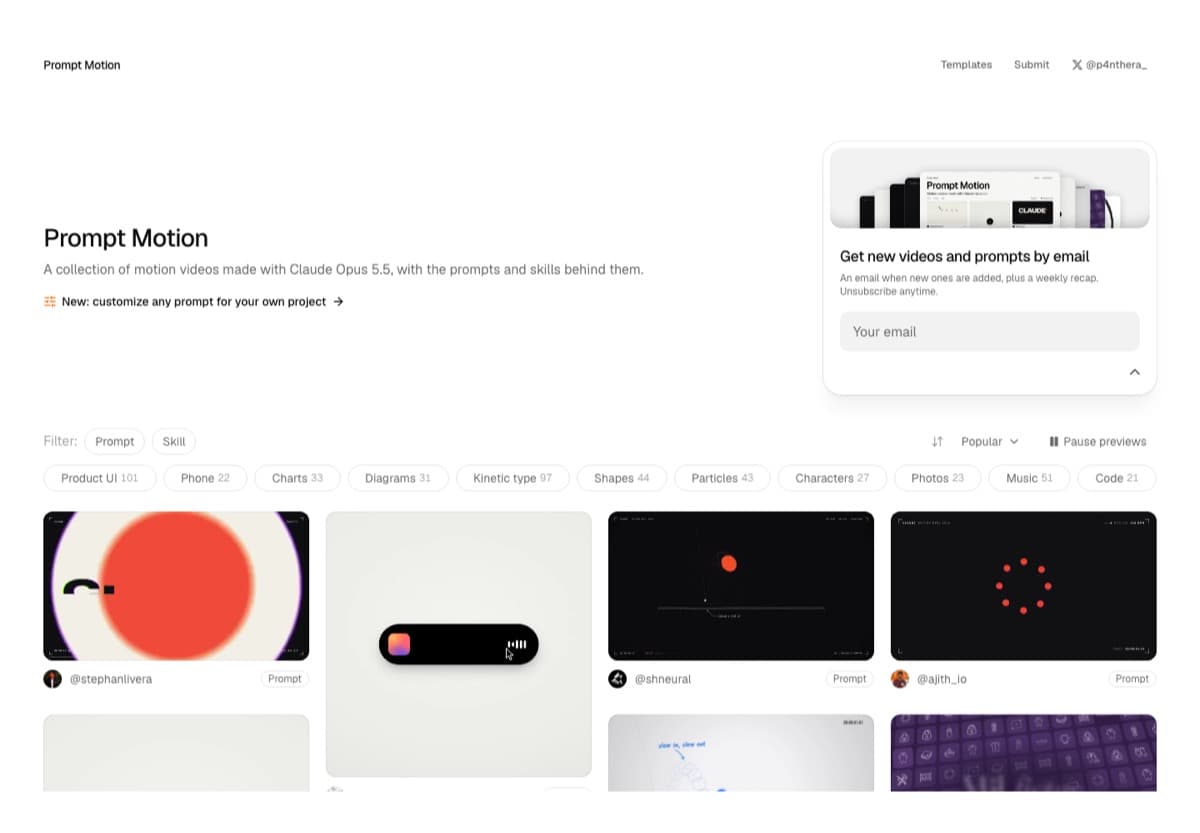
- Prompt Motion to find animations made with Claude, each with the exact prompt behind it. Free to browse and copy.
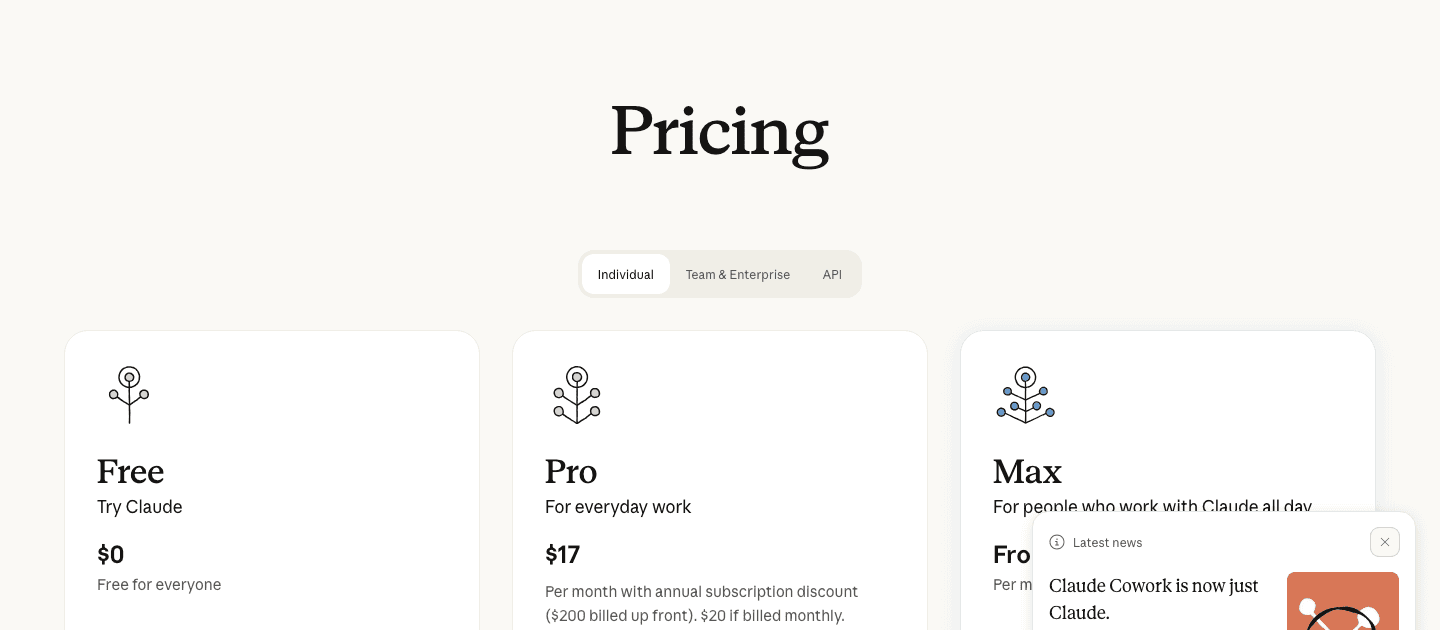
- Claude with Opus 5.5 to build the animation. Claude Motion, the feature that exports your animation as an MP4, is in beta on the Team and Enterprise plans. Team starts at $25 per seat per month, or $20 billed annually.
- Your website or your brand guidelines. This is what makes the animation look like your brand instead of a template.
Part 1 - The workflow: Prompt Motion + Claude
- 1
Step 1
Find an animation and copy its prompt
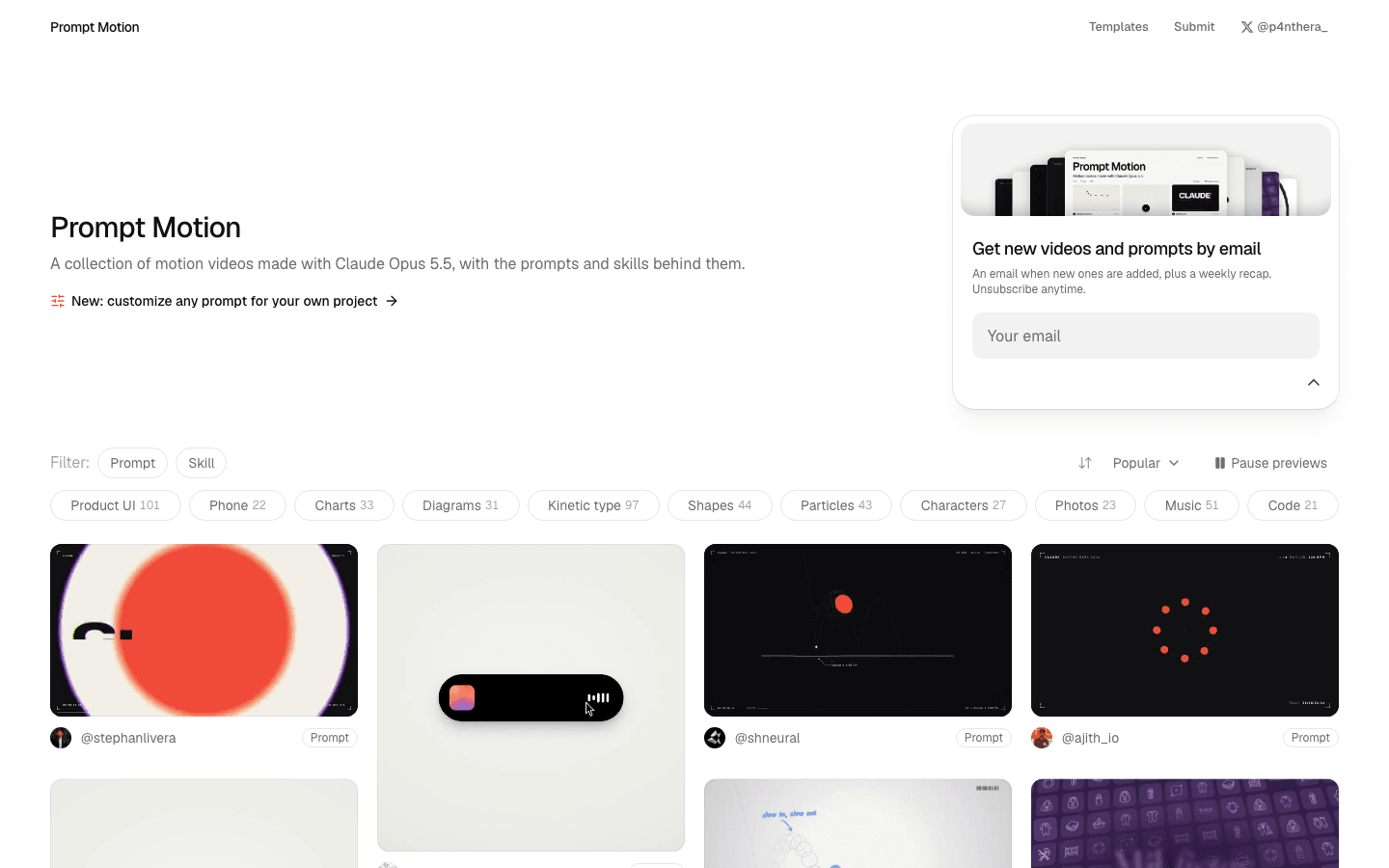
Go to prompt-motion.com and browse the gallery. You can filter by style, like Product UI, Kinetic type, Shapes, Charts or Diagrams.
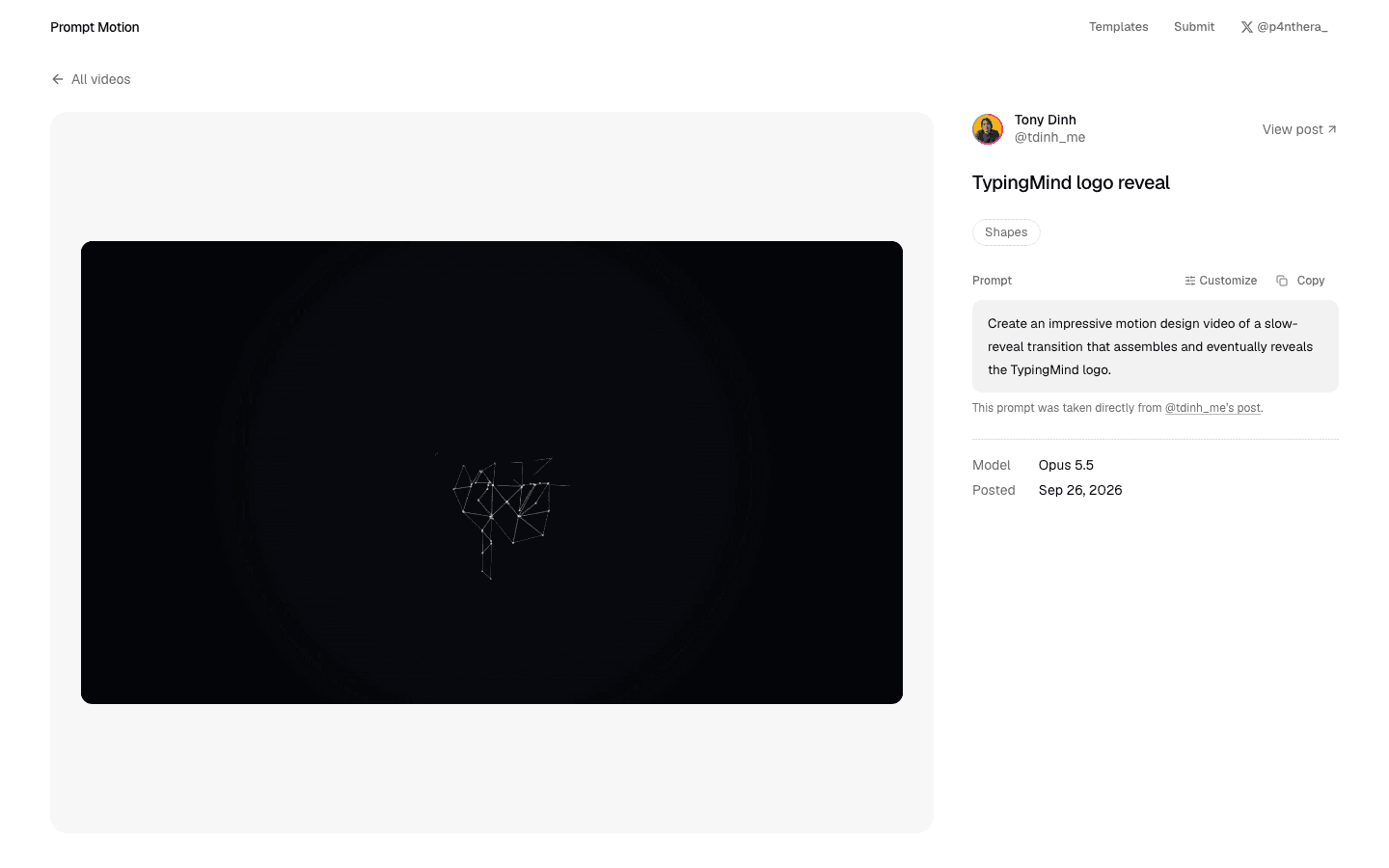
Open the animation you like. The exact prompt the creator used sits on the right of the video, with a Copy button above it.
Pick the motion, not the brand. You are copying the style and the pacing of the animation. The brand, the copy and the colors are what you change in the next step.
- 2
Step 2
Describe your own idea on top of the prompt
Most people paste the prompt as it is. The animation comes out great, but it still says the original creator's words and tells their story.
Under the prompt, describe your own idea in a few lines: what the animation should say, who will watch it, where it will be posted, and how long it should be.
mdUse the motion style above, but make it about my brand. The idea: [what the animation should show or say, in one or two sentences] The copy: [the exact headline, tagline or words that should appear on screen] For: [who will watch it] on [Instagram / LinkedIn / my website / my portfolio] Length: [10 / 15 / 30] seconds, [9:16 vertical / 16:9 / square]
Your idea is what changes the copy. Without it, Claude only swaps the colors and keeps the original story.
- 3
Step 3
Give Claude your brand
You do not need to upload your logo, your colors and your fonts one by one.
Paste your website link, or attach your brand guidelines or brand system as a PDF. Claude pulls the logo, the colors, the type and the tone from it.
If a specific visual has to appear, like a product screenshot or an app screen, attach it as an image too.
- 4
Step 4
Set the effort to Max, then export
In the Claude chat, select Output in the message box and choose Motion, or just ask Claude for an animation.
Set the effort to Max and send. Opus takes a few minutes, but this is where the quality comes from.
Want changes? Just ask in the chat, like "slow down the second scene" or "make the logo reveal bigger". Each animation is code, so one change does not break the rest.
When it looks right, click Export and choose MP4.
No Team plan? Claude Motion and the MP4 export are only on the Team and Enterprise plans for now. On Pro or Max, send the same prompt in a normal chat. Claude builds the animation as a live page you can play and screen-record.
Part 2 - 9 use cases, with the prompts
Every prompt below was copied from Prompt Motion, and each one is credited to the creator who made it. Watch the example first, then paste the prompt into Claude with the Make it yours lines underneath.
- 5
Step 5
Brand presentation reel
A short reel that shows off your brand. Use it for your social media, your website hero or the first slide of a pitch.
Watch the example - made by @reflex_cloud.
mdYou're a world-class motion designer, and this is your 15-second résumé reel. Make it dynamic and confident: open with a striking hook in the first second, build through a sequence of distinct techniques (typography, shape play, camera moves, colour shifts), and land on a clean, memorable final frame. Pacing should feel like it's cut to music. Go crazy. Make it promote our brand, reflex. inc. Proceed as if you were starting with zero of my tools. Do not assume that the tools we already have are the best to use, as they might be outdated.
Make it yours: replace the last paragraph with this.
mdMake it promote my brand, [brand name]. Use my website [link] for the logo, colors, fonts and tone. The message is: [your one-line message].
- 6
Step 6
Logo reveal
A logo that builds itself on screen. It works as the intro or outro of every video you post, and clients love it as an extra deliverable.
Watch the example - made by @tdinh_me.
mdCreate an impressive motion design video of a slow-reveal transition that assembles and eventually reveals the TypingMind logo.
Make it yours: swap "TypingMind" for your brand, attach your logo file and add this.
mdThe logo should assemble from [shapes / lines / letters / particles] and the reveal should feel [calm and premium / fast and bold]. Use the colors from the attached logo. End on the logo with the tagline "[your tagline]".
- 7
Step 7
Product launch film
A launch video for a product, an app or a website, with the cuts synced to the music. Post it on launch day and pin it to your profile.
Watch the example - made by @jhylee95.
mdYou're a world-class motion designer building a Supademo launch video. Research and land our core value and narrative. Scenes should be dynamic and confident: hook in the first second, then distinct beats for product proof and AI. Brand-accurate UI, type, color, and motion. Score the music so every cut, animation hit, and scene change lands on a beat or drop; retimed until synced. Social energy, quick cuts
Make it yours: swap "Supademo" for your product and add this.
mdThe product is [product name]. Read [landing page link] for the story, the UI and the brand. The one thing viewers should remember is: [your main benefit]. Keep it under [15 / 30] seconds for [Instagram / LinkedIn / X].
- 8
Step 8
Feature release teaser
A short teaser that builds hype before you ship a new feature. Post it a few days before the launch.
Watch the example - made by @robj3d3.
mdlook at my product roadmap and make a dynamic 15-second motion graphics video that teases the next feature release. go all out and hold nothing back
Make it yours: attach your roadmap or describe the feature, and add this.
mdThe feature is [feature name]. It lets users [what it does in one sentence]. Show [the screen or the moment it changes] and end on "[launch date or Coming soon]".
- 9
Step 9
Business explainer
A 30-second animated explainer for what you sell. Put it on your homepage or send it to a client before a call.
Watch the example - made by @alex_prompter.
mdAdopt the role of an expert motion designer. Build a 30-second animated explainer for my business as a single HTML page. 5 scenes. The customer's problem, what I do, how it works in 3 steps, one proof point, and my name at the end. Bold text, smooth transitions, my brand colours. My business [DESCRIBE WHAT YOU SELL, WHO IT'S FOR AND YOUR COLOURS]
Make it yours: fill in the bracket at the end of the prompt, then add your website link so Claude uses your real brand.
mdMy website is [link]. Use it for the logo, colors and fonts. My proof point is: [one result, number or client name].
- 10
Step 10
Portfolio reel
A short video that presents your portfolio. Use it at the top of your portfolio site or in your proposals.
Watch the example - made by @kikelopezdesign.
mdMake a 20 second video about my portfolio from scratch, using only the portfolio's own resources
Make it yours: add your portfolio link and say which projects to feature.
mdMy portfolio is [link]. Feature these projects: [project 1], [project 2], [project 3]. End on my name and "[your role, for example Brand Designer]".
- 11
Step 11
Milestone announcement
A celebration post for a milestone, like your first 100 clients, 10K followers or a company anniversary. These posts get shared because your audience feels part of it.
Watch the example - made by @viktoroddy.
mdCreate a launch video for MotionSites AI, just hit 1 million monthly visitors after 8 months after launch.
Make it yours: swap in your brand and your number, and add this.
mdUse my website [link] for the brand. The number is [your milestone] and it took [how long]. End with a thank-you to [your community / clients / users].
- 12
Step 12
UI animation from a Figma frame
Turn a static screen from your Figma file into an animated one. It is perfect for a case study, a Dribbble shot or a client presentation.
Watch the example - made by @BThreeAgency.
mdUsing the linked Figma frame build a badge unlock screen. Match the design exactly. Use the file's assets, lighting, type and layout and add only the motion. Animate the badge so it feels premium and celebratory. Build its scene and then celebrate with gold particles. Treat the badge as a solid 3D object that tilts toward the cursor following the rules of physics. Keep it fast and smooth, it should not be bouncy.
Make it yours: link or attach your own frame, and change what gets animated.
mdThe screen is [link or attached image of your frame]. Animate [the element] so it feels [premium / playful / calm], and celebrate with [the effect you want].
No Figma connection? Export the frame as a PNG and attach it to the chat instead.
- 13
Step 13
Dribbble-style UI morph loop
One shape that morphs through a set of UI components, like a button, a loader, a toggle and a chart, in a perfect loop. This is an advanced prompt, and Claude will ask you a few questions before it starts.
Watch the example - made by @twoclipping.
md<inputs> Ask me for: 8 to 12 UI states I want the shape to become (e.g. button, loader, player, slider, toggle, tabs, chart, command palette, toast), pure black and white or one accent color, and a royalty-free song around 120 BPM (e.g. Mixkit, free for commercial use). </inputs> <direction> Dribbble-level UI motion. One shape, never cut: every state is the same element morphing its size, radius and color while its content swaps with a short blur. A cursor drives every change with real clicks and drags. Light warm-gray canvas, black and white components, one clean UI font (Geist). Springs everywhere, a tiny overshoot at most. The camera zooms so each state fills the frame. The last frame is the first frame, so it loops. Banned: bouncy easing, particle bursts, glows, gradients on UI chrome, mismatched icon strokes, dead time, anything that looks like a template. </direction> <structure> 120 BPM, 7 bars, something happens on every beat. Button → loader → check → dynamic island → music player with a play/pause morph → scrub the progress bar → it becomes a volume slider that stretches when dragged past max → a toggle flips on the beat → the knob becomes a liquid tab indicator → the tabs open into a chart that draws itself, with a tooltip on hover → it collapses into ⌘K → type to filter → enter → toast → back to the button. </structure> <build> 1. One HTML file, square 1440x1440. Every style is computed from time inside seek(t): no CSS transitions, no timers, no state carried between frames. 2. Springs are closed-form step responses. A value that changes target many times is the sum of one spring per change, so it stays a pure function of time. 3. The tab indicator's two edges ride different springs, so the leading edge stretches ahead of the trailing one. Same trick for the toggle knob. 4. Drags are direct manipulation: while the cursor is held, the value is computed from its position. On release it springs back from wherever it was. 5. Analyze the song with numpy for the beat grid and start on a downbeat. Place every UI sound by its measured peak. 6. Render with Playwright: 4 subframes per frame, blended with ffmpeg tmix for motion blur at 60fps. 7. Render one frame per beat before the full render. Fix anything off the grid, cramped or hard to read. </build> <gotchas> Never put will-change on anything the camera scales or the text renders blurry. Text that swaps inside a morphing container needs its own enter and exit timing or it overlaps. Make the last frame identical to the first, cursor position and speed included, or the loop stutters. </gotchas> <start> Ask me for the inputs, then show me the state list on the beat grid before you write any code. </start>
Make it yours: when Claude asks for the inputs, answer with your own components and your brand color.
mdStates: [list 8 to 12 components from your own product] Color: [black and white / your brand color as a hex code] Song: [a royalty-free track around 120 BPM]
This one is code-heavy. It asks for things like Playwright and ffmpeg to render the video. It works best in Claude Code, where Claude can install and run them for you.
Part 3 - Make the brand assets first with Limora AI
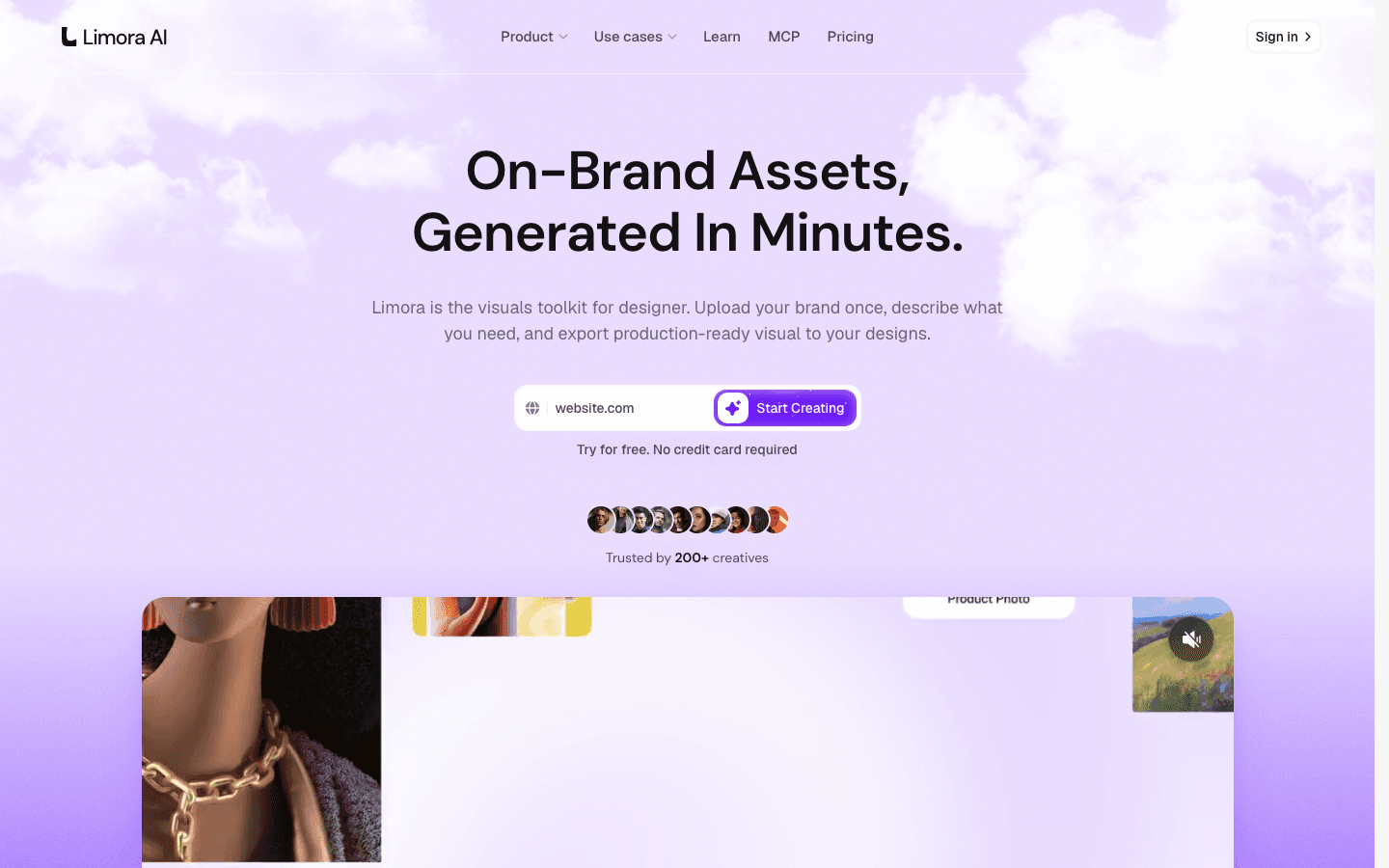
Claude Motion animates what you give it. It does not generate realistic images, photos or people, so the visuals in your animation are only as good as the assets you attach.
That is why I make my assets in Limora AI first. You upload your brand once, describe what you need, and get on-brand product visuals, icons and mockups in minutes. Then attach them to Claude in the "Give Claude your brand" step and the animation looks like a real campaign.
Try it for free, no credit card required.
Tips
- Watch the example to the end before you copy a prompt, so you know what the motion style looks like.
- Always say where the video will be posted. A 9:16 Instagram reel and a 16:9 website hero need different layouts.
- Start with a short animation. 10 to 15 seconds is faster to get right, and it uses less of your plan's limit.
- When one scene is off, ask Claude to fix only that scene, so the rest stays exactly the same.