
Claude Motion Graphics
Oct 10, 2026 · 9 steps

What you need
- Claude Code to build the video from one prompt. It is included in the Claude Pro plan, which starts at $20/month.
- HyperFrames is the skill that teaches Claude how to make motion graphics. It is free and open source (Apache 2.0), with no render fees.
- Node.js 22+ and FFmpeg run the preview and render the MP4. Both are free.
- Your website URL. Claude pulls your colors, fonts, logo and product screens from it.
Part 1 - Set up Claude Code: the Claude app
- 1
Step 1
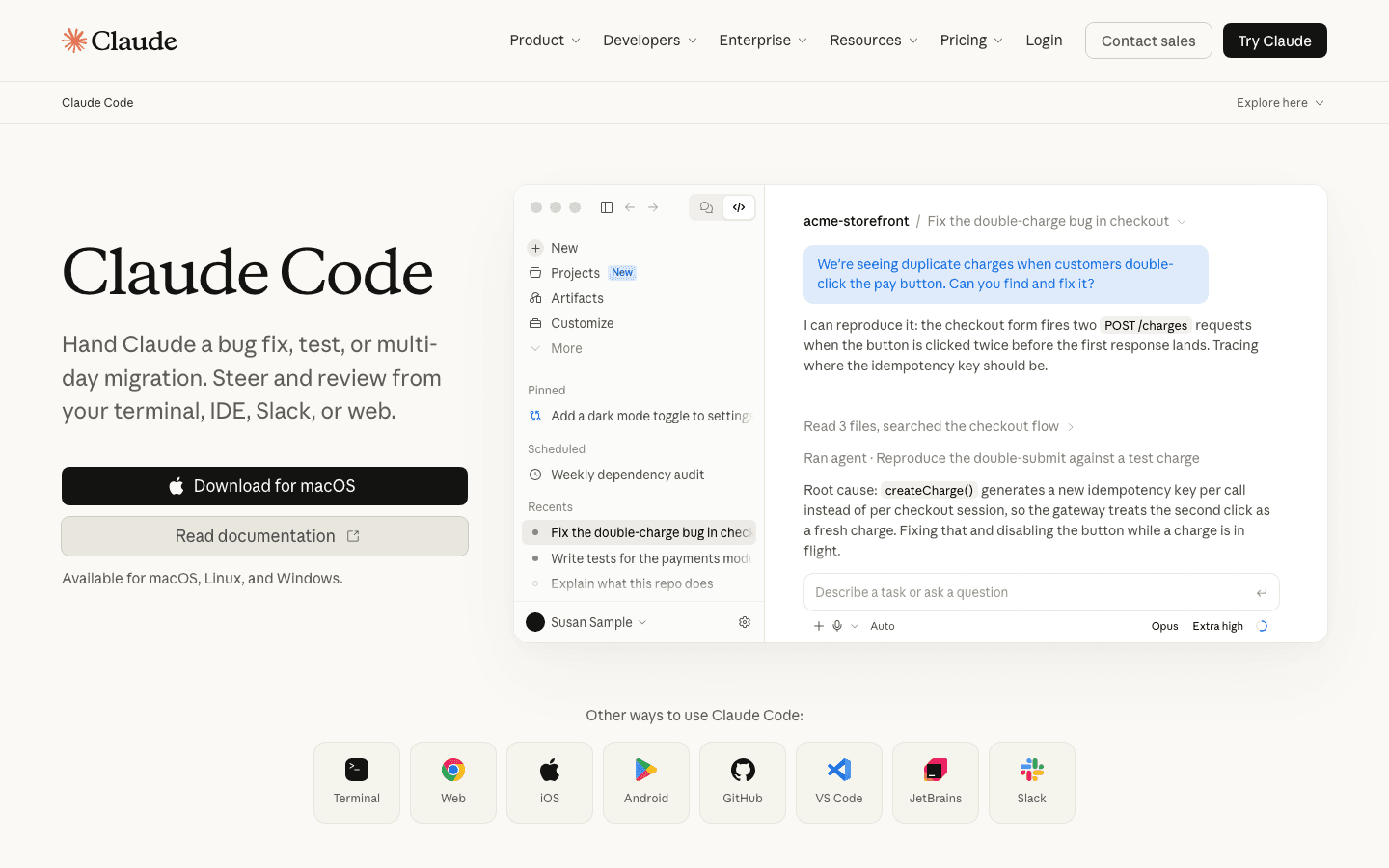
Open the Code tab in the Claude app
Download the Claude desktop app from claude.com and sign in.
Click the Code icon at the top of the sidebar. This is Claude Code, the same agent developers use in the terminal, with a normal chat window.
Create a new empty folder for your video project and open it in the Code tab. Claude will build every file of the video inside it.
One folder per video. It keeps the captures, scenes and renders of each project separate.
- 2
Step 2
Select Opus 5.5 and set the effort to Ultracode
Under the message box, click the model name and pick Opus 5.5. It is the strongest model for creative work like this.
Then click the effort level next to it and pick Ultracode. Claude thinks at the highest level and splits big jobs into several agents working in parallel.
A launch video is a big job: capturing the site, writing a storyboard, building each scene and checking the result. This is where Ultracode makes the difference.
Ultracode uses more of your plan. Every task takes more tokens and more time, so you reach your usage limits sooner. Switch back to a normal effort level for small edits.
Part 2 - Install the motion skill: HyperFrames
- 3
Step 3
Install Node.js and FFmpeg
HyperFrames writes each scene as HTML, then renders it to video. It needs Node.js 22 or newer and FFmpeg to do that.
On a Mac with Homebrew, run this in the Terminal:
Terminalbrew install node ffmpeg
On Windows, download Node.js from nodejs.org and FFmpeg from ffmpeg.org.
Not sure what you have? Ask Claude in the Code tab: "Check if Node.js 22+ and FFmpeg are installed, and install them if not."
- 4
Step 4
Add the HyperFrames plugin to Claude Code
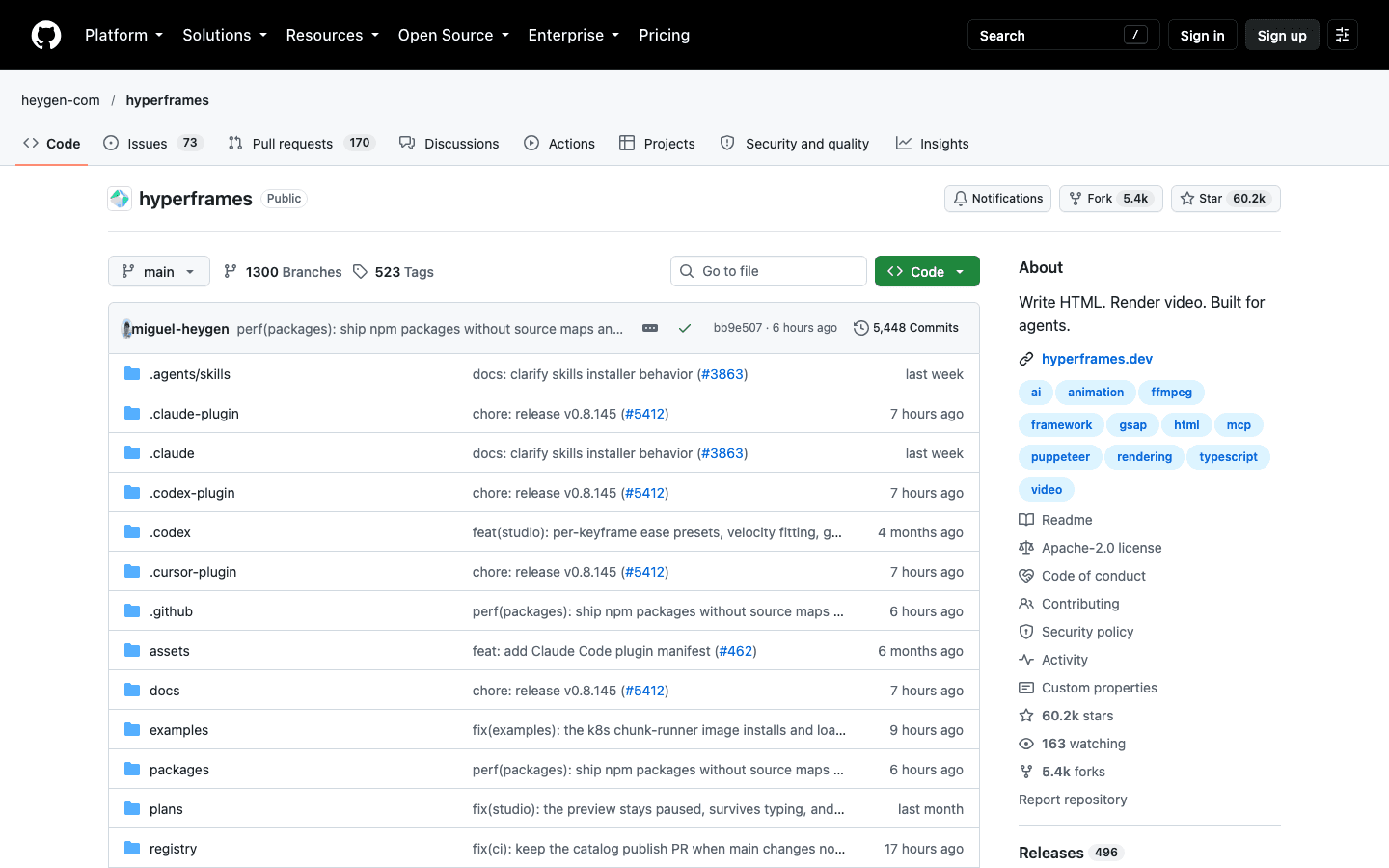
HyperFrames is an open-source video framework made by HeyGen. Its plugin gives Claude around 20 video skills, including one built for product launch videos.
Run these two commands in the Terminal:
Terminalclaude plugin marketplace add heygen-com/hyperframes claude plugin install hyperframes@hyperframes
Restart the Code tab. You can now call the skills with a slash, like
/product-launch-video.If you use another agent like Codex or Cursor, install the skills with this command instead:
Terminalnpx skills add heygen-com/hyperframes
The skill is the secret. Without it, Claude's first try usually comes out as centered text on a gradient with everything fading in. The skill gives it a real motion design process.
Part 3 - The prompt from the video
- 5
Step 5
Paste the prompt and add your site URL
This is the prompt to paste in the Code tab. Replace everything in [brackets] with your own details.
PromptUse the HyperFrames /product-launch-video skill to make a launch video for my website: [your site URL] Goal: a [20]-second launch video for [Instagram / X / my landing page hero], in [16:9 / 9:16]. Product: [one sentence on what it does and who it is for]. Before you build anything: 1. Capture the site and pull its real colors, fonts, logo and product screens. 2. Write a short brand cheat sheet from what you captured. 3. Show me a storyboard: 4 to 6 scenes, with the on-screen text, the visual and the timing of each scene. Wait for my OK on the storyboard before you build. Direction: - Use the real product UI from the site as the hero of most scenes, not abstract shapes. - The motion should feel premium: eased camera moves, staggered reveals, and nothing fading in all at once. - Avoid the template look: no centered text on a gradient in every scene, and no generic stock icons. - One clear message per scene, with 6 words max on screen. - End on the logo and this call to action: [e.g. "Try it free at yoursite.com"]. - No voiceover. Leave room for music. When it is built, run lint and validate, open the preview, and render the final MP4.
Hit send. Claude captures your site first, so give it a few minutes.
- 6
Step 6
Approve the storyboard before Claude builds
Claude stops and shows you the storyboard before it builds a single scene. This is the most important moment of the whole process.
Read each scene and change anything that feels generic. Ask for a different order, a stronger first scene or another product screen.
When it looks right, reply "Approved, build it."
Your taste goes in here. Fixing a scene in the storyboard takes one message. Fixing it after the render takes a full rebuild.
Part 4 - Preview, render and refine
- 7
Step 7
Preview it in the browser, then render the MP4
When Claude finishes, it opens a live preview in your browser. You can scrub through the video before anything is rendered.
If you want to run it yourself, these are the commands from inside the project folder:
Terminalnpx hyperframes preview npx hyperframes render
The render command exports the final MP4 into the project folder.
- 8
Step 8
Use follow-up prompts to remove the AI template look
The first render is a draft. These five follow-ups turn it into something you would actually post. Send them one at a time and preview after each one.
PromptThe pacing feels flat. Make the first 2 seconds faster and punchier, and give the product scenes more time to breathe.
PromptReplace every linear animation with custom easing curves. Elements should overshoot slightly and settle, like a premium product video.
PromptUse only the colors and fonts from the brand cheat sheet. Remove any color or font that is not on my site.
PromptScene [number] looks generic. Replace it with a close-up of [specific product screen] with a slow camera push-in.
PromptRebuild the end card: logo animates in first, then the call to action, then hold for 1.5 seconds before the video ends.
Change one thing per prompt. Small changes keep the scenes you already like untouched.
Part 5 - The other route: Remotion
- 9
Step 9
Use the Remotion skills for more control
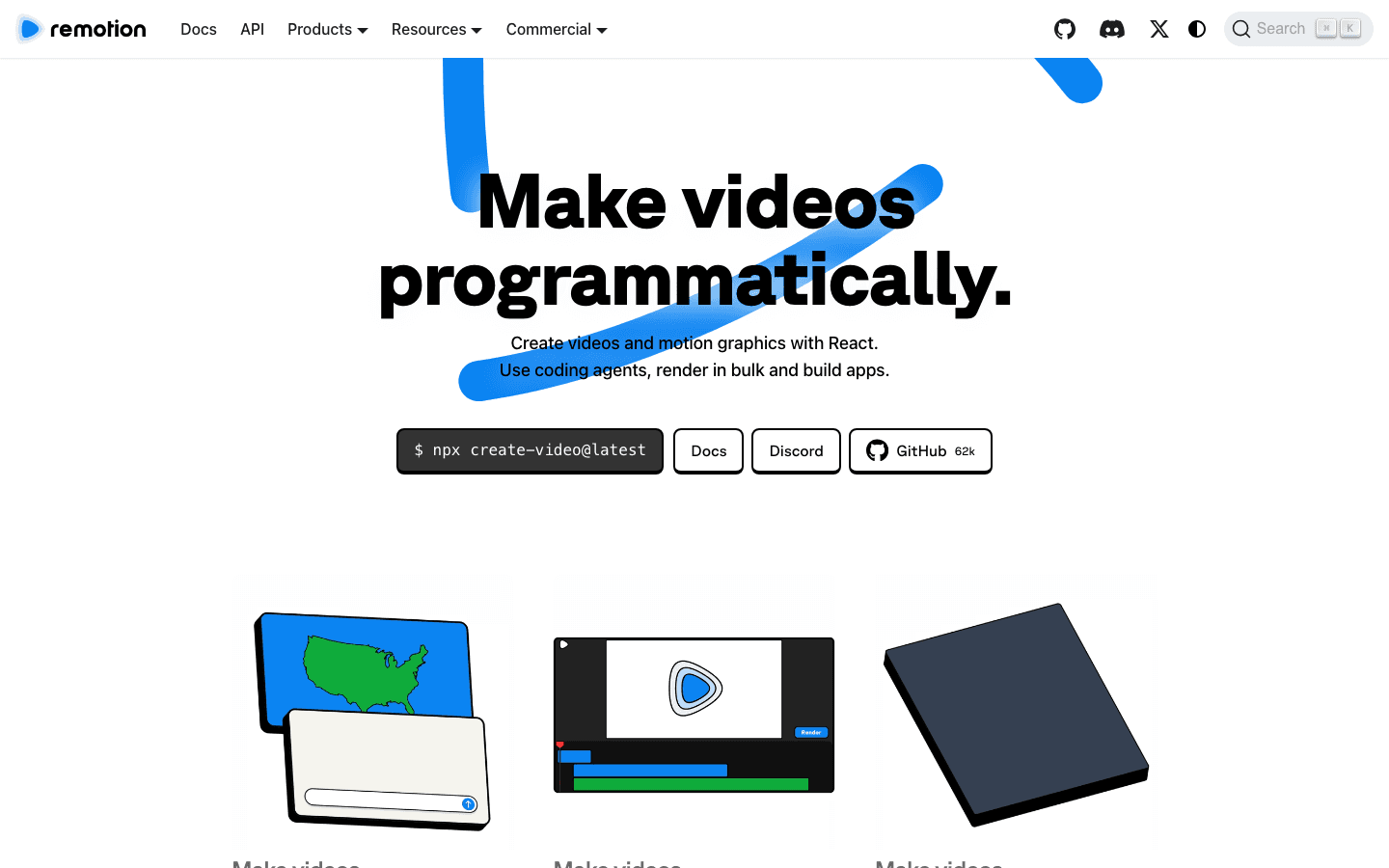
Remotion builds videos with React code. It is the other popular way to make motion graphics with Claude Code, and it gives you more control if you are comfortable with code.
Install the official Remotion skills for Claude Code:
Terminalnpx skills add remotion-dev/skills
Then use the same prompt from Step 5, and replace the first line with "Use the Remotion skills to make a launch video for my website."
Reach for it when: you want to edit the animations in code, or you need to render many versions of the same video.
Pricing: free for individuals and companies of up to 3 people. Bigger companies need a paid company license.
Pick one route per project. HyperFrames and Remotion build videos in different ways, so mixing them in one folder confuses Claude.
Part 6 - Custom visuals with Limora AI
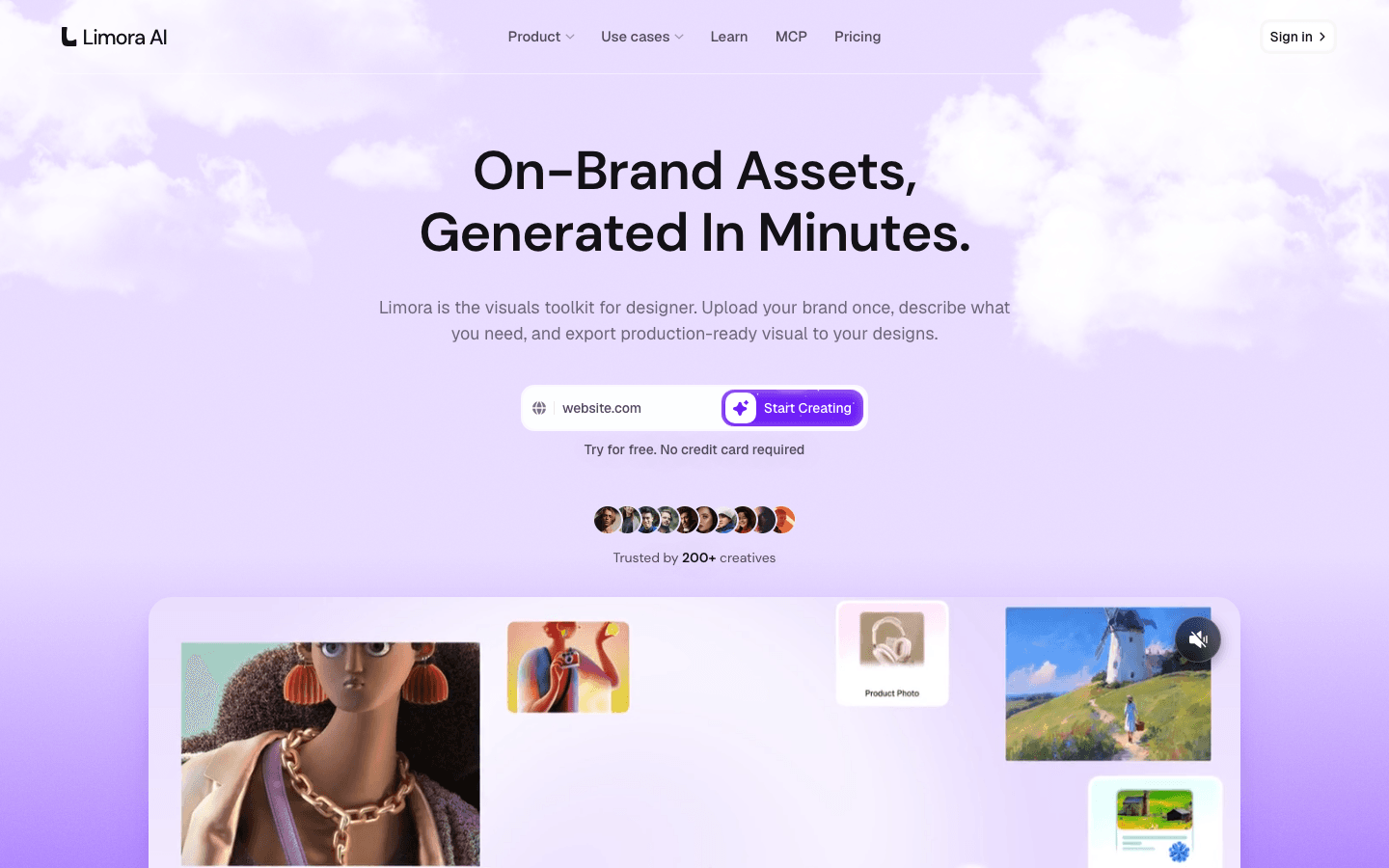
A launch video needs more than screenshots. Limora AI scans your website, learns your brand, and generates on-brand 3D objects, icons and product shots in minutes. Drop them in your project folder and ask Claude to use them in the scenes. Your video gets visuals nobody else has, instead of the same stock shapes. Try it free at limora.ai.
Tips
- Keep launch videos under 30 seconds, because most people watch them on a phone with the sound off.
- Spend your time on the storyboard, since that is where a generic video becomes your video.
- Compare the first render with a video you love and tell Claude exactly what is different.
- Save the prompt that worked as a file in the project, so your next launch video starts from it.