
The AI Design Stack
Apr 8, 2026
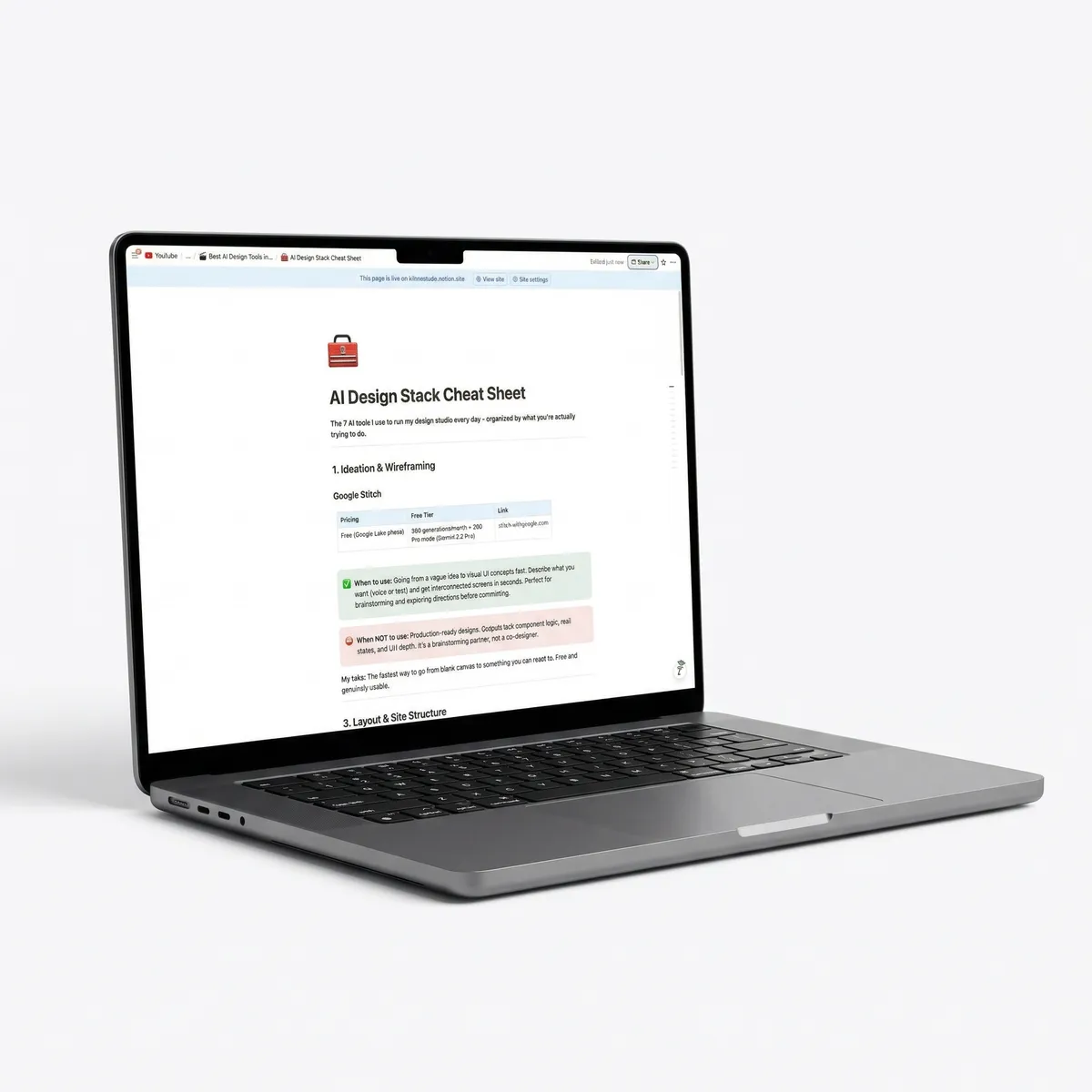
The 7 AI tools I use to run my design studio every day, organized by what you're actually trying to do.
1. Ideation & wireframing
Google Stitch
| Pricing | Free tier | Link |
|---|---|---|
| Free (Google Labs phase) | 350 generations/month + 200 Pro mode (Gemini 2.5 Pro) | stitch.withgoogle.com |
When to use: Going from a vague idea to visual UI concepts fast. Describe what you want (voice or text) and get interconnected screens in seconds. Perfect for brainstorming and exploring directions before committing.
When NOT to use: Production-ready designs. Outputs lack component logic, real states, and UX depth. It's a brainstorming partner, not a co-designer.
My take: The fastest way to go from blank canvas to something you can react to. Free and genuinely usable.
2. Layout & site structure
Relume AI
| Pricing | Free tier | Link |
|---|---|---|
| Free / Starter $20/mo / Pro $250/mo | 30 Webflow components, 1 project, AI sitemaps | relume.io |
When to use: Sitemap generation, wireframe structure, and information architecture. Give it a brief, get a full site structure with section-by-section wireframes and placeholder copy. Saves hours of whiteboarding.
When NOT to use: Pixel-perfect visual design or branding work. Relume gives you the blueprint, not the finished building.
My take: Used to spend a full day on sitemaps and wireframes. Now it's 20 minutes, and the output is better because it draws from thousands of site patterns.
3. Website assets
Limora
| Pricing | Free tier | Link |
|---|---|---|
| Credit-based system (early access pricing) | Waiting list | https://limora.framer.website/ |
When to use: Generating on-brand photos, icons, illustrations, and mockups specifically for websites. Fills the gap between a great layout and a site that actually looks premium. The building blocks that go inside your design.
When NOT to use: Social media graphics, ad creatives, or marketing visuals outside of your website. That's a different problem (see #4).
My take: I built this because nothing else solved the asset gap properly. Same wireframe + stock photos = template. Same wireframe + Limora assets = custom.
4. Image generation & marketing visuals
Nano Banana (Google Gemini)
| Pricing | Free tier | Link |
|---|---|---|
| Free / AI Plus $7.99/mo / AI Pro $19.99/mo / Ultra $249.99/mo | 2-3 images/day (app) or 500 images/day (API via Google AI Studio) | gemini.google.com |
When to use: Social media graphics, ad creatives, pitch deck imagery, product photography for marketing. Anything visual that goes around your website. Nails legible text rendering inside images - game-changer for social graphics.
When NOT to use: Website assets that go into your design (use Limora). Not for wireframing or UX work.
My take: Generates in 2-5 seconds, supports 4K output, and the free tier is surprisingly generous. The text rendering alone makes it worth switching from other image generators.
5. Design & prototyping
Figma AI + MCP
| Pricing | Free tier | Link |
|---|---|---|
| Free (Starter) / Professional $15/user/mo / Org $55/user/mo | Yes - Starter plan + MCP is free during beta | figma.com |
When to use: UI design, prototyping, and design systems. The MCP integration is the real unlock - AI agents can now design directly on the Figma canvas with full awareness of your components, spacing tokens, and color palette.
When NOT to use: Building live websites or generating production code. Figma is the canvas, not the builder.
My take: Figma's smartest move - instead of building their own AI, they turned Figma into the canvas AI agents write to. MCP + Claude Code is like a junior designer who memorized your entire design system on day one.
6. Building & publishing
Framer AI
| Pricing | Free tier | Link |
|---|---|---|
| Free / Basic $10/mo / Pro $30/mo / Scale $100+/mo | Yes - non-commercial use, 1,000 pages, 10 CMS collections | framer.com |
When to use: Turning designs into live, responsive websites. AI-assisted layout, copy variations, and interactions. The Workshop feature lets you prototype and iterate directly in the browser.
When NOT to use: Complex web apps, e-commerce stores, or anything that needs heavy backend logic. Framer is for marketing sites, portfolios, and landing pages.
My take: 171K+ live sites built with Framer. We deliver finished websites where we used to deliver Figma files and handoff docs. Changes the economics of running a studio completely.
7. The glue - AI-powered development
Claude Code
| Pricing | Free tier | Link |
|---|---|---|
| Pro $20/mo / Max 5x $100/mo / Max 20x $200/mo | No free tier | claude.ai/code |
When to use: Everything that connects the other 6 tools. Brief to code, design to production, content to automation. Building products, internal tools, automating workflows. The layer that makes everything else work together.
When NOT to use: If you have zero interest in building or automating. But if you're a designer who wants to ship - this is the single biggest unlock for your career right now.
My take: I built Limora with it. I run my studio operations through it. My entire content workflow is powered by it. The #1 tool in my stack isn't a design tool - it's the AI that builds everything else.
The full stack at a glance
| Category | Tool | Starting price | Free tier? |
|---|---|---|---|
| Ideation | Google Stitch | Free | ✅ 350 gen/mo |
| Layout | Relume AI | $20/mo | ✅ Limited |
| Web assets | Limora | Credit-based | ✅ Free credits |
| Marketing visuals | Nano Banana | Free | ✅ 2-3/day (app) |
| Design | Figma AI + MCP | $15/user/mo | ✅ Starter + MCP beta |
| Build & publish | Framer AI | $10/mo | ✅ Non-commercial |
| The Glue | Claude Code | $20/mo | ❌ |
Total cost to get started: $0. Five of the seven tools have a usable free tier. You can test the entire workflow before spending a dollar. When you're ready to go pro, the full stack runs about $95-115/month.