
Vibe Coder Toolkit V3
Sep 26, 2026
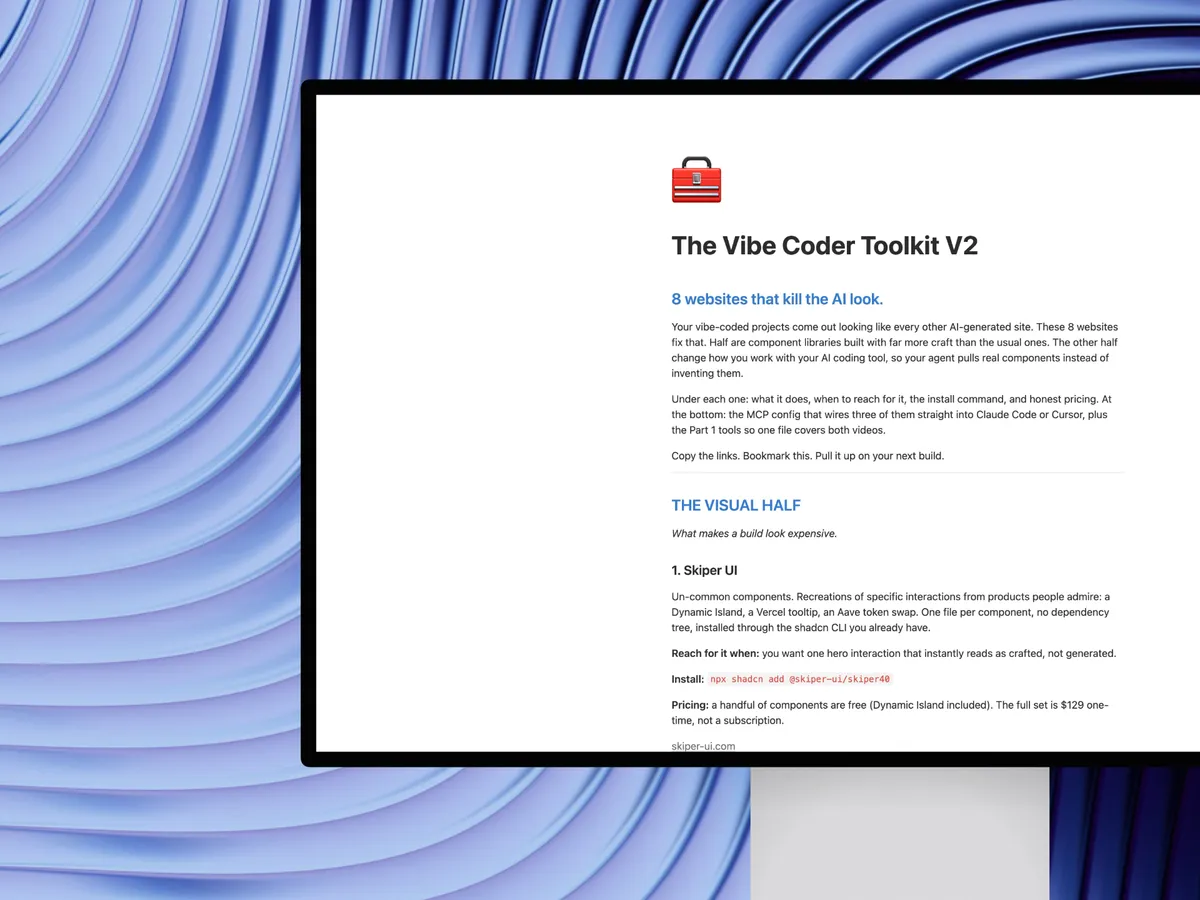
Every vibe coder now has the same tools, so everybody ships the same looking app. These 8 sites are the fix, and they are different from Parts 1 and 2 in one specific way: most of them are written for an agent to read. Agent instruction pages, installable skills, MCP servers, machine-readable registries.
Under each one: what it does, when to reach for it, the exact install command, and honest pricing. At the bottom: every MCP config, plus the AGENTS.md routing block that makes your agent pick the right library instead of guessing.
Copy the links. Bookmark this. Pull it up on your next build.
Craft for marketing sites
The heavy effects an agent cannot write from scratch.
1. ObsidianUI
Animated React components built on Tailwind with Motion, GSAP, canvas and WebGL: cursor effects, text reveals, WebGL heroes, scroll animations, galleries. The reason it leads this list is not the components, it is that every one of them ships a page written for an agent. You paste a URL, your agent reads the install instructions itself and wires the component in.
Reach for it when: you want an effect your agent would otherwise hallucinate badly, like a WebGL hero or a cursor trail.
Install:
npx shadcn@latest add "https://www.obsidianui.dev/r/{name}.json"For your agent: point it at https://www.obsidianui.dev/agent-instructions.md. The component catalogue is at /markdown/components.md, per-component docs at /markdown/docs/{name}.md, the registry at /r/registry.json. Public reads need no account or API key.
Pricing: free, MIT, 70 registry items including 7 featured showcase components.
2. OriginKit
547 animated components in the gallery, weighted heavily toward backgrounds (190) and interactive elements (80), plus text, cursors, galleries and loaders. Three delivery surfaces: copy the React/Next/TS/Tailwind code, drop it into Framer as a native code component with real property controls, or connect the MCP server and let your agent pull components directly. There is also a variable editor and an AI editor for changing a component before you take it.
Reach for it when: the plan says "landing page, tonight" and you want the motion to look deliberate.
Install: copy from the site, or connect the MCP (config below). REST registry at https://mcp.originkit.dev/v1/registry.
Pricing, honestly: the free tier is real but capped. Limited library access, 10 component copies per day, 5 AI credits per day, and some components are marked Pro. Pro is $79/year (was $144) and Ultimate $99/year (was $209), both yearly. Do not go in expecting the whole library for nothing.
3. Bencho
40 interactive blocks, filed by the interaction rather than the component: Press, Drag, Hover, Select, Type, Swipe, Slide. Everything on the page is live and editable, not a video and not a screenshot, so you can feel the easing before you take the code. Todo tower, magnifying dock, radial menu, slide to confirm, assignees picker, pull to refresh. There is also a community wall of interactions credited to the designers who posted them.
Reach for it when: the build works but feels dead. This is the micro-interaction layer that separates finished from functional.
Install: nothing but React. Each block lists its own dependencies, usually npm i framer-motion lucide-react, and the source is in the repository.
Pricing: free. Built by Lorenzo Cabra.
States for AI products
Nobody designs these, so every AI app ships the same spinner.
4. BeautifulUI
21 primitives for what an AI product looks like while it is working. Loading and thinking states with expandable reasoning traces, streaming text, approval cards, chat composers, diff tables, records and filter tables, task rows, agent screens, insight cards, selection actions, flowcharts. These are the states that decide whether your app feels like a product or a demo, and they are the ones no template includes.
Reach for it when: your AI app has one spinner doing the work of twenty states.
Install: copy-paste. The source sits on the page next to every component.
Pricing: free, MIT.
5. AICSS
The conversation half of the same problem, and the only one here that ships React, Vue and Svelte. 16 blocks across five groups: thinking and reasoning (including orbs), tool and action states (audio waves, file diff, image processing), text outputs (streaming text, code blocks, inline citations), structured outputs (to-do lists, data and comparison tables), and rich interactive pieces (reasoning effort, AI agent input, approval card).
How it differs from BeautifulUI: BeautifulUI is stronger on the data-heavy surfaces, tables, diffs and task tracking. AICSS is stronger on the conversation itself and on the prompt box. Use both, they overlap by design rather than by accident.
Reach for it when: your AI tool defaulted you into Vue or Svelte and every library you find is React-only.
Install: copy-paste from the components pages.
Pricing: core components free for personal and commercial use. The Pro license is $89 one-time for a single developer, lifetime, all three frameworks, future components included. Enterprise on request. One payment, not a subscription.
The app vocabulary
Everything that is not a hero section.
6. coss/ui
Around 55 accessible primitives on top of Base UI and Tailwind v4, plus 508 particles, which are the larger composed blocks. Copy-paste and own the code, shadcn-style. Built by the coss and Cal team, and progressively adopted inside their own product, so these are production patterns rather than a showcase. The whole app vocabulary lives here: forms, dialogs, drawers, date pickers, command menus, tables, OTP fields, segmented controls.
The part that matters for this video: it ships an installable AI skill. One command and your assistant knows the real component APIs, composition patterns and migration rules, so it stops inventing props.
Reach for it when: you need the boring, correct 80% of an app and you want your agent to get the props right first time.
Install (new project):
pnpm dlx shadcn@latest init @coss/style
Install the AI skill:
pnpm dlx skills add cosscom/coss
Pricing: free, open source. There is also a Radix migration guide and an llms.txt.
7. Componentry
53 animated React components with fully editable source: magnetic dock, particle typography, kinetic text reveal, image ripple, aurora flow, matrix rain, circuit board, liquid glass carousel, spiral 3D slider, WebGL liquid, scroll velocity, magnet lines, dither gradient, eye tracking. Backed by the Vercel OSS Program. Built by @harshjdhv.
The payoff of the whole list: you never open the site. Wire the registry once and then ask your editor for the component by name.
Install (CLI):
npx shadcn@latest add @componentry/magnetic-dock
Install (agent): pnpm dlx shadcn@latest mcp init, then add the registry to components.json (config below). Then prompt: "add the Componentry magnetic dock to the nav."
Pricing: free, open source, editable source code.
The layer above the libraries
Seven libraries is seven ways for your agent to guess wrong.
8. Stage
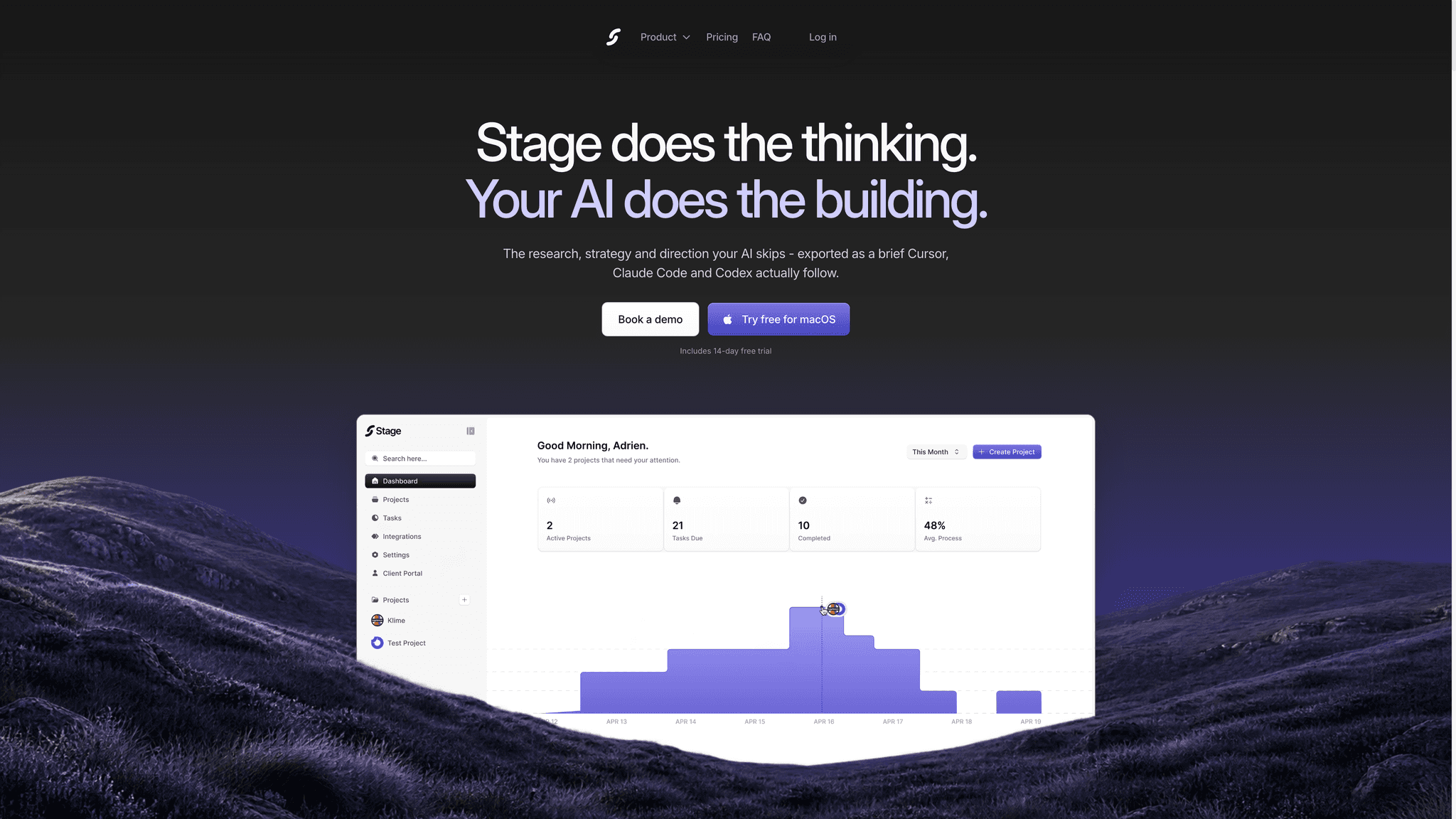
Stage is not a component library, and that is the point. It is the thinking your AI skips: research and competitive analysis, a visual direction and moodboard that becomes a real style guide, your product flows and screens, and the skills and UI kits you want used. Then Export hands your coding agent a brief that Cursor, Claude Code and Codex actually follow, instead of a one-line prompt.
The Skills step is where this whole page plugs in. You add the libraries and kits from this toolkit to the brief, and the agent stops picking at random: the style guide names the libraries, the flows name the screens, and the same prompt produces a designed result instead of a generic one.
Reach for it when: your agent builds exactly what you asked for and the result still looks like everyone else's.
Install: download for macOS. 14-day free trial, no card needed to look.
Pricing: Solo $29/mo, one seat, 2,000 AI credits a month. Studio $99/mo, up to five seats, 10,000 pooled credits, client portal with your brand. Agency $249/mo, up to 15 seats, 30,000 pooled credits. Enterprise above 15 seats.
Wire them into your editor
Two MCP servers, one installable skill, one registry. Nobody should transcribe this off a screen recording.
Componentry, through the shadcn registry
Run this once:
pnpm dlx shadcn@latest mcp init
Then add the registry to components.json in your project root:
{
  "registries": {
    "@componentry": "https://componentry.dev/r/{name}.json"
  }
}
Now ask your editor for any Componentry component by name. No browser tab, no copy-paste.
OriginKit MCP
The server is at https://mcp.originkit.dev/mcp and it needs a key, which you get from your OriginKit account.
Claude Code:
claude mcp add originkit https://mcp.originkit.dev/mcp --transport http --header "Authorization: Bearer YOUR_ORIGINKIT_KEY" --scope user
Cursor (.cursor/mcp.json):
{
  "mcpServers": {
    "originkit": {
      "url": "https://mcp.originkit.dev/mcp",
      "headers": {
        "Authorization": "Bearer YOUR_ORIGINKIT_KEY"
      }
    }
  }
}
Codex:
export ORIGINKIT_API_KEY=YOUR_ORIGINKIT_KEY && codex mcp add originkit --url https://mcp.originkit.dev/mcp --bearer-token-env-var ORIGINKIT_API_KEY
The server exposes list_components, get_component, search and fetch.
coss/ui, as an installable skill
pnpm dlx skills add cosscom/coss
Your assistant loads it automatically when it touches coss components, so it uses the real APIs instead of guessing. More at skills.sh.
ObsidianUI, no install needed
Paste https://www.obsidianui.dev/agent-instructions.md at your agent and it can work the whole library on its own. Public reads need no account and no API key.
The routing file
The file that makes the list work. Without it your agent has eight options and no reason to pick one.
Paste this into the AGENTS.md or CLAUDE.md at the root of your project.
## UI rules

Never invent a UI component from scratch when one of these libraries covers it.
Pick by the job, in this order:

- Marketing hero, WebGL, cursor effect, text reveal, scroll animation
  -> ObsidianUI. Read https://www.obsidianui.dev/agent-instructions.md first,
     then install with: npx shadcn@latest add "https://www.obsidianui.dev/r/{name}.json"
- Animated marketing section or background, fast
  -> OriginKit through its MCP (list_components, then get_component).
- Micro-interaction: press, drag, hover, swipe feedback
  -> Bencho. Copy the block source and install only the deps it lists.
- AI product state: thinking, streaming, approval, diff, task list, records table
  -> BeautifulUI.
- AI conversation surface: prompt box, tool call, citations, reasoning effort
  -> AICSS. Use it when the project is Vue or Svelte, where BeautifulUI does not reach.
- Forms, dialogs, drawers, tables, date pickers, command menus, any app primitive
  -> coss/ui. The coss skill is installed; follow its component APIs exactly
     and do not substitute shadcn props.
- Animated navigation, dock, kinetic typography, decorative canvas effect
  -> Componentry through the shadcn registry:
     npx shadcn@latest add @componentry/{name}

Rules that override the list:
- Match the style guide exported from Stage. If a library choice conflicts with it,
  the style guide wins.
- Use the exact UI vocabulary from the library docs: popover vs tooltip,
  modal vs drawer, tabs vs segmented control.
- Prefer one library per surface. Do not mix three animation engines on one page.
- Never leave a loading state as a bare spinner when BeautifulUI or AICSS has a
  designed state for it.
Parts 1 and 2, carried over
So one page covers all three videos.
Part 2, "8 New Websites Every Vibe Coder Needs"
- Skiper UI - recreations of interactions from products people admire. Get Skiper UI →
- Thinking Orbs - nine hand-tuned thinking states, free. Get Thinking Orbs →
- Limora AI - on-brand heroes, icons and mockups from your brand kit, with an MCP so the file lands in your project. limora.ai
- Liveline - real-time animated line chart for React, two props. Get Liveline →
- 21st dev - 12,000+ components your agent can fetch through MCP. Get 21st.dev →
- NameThatUI - name the element you can only describe badly. namethatui.com
- Agentation - click the element on your running app, your agent gets the selector and file path. agentation.com
- Fancy Components - text effects, physics, gooey and pixelate filters. Get Fancy Components →
Part 1, "8 Free Websites Every Vibe Coder Needs"
- KokonutUI - liquid-glass cards and animated components you own. Get KokonutUI →
- Magic UI - 150+ animated effects. Get Magic UI →
- React Bits - WebGL shader backgrounds in your stack. Get React Bits →
- Anime.js - text, SVG and layout animation from one 24kb API. animejs.com
- Motion - physics-based springs. motion.dev
- Rive - cursor-reactive interactive animation, lighter than Lottie. rive.app
- Bklit - 17+ chart types built to be styled. Get Bklit →