
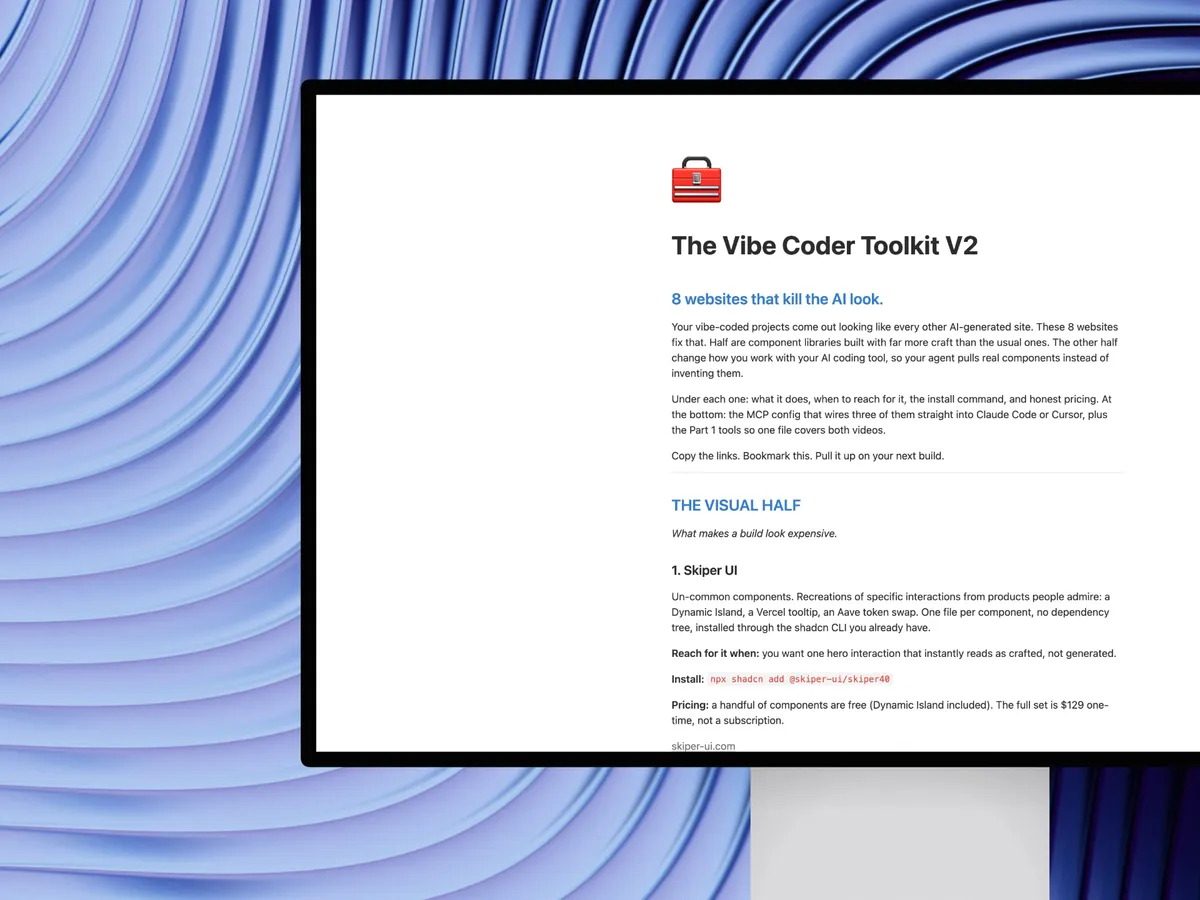
Vibe Coder Toolkit V2
Sep 11, 2026
Start here. Eight websites, four for the look and four for how you work with your agent. The one I use on every build is Limora AI for on-brand images, free to get started: limora.ai
Then jump to the part you need:
- The visual half covers Skiper UI, Thinking Orbs, Limora AI and Liveline.
- The agent half covers 21st.dev, NameThatUI, Agentation and Fancy Components.
- Wire them into your editor gives you the MCP config and the
AGENTS.mdsnippet to copy. - Part 1 tools lists the seven websites from the first video so one page covers both.
Your vibe-coded projects come out looking like every other AI-generated site. These 8 websites fix that. Half are component libraries built with far more craft than the usual ones. The other half change how you work with your AI coding tool, so your agent pulls real components instead of inventing them.
Under each one: what it does, when to reach for it, the install command, and honest pricing. At the bottom: the MCP config that wires three of them straight into Claude Code or Cursor, plus the Part 1 tools so one file covers both videos.
Copy the links. Bookmark this. Pull it up on your next build.
The visual half
What makes a build look expensive.
1. Skiper UI
Un-common components. Recreations of specific interactions from products people admire: a Dynamic Island, a Vercel tooltip, an Aave token swap. One file per component, no dependency tree, installed through the shadcn CLI you already have.
Reach for it when: you want one hero interaction that instantly reads as crafted, not generated.
Install:
npx shadcn add @skiper-ui/skiper40
Pricing: a handful of components are free (Dynamic Island included). The full set is $129 one-time, not a subscription.
2. Thinking Orbs
Nine hand-tuned thinking states for AI interfaces. Listening, thinking and searching each look different, so your user can tell what the agent is doing. Two sizes, automatic dark and light mode, and a React Native path through Skia.
Reach for it when: your AI app still uses a generic spinner. It is the element users stare at longest.
Install:
npm install thinking-orbs
Pricing: free, open source.
3. Limora AI
Generates heroes, icons, mockups, illustrations and product shots from your brand kit, so every asset is on-brand by construction. It now runs as an MCP server: ask Claude for the asset inside your editor and the file lands in your project, not in your downloads folder.
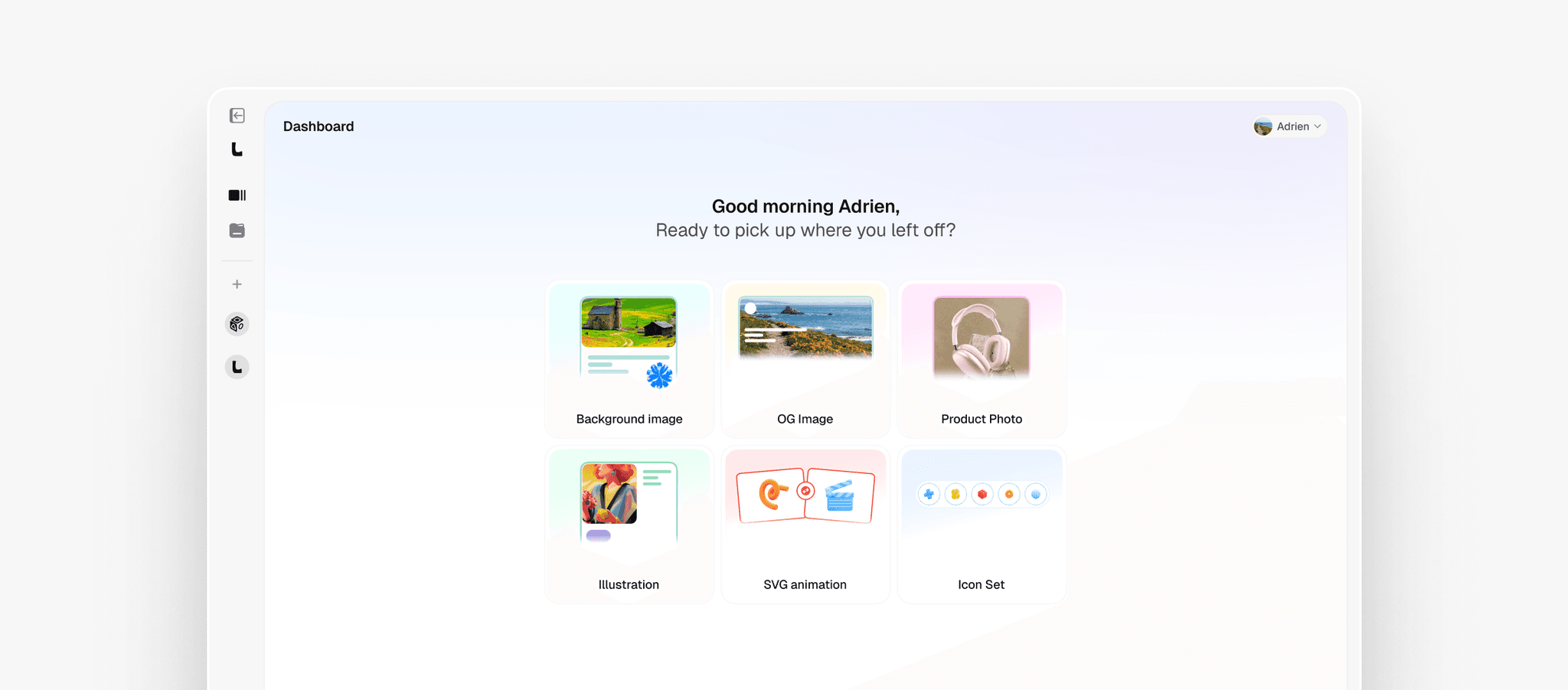
Reach for it when: a good page is ruined by one off-brand generated image.
Install: MCP config below.
Pricing: free plan to explore the tool, paid plans for volume.
There is a free plan now. If you signed up a while back and never went paid, go see what the tool does at https://limora.ai.
4. Liveline
A real-time animated line chart for React. One canvas, no dependencies beyond React 18, 60fps interpolation, and an API of exactly two props: data and value. Momentum arrows, a live value overlay, candlestick mode and a degen mode with chart shake and particle bursts are all opt-in.
Reach for it when: your dashboard chart jumps between values and that jump makes the whole app feel cheap.
Install:
npm install liveline
Pricing: free, open source. Built by Benji Taylor.
The agent half
Stop building alone. Components, vocabulary, pointing.
5. 21st.dev
12,000+ React and Tailwind components from real design engineers, including shaders, liquid and metal, animated heroes, galleries and 3D. Every component ships as a prompt, so it adapts to your theme wherever you paste it. With the MCP installed, your agent fetches the real source instead of hallucinating one.
Reach for it when: you are asking Claude to build a component that already exists, better, somewhere.
Install:
npx @21st-dev/cli install
Or use the MCP config below.
Pricing: free tier, paid plans for heavier use.
6. NameThatUI
A dictionary, not a library. Describe the element badly, in your own words ("the dark see-through layer behind a popup"), and get the real name, the API symbol, and a paste-ready agent prompt. 76 elements across web and macOS, verified against Apple HIG, WAI-ARIA, WCAG and MDN. Name That Vibe does the same for visual styles.
Reach for it when: the time you lose is not the fix, it is describing what you actually mean.
Install: nothing. It is a website.
Pricing: free.
7. Agentation
Point at the problem. Click an element on your running app, write your feedback, and the agent receives structured data: the CSS selector it can grep, the source file path, the React component tree, computed styles, and your intent and priority. With the MCP installed you skip copy-paste and just say "fix annotation 3."
Reach for it when: you keep writing "the blue button in the sidebar" and hoping.
Install:
npm install agentation
Plus the MCP config below.
Pricing: free. Desktop only for now.
8. Fancy Components
Forty components, twenty of them text effects, plus a physics category with real gravity and attraction. Gooey and Pixelate SVG filters are primitives you can apply to anything on the page. Ships an llms.txt, so you can point your agent at the whole library in one line.
Reach for it when: your typography and micro-interactions look like defaults.
Install:
pnpm dlx shadcn add @fancy/pixel-trail
Pricing: free, open source.
Wire them into your editor
Three of these run as MCP servers. Nobody should transcribe this off a screen recording.
.mcp.json (Claude Code)
Drop this file in your project root. Cursor uses the same shape in .cursor/mcp.json.
{
  "mcpServers": {
    "limora": {
      "type": "http",
      "url": "https://mcp.limora.ai/mcp"
    },
    "21st-dev": {
      "command": "npx",
      "args": ["-y", "@21st-dev/magic@latest"],
      "env": {
        "API_KEY": "your-21st-api-key"
      }
    },
    "agentation": {
      "command": "npx",
      "args": ["-y", "agentation-mcp"]
    }
  }
}
Where the keys come from: Limora AI authenticates in the browser the first time you call it. The 21st.dev key is in your account settings at 21st.dev. Agentation needs no key.
AGENTS.md snippet
Add this to the AGENTS.md or CLAUDE.md in your project so the agent reaches for these before generating UI from scratch.
## UI rules
- Before writing a new UI component, search 21st.dev through the MCP and use the real source if a match exists.
- For images, icons, mockups and illustrations, generate them with the Limora AI MCP from the brand kit. Never use placeholder or stock imagery.
- When feedback arrives as an Agentation annotation, locate the element by its CSS selector and source file path before making any change.
- Prefer Skiper UI, Fancy Components and Thinking Orbs over hand-rolled animations. Install through the shadcn CLI.
- Use the exact UI vocabulary from namethatui.com (popover vs tooltip, modal vs drawer, tabs vs segmented control).
Part 1 tools, carried over
From "8 Free Websites Every Vibe Coder Needs." One file covers both videos.
- KokonutUI - liquid-glass cards and animated components you fully own. Get KokonutUI →
- Magic UI - 150+ animated effects like Globe and Animated Beam. Get Magic UI →
- React Bits - WebGL shader backgrounds in your exact stack. Get React Bits →
- Anime.js - animate text, SVG and layouts from one 24kb API. animejs.com
- Motion - physics-based springs, the engine behind Framer's best sites. motion.dev
- Rive - cursor-reactive interactive animation, far lighter than Lottie. rive.app
- Bklit - 17+ chart types built to be styled, with video export. Get Bklit →