
Design Inspo Stack
Oct 4, 2026 · 8 steps

What you need
- Details.so for website inspiration.
- Refero for product design inspiration. The free plan shows a small part of the library, and the full library and the MCP need a paid plan.
- Design Spells for micro-interactions. Free to browse.
- An AI tool you design or build with, like Claude, ChatGPT, Claude Code or Codex.
Part 1 - Website inspo: Details.so
- 1
Step 1
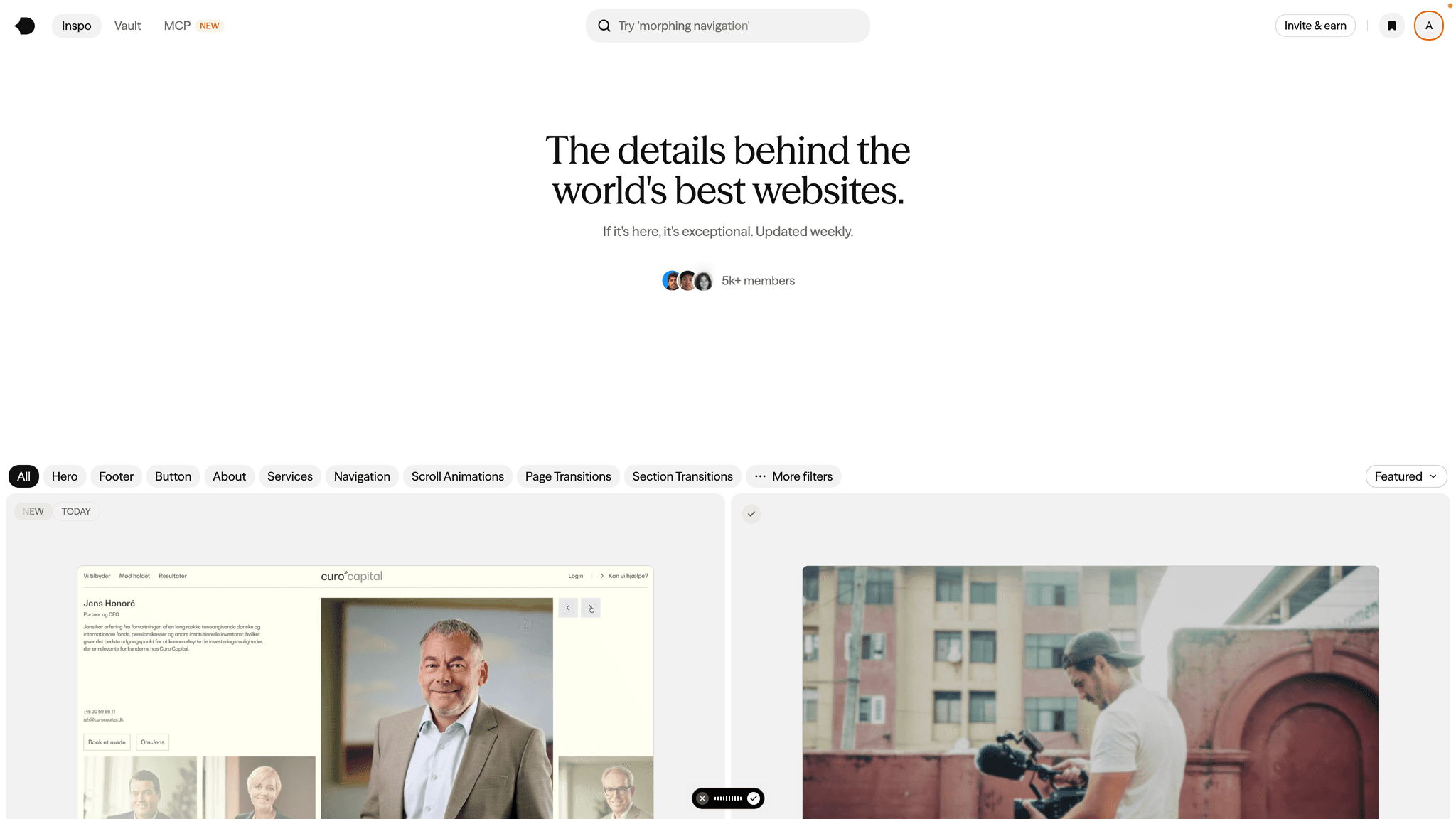
Search by section, not by site
Most people browse inspiration sites looking for one website to copy. That is how you end up with a clone that still looks off.
Details.so is built around sections: hero sections, footers, preloaders, page transitions and animations. Search for the exact section you are designing right now, like "hero with product video" or "pricing section", and you get real examples from the best sites, handpicked every week.
One section at a time. A great hero from one site and a great footer from another will beat a whole site copied from a single reference.
- 2
Step 2
Collect 3 to 5 references per section
For each section you are designing, save three to five examples you like. Fewer than three and the AI copies one. More than five and it averages them into something generic.
For each reference, write one line on why you picked it. "Huge type with a tiny subline" or "the transition between sections" is enough. That line is what turns a screenshot into a direction.
When a reference has the code ready, grab it. Real transitions and buttons are much faster to adapt than to describe.
- 3
Step 3
Hand the references to your AI
Paste the links or screenshots into your AI tool with this prompt:
PromptI'm designing the [section] for [your product in one line]. Here are the references I like, with what I like about each one: 1. [link or screenshot] - [why] 2. [link or screenshot] - [why] 3. [link or screenshot] - [why] For each reference, break down what makes it work: layout, type scale, spacing, color and motion. Then design my [section] using those principles. Do not copy any single reference, combine what works from each one.
The breakdown is the important part. Asking the AI to explain why a reference works before it designs anything is what stops it from falling back to its default layout.
Part 2 - Product design inspo: Refero
- 4
Step 4
Search by flow, not by screen
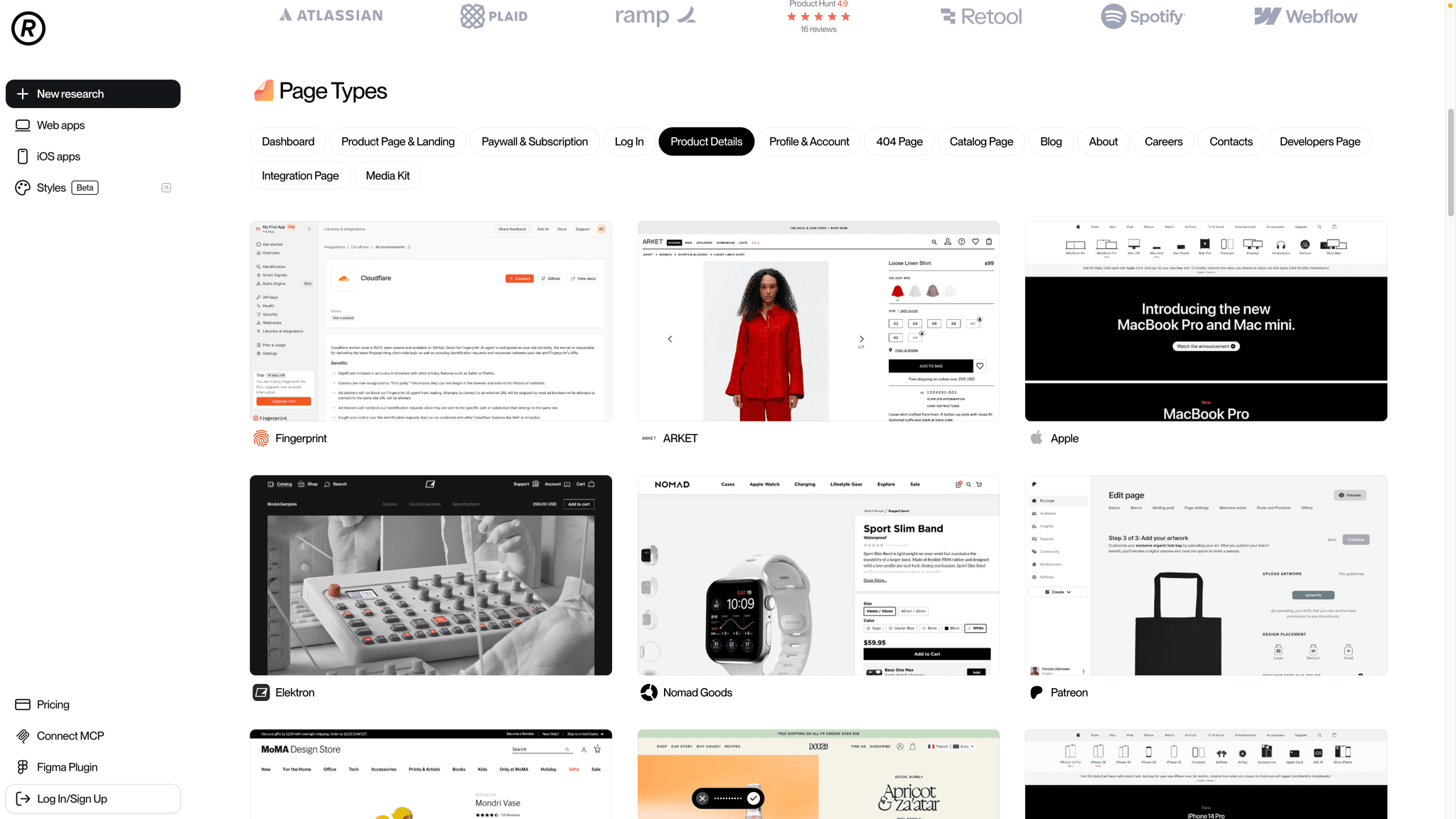
Refero has real screens and full user flows from more than 400 of the best products. The screens are nice, but the flows are where the value is.
Search for the flow you are building: onboarding, checkout, settings, empty states, upgrade to paid. You see every step the best products put their users through, in order.
- 5
Step 5
Study the whole flow before you design a single screen
Pick two or three products that solve the same problem as yours and go through their flows step by step.
Look for three things:
- How many steps they need to get the user to the goal.
- What they ask for, and when. The best onboardings ask for the minimum and delay everything else.
- What happens after the last step. This is the moment most AI-generated flows forget.
- 6
Step 6
Hand the flow to your AI
Export or screenshot the flow and use this prompt:
PromptHere is the [flow name] flow from [product], step by step: [paste screens] Map every step: what the user sees, what they decide, and what happens next. Then design the same flow for my product, [your product in one line]. Keep the logic and the number of steps, but use my components, my copy and my brand. Flag any step that does not make sense for my product instead of copying it.
Copy the logic, never the look. The flow is the transferable part. The visual style should come from Part 1 and your own brand.
Part 3 - Micro-interactions: Design Spells
- 7
Step 7
Pick one moment per product
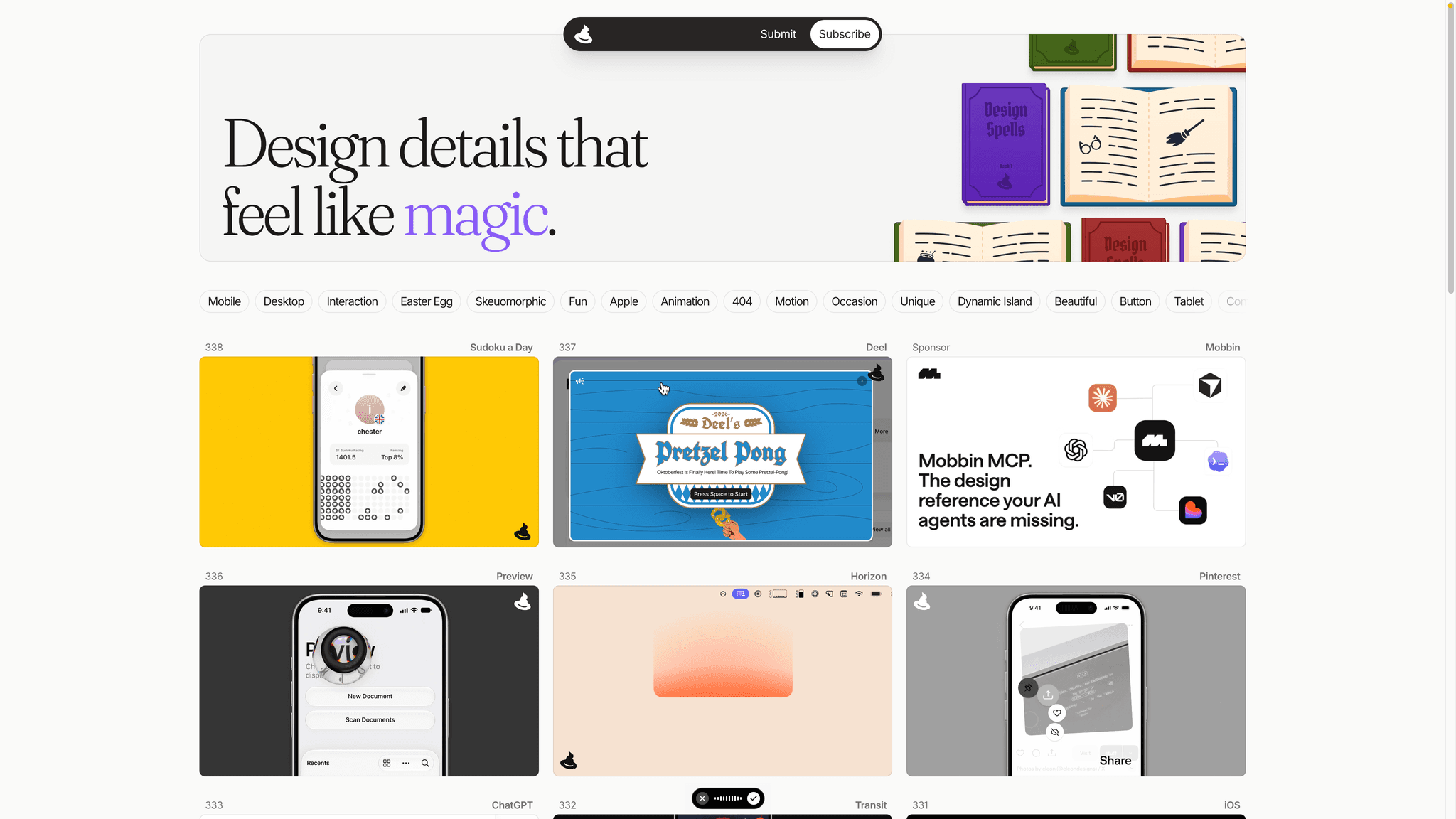
Design Spells collects the small details that make an app feel like magic, like the 3D transition in Instagram Stories or the fireworks Chrome shows for a perfect Lighthouse score. You can browse by Mobile, Desktop, Interaction, Easter Egg and Animation.
Do not add ten of them. Pick one moment in your product that users hit often, like a success state, a toggle, or the first screen after sign-up, and make that one moment memorable.
- 8
Step 8
Rebuild it with your AI at 60fps
Describe the interaction or paste the link, then use this prompt:
PromptRebuild this micro-interaction in my project: [link or description]. It should trigger when [event] and feel [snappy / soft / playful]. Animate only transform and opacity so it runs at 60fps. Keep the duration under 400ms. Respect prefers-reduced-motion and fall back to a simple fade.
Smooth or nothing. A micro-interaction that stutters feels worse than no interaction at all. If it drops frames on your phone, simplify it before you ship it.
Part 4 - Skip the manual work with Stage
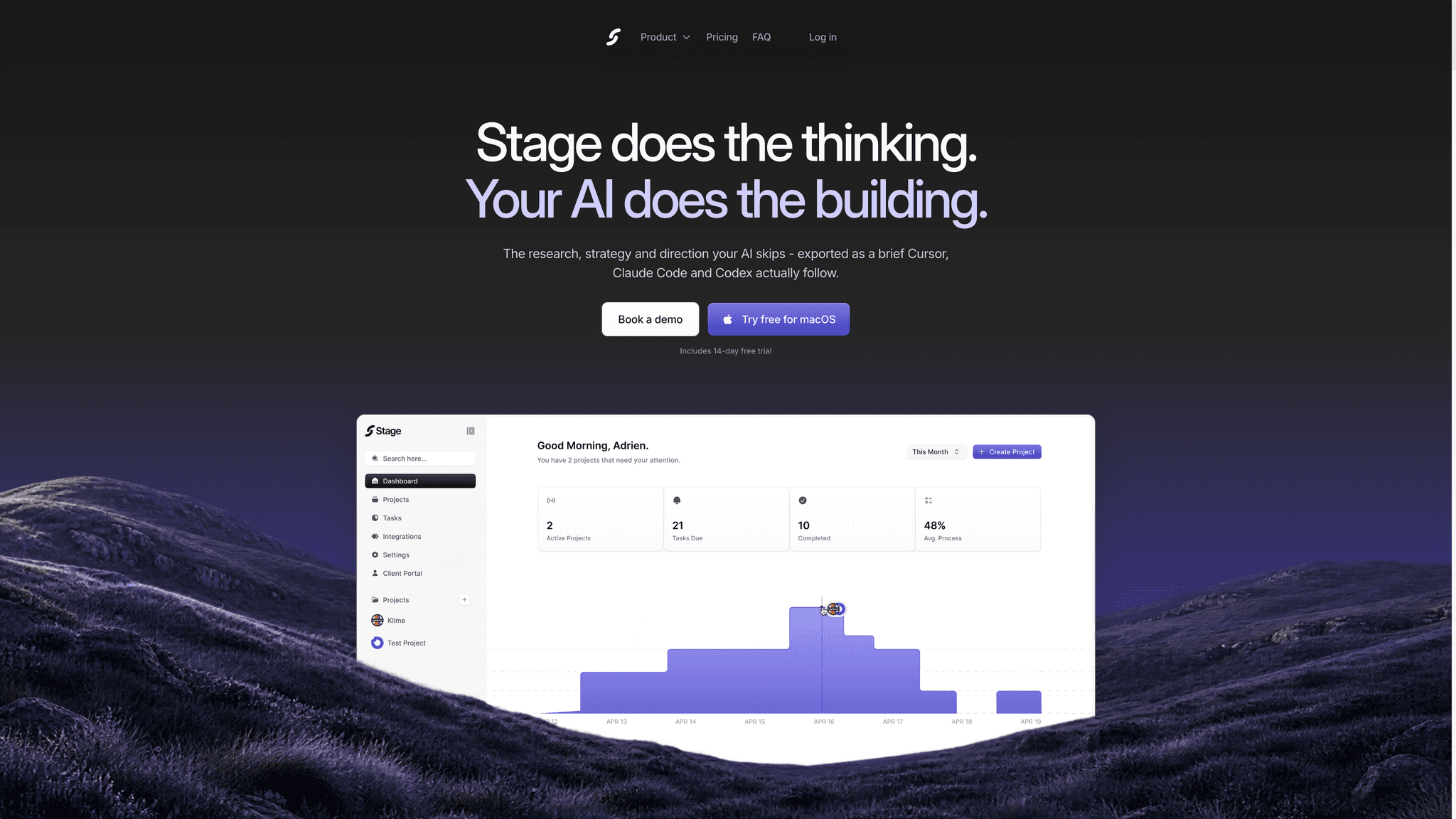
This is why I built the first two into Stage. When you create a project in Stage, you pick what you are building: a website, a web app or an iOS app. Stage then pulls real references from Details.so for websites and from Refero for apps during the research, so your AI designs from the best products instead of its own defaults.
Everything in Parts 1 and 2 happens in the background, and you get the research, the direction and the wireframes ready to export to Claude Code or Codex.
Stage runs on Mac. Start the 14-day free trial at getstage.co.
Tips
- Save your references in one place per project. Next time you design the same section, you start from your own shortlist.
- Always write why you like a reference. The reason is worth more to the AI than the screenshot.
- Mix sources. A Details.so hero, a Refero onboarding and one Design Spells moment make a product that feels designed, not generated.
- Do not use other AI outputs as references. Real products only, or you are feeding the AI its own slop.