
The Anti-Slop Setup
Nov 23, 2026 · 8 steps
What you need
- BoardUI for dashboard and AI app components. The starter library is free and MIT, and Pro is a one-time payment.
- Limora AI for the scroll hero clip. It runs on credits (up to 49 per clip), and there's a free plan.
- Kubai Icons for animated icons. The icons are free and MIT.
- Allo for the font. It's free and open source.
- unslop for the final polish. It's a free Claude skill by Damir Sokolovsky.
- Claude Code (or Cursor) to build with all of them.
Part 1 - Install the five
Install them once per project. Each one replaces a default that makes AI-built apps look the same.
- 1
Step 1
Add BoardUI for your components
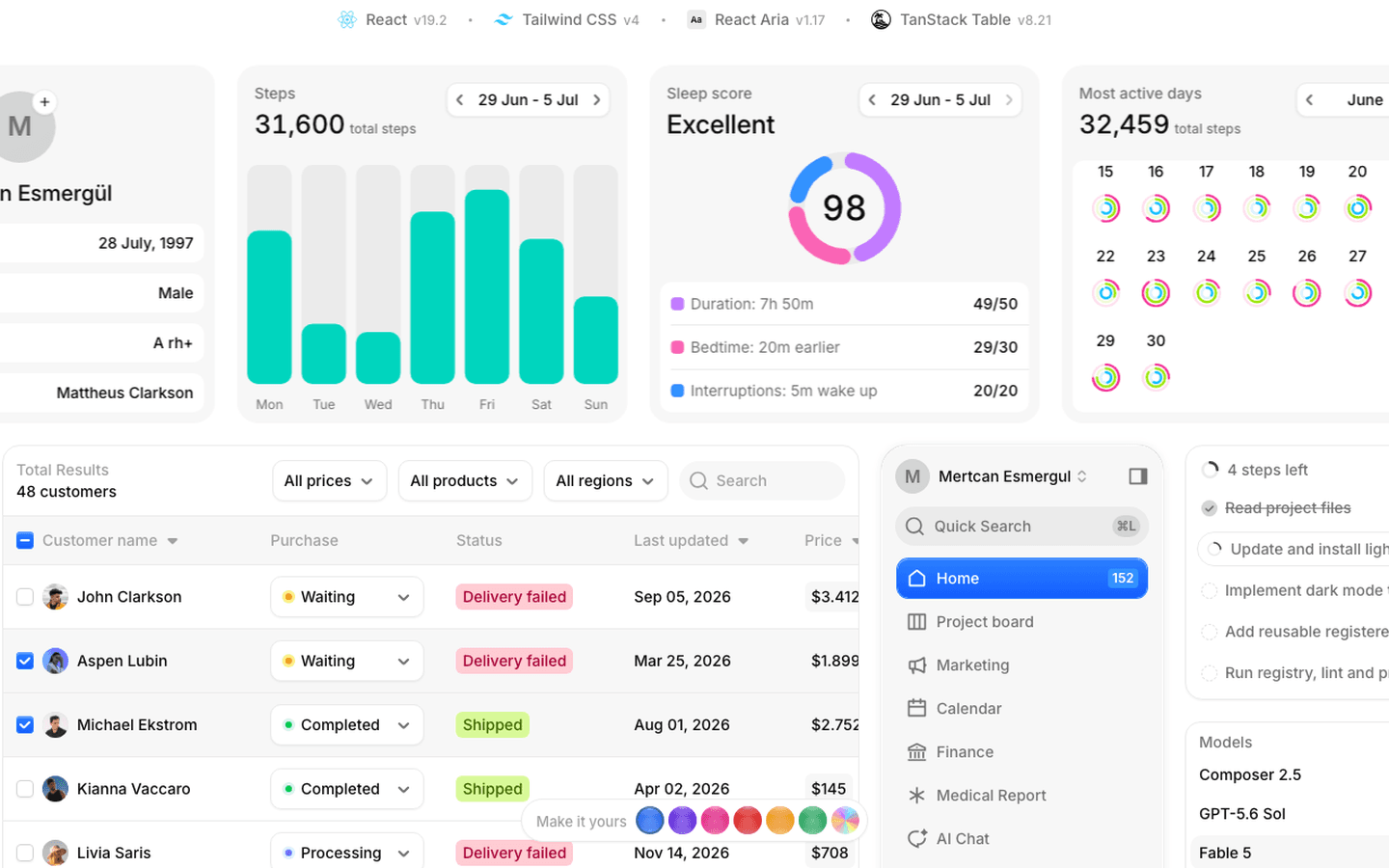
BoardUI is a React design system for dashboards and AI interfaces: 104 components, 19 data charts and 400+ design tokens.
Reach for it when: you're building a dashboard, an admin panel or an AI app, and the default cards all look the same.
Install: it needs React 19 and Tailwind CSS v4. Run this in your project:
Terminalnpx boardui@latest init npx boardui@latest add button select date-picker
Then connect the MCP, so Claude Code can pull real BoardUI components by itself:
Terminalclaude mcp add boardui -- npx -y boardui@latest mcp
Open BoardUIRestart Claude Code after adding the MCP so the tools load. Add
--yesto the add command when your agent runs it. - 2
Step 2
Add the Limora AI scroll hero skill
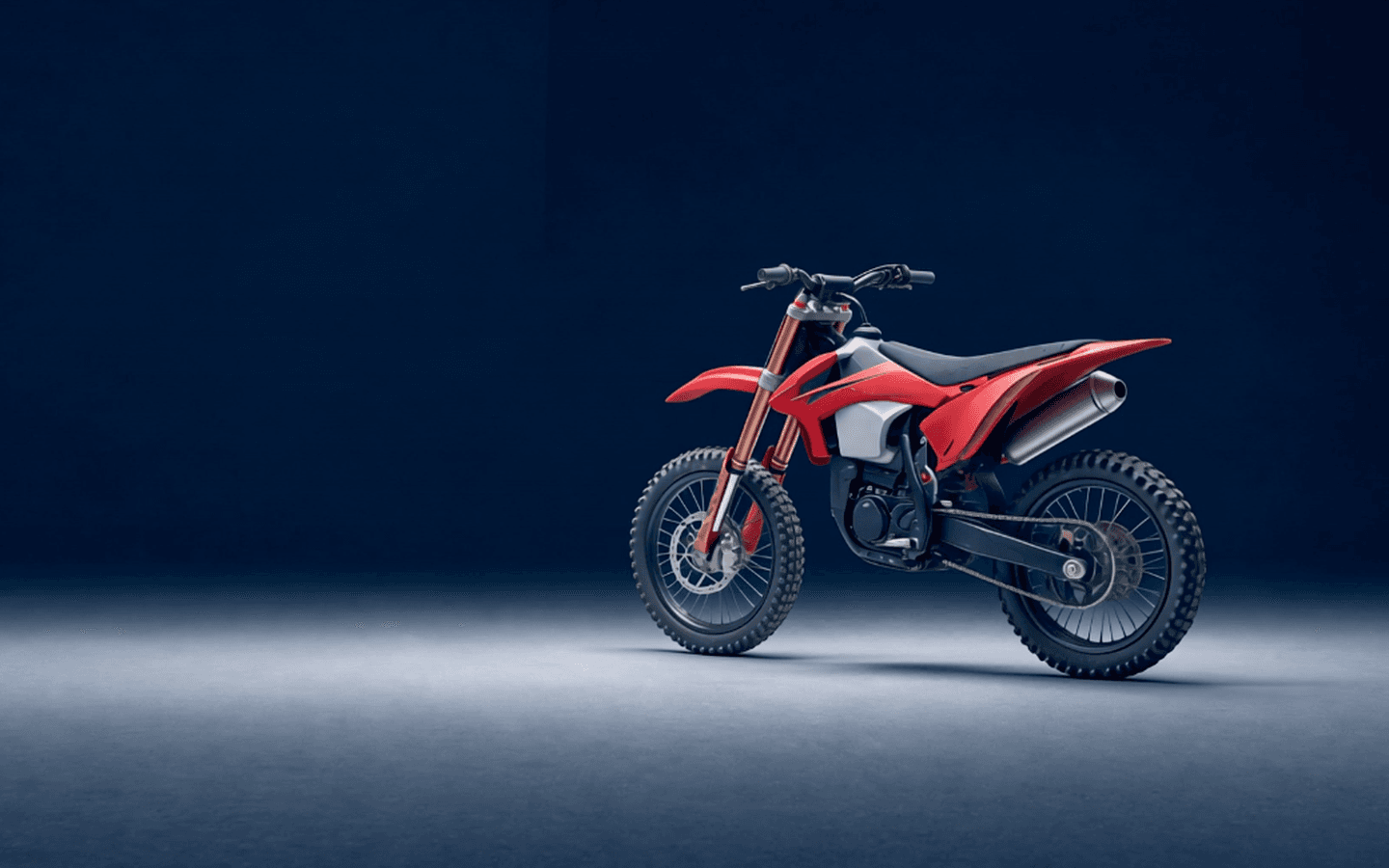
This community skill on Limora AI makes a clip built to be scrubbed by scroll: one continuous move, constant speed, locked light and open space for your copy.
Reach for it when: you want the scroll-driven hero every award site has, with your own product in it.
- Open the skill on Limora AI.
- Upload a photo of your object, or describe it.
- Press Run with Vinci.
- Extract the frames, and ask Claude to drive them with scroll in your hero.
Open the skillThe skill keeps one continuous move at a constant speed with locked light, which is what makes a clip feel smooth when it's driven by scroll.
- 3
Step 3
Add Kubai Icons
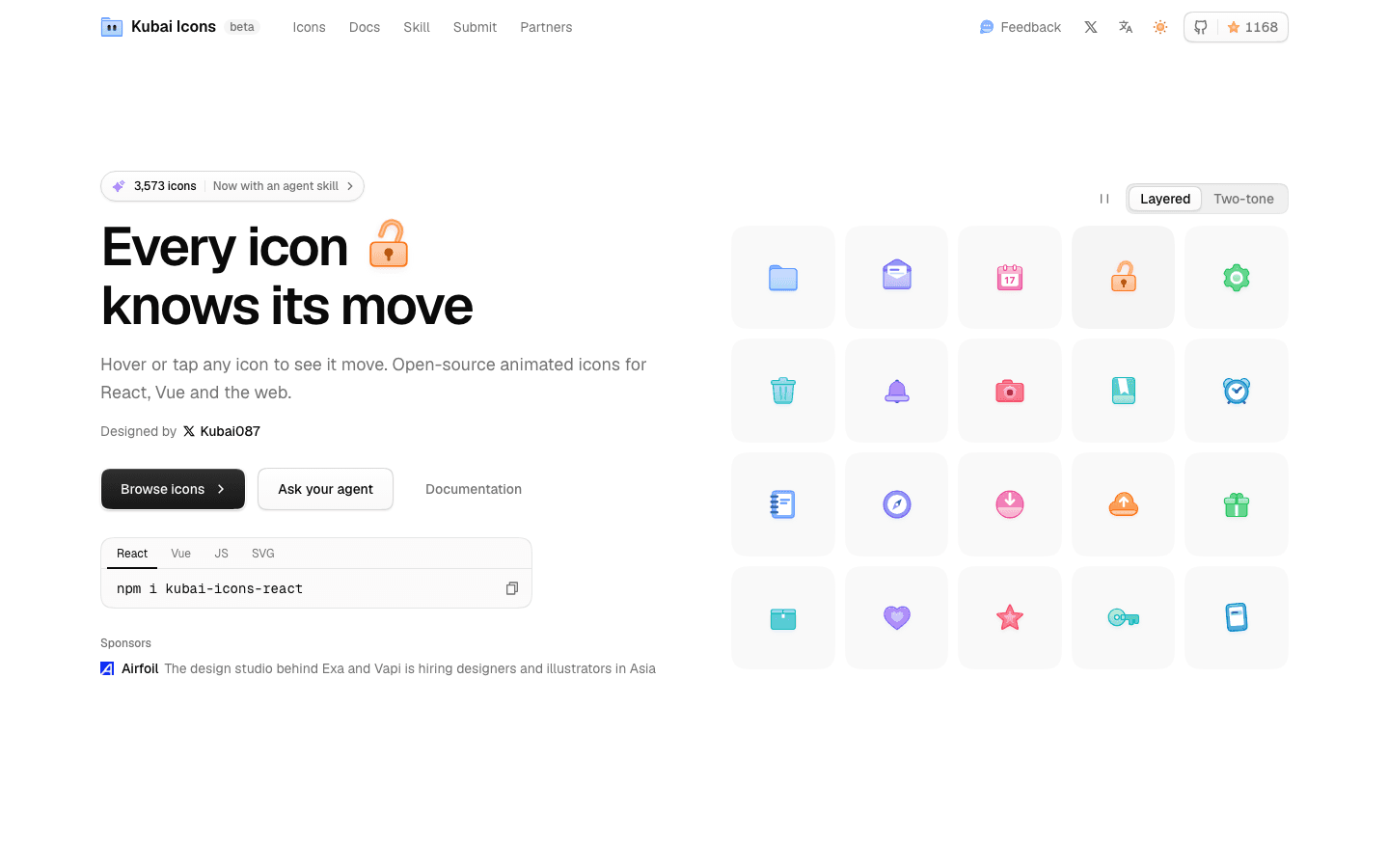
Kubai Icons is a set of 3,573 animated icons for React, Vue and the web. Every icon moves on hover: a folder opens, an envelope unseals, a lock springs open.
Reach for it when: your app still uses the same static icons as every other AI build.
Terminalnpm install kubai-icons-react
tsximport { Folder, MailPlus } from "kubai-icons-react";Then add the skill, so Claude can draw new icons in the same style. Paste this into Claude Code:
Open Kubai IconsmdInstall the Kubai Icons skill for me: clone https://github.com/kubai087/kubai-icons into ~/.claude/skills as kubai-icons.
- 4
Step 4
Add Allo as your font
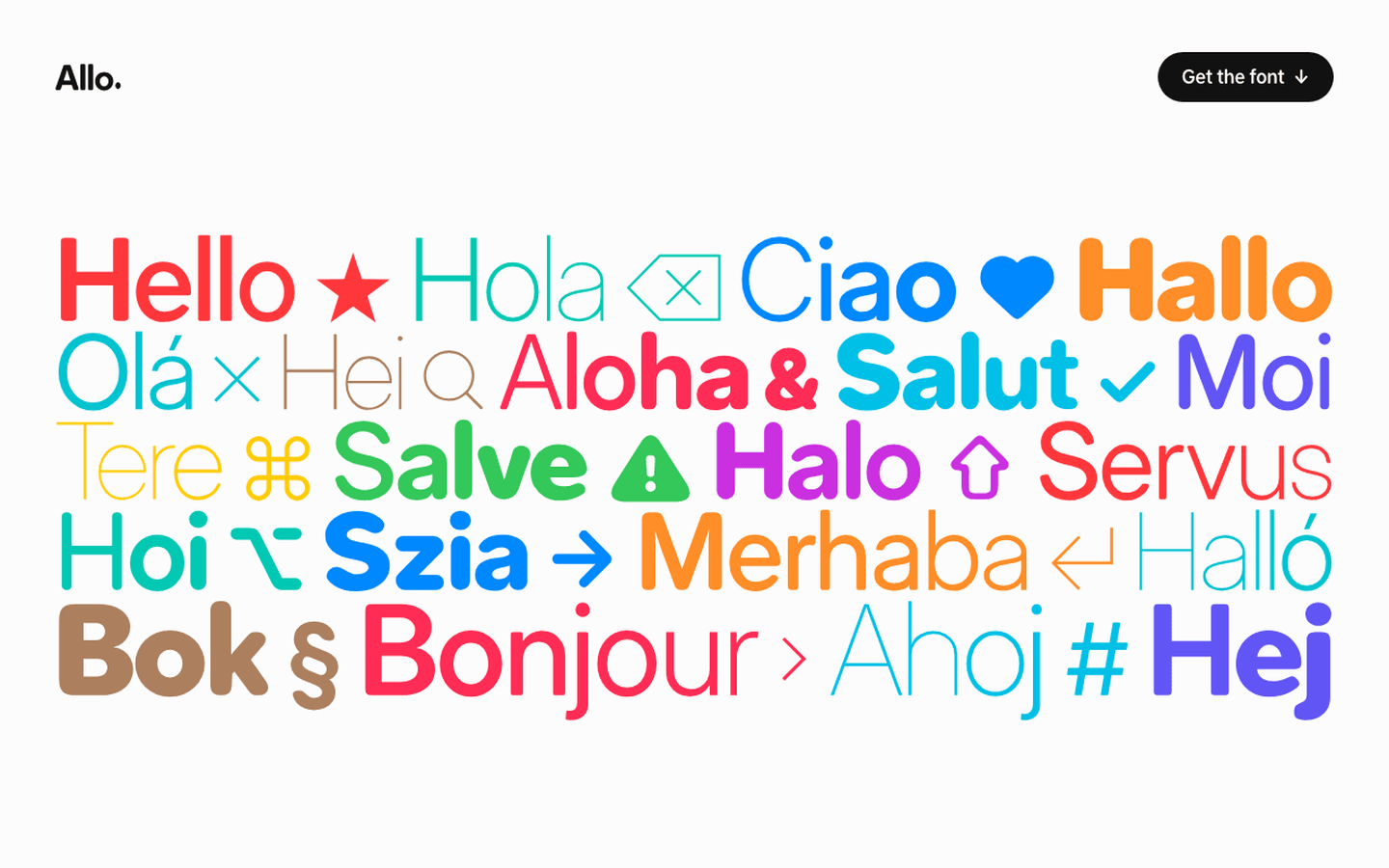
Allo is a free variable typeface by Josh Puckett. It's variable in weight and roundness, built for screens, and arrows appear when you type them.
Reach for it when: every app you build with Claude ends up in Inter.
Terminalnpm install allo-font
tsximport "allo-font"; /* in your CSS */ body { font-family: "Allo", system-ui, sans-serif; }Open AlloWant it lighter?
import "allo-font/friendly"fixes the roundness and is about half the size. - 5
Step 5
Add unslop for the final pass
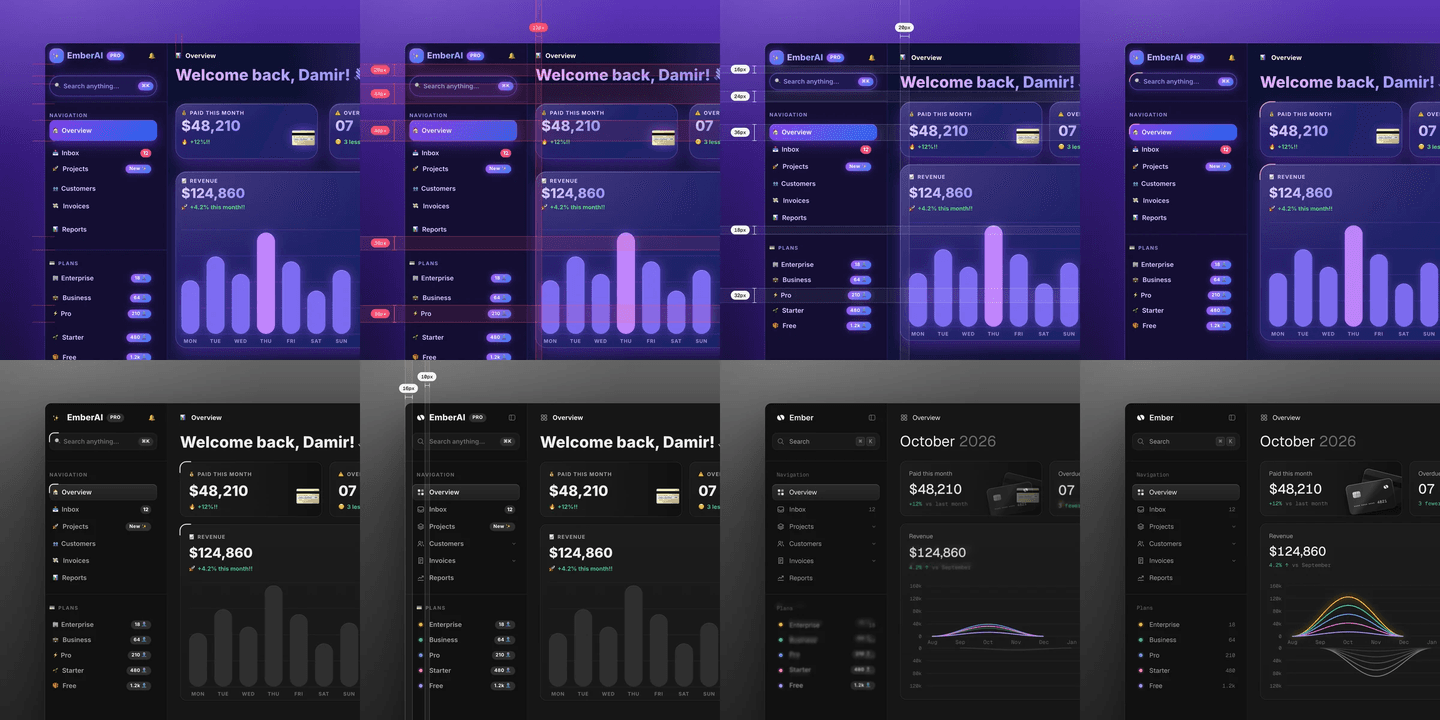
unslop is a free Claude skill by Damir Sokolovsky that turns vibecoded, AI-looking UI into a designed interface. It can also film a short before/after of the change.
Reach for it when: a page works but still screams AI.
Terminalclaude plugin install unslop --marketplace heydamir/unslop
Then, in Claude Code:
md/unslop this dashboard
Open unslop on GitHubunslop is licensed CC BY 4.0. If you share what it makes, credit the author.
Part 2 - The CLAUDE.md that makes your agent use them
Installing the tools isn't enough. Without rules, Claude goes back to its defaults. This block tells it to use all five, every time.
- 6
Step 6
Paste the rules into your project's CLAUDE.md
Open
CLAUDE.mdat the root of your project, or create it, and paste this at the end:md## Design rules for this project - **Components:** use BoardUI first. Add components with `npx boardui@latest add <component> --yes` or through the BoardUI MCP. Check BoardUI before writing a component from scratch. - **Icons:** use kubai-icons-react only, for example `import { Folder } from "kubai-icons-react"`. Never use lucide-react. If an icon is missing, draw it with the kubai-icons skill in the same style. - **Font:** use Allo. Add `import "allo-font"` once at the app root and set `font-family: "Allo", system-ui, sans-serif` on body. Never default to Inter. - **Hero sections:** for a scroll-driven hero, ask me for a clip made with the Limora AI "Scroll animation hero clip" skill, then map its frames to the scroll position. Don't fake it with a static image. - **Before you say a page is done:** run /unslop on it and apply what it finds.In Cursor, paste the same block into
.cursor/rulesorAGENTS.md. - 7
Step 7
Test it with one prompt
Open a new Claude Code session, so it reads the new rules, and ask for a full page:
mdBuild a dashboard for a run club: weekly distance, top runners and upcoming events. Follow the design rules in CLAUDE.md.
Check three things: BoardUI components, Kubai icons, and Allo as the font. If one is missing, tell Claude which rule it skipped.
Part 3 - The pre-ship check
- 8
Step 8
Run unslop on every page before you ship
Even with the rules, some pages drift. Run unslop on each page before you put it live, and apply the fixes.
md/unslop this page
Make it a habit: the last command before every deploy.
Tips
- Keep one generic Claude page as your "before", so you can see what each tool changes.
- Ask Claude to list the BoardUI components it plans to use before it writes any code.
- Use Allo's friendly build on content sites, where file size matters more.
- Save the Bookmark This collection on Logiaweb, so you get every link in one place.