
The Only AI Tools You Need
Apr 23, 2026
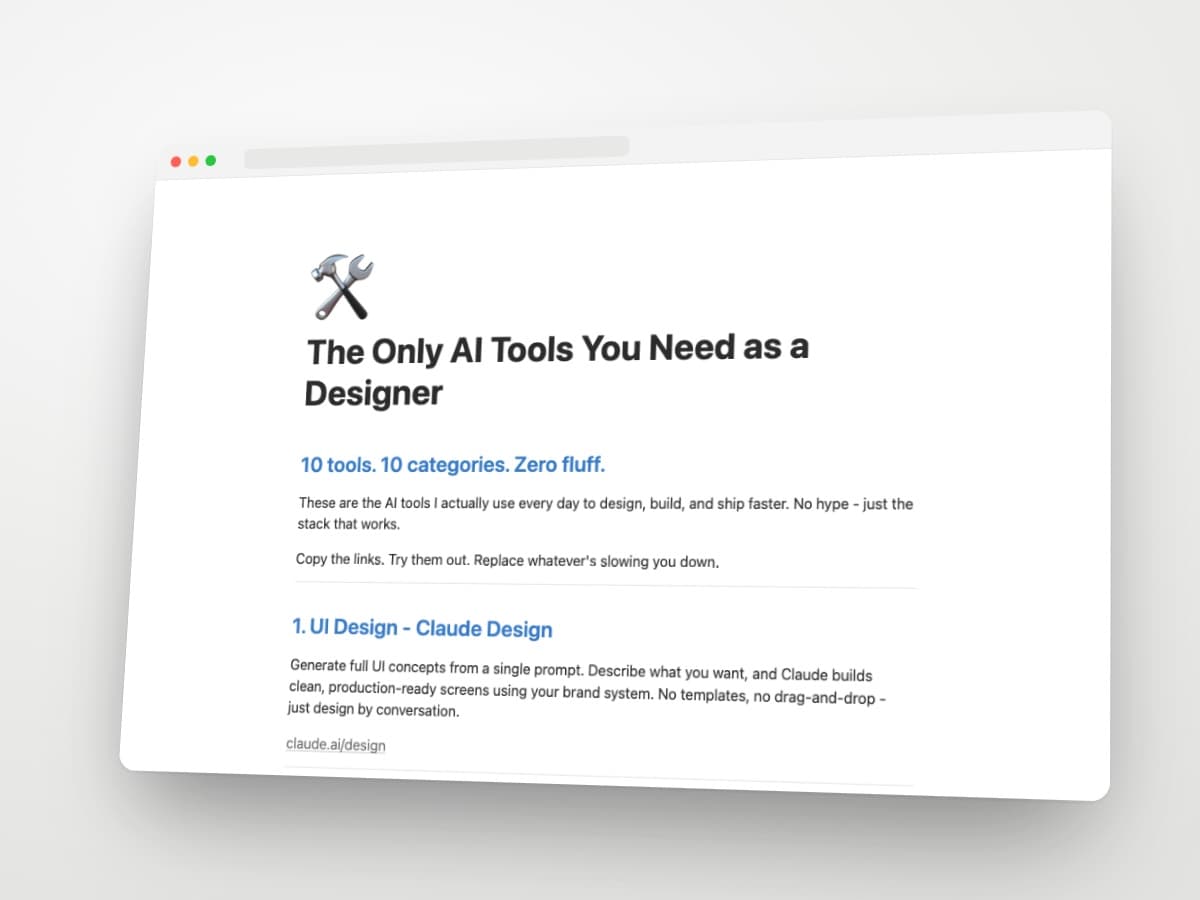
These are the AI tools I actually use every day to design, build, and ship faster. No hype - just the stack that works.
Copy the links. Try them out. Replace whatever's slowing you down.
1. UI design - Claude Design
Generate full UI concepts from a single prompt. Describe what you want, and Claude builds clean, production-ready screens using your brand system. No templates, no drag-and-drop - just design by conversation.
2. Wireframing - Stage
Go from research to low-fi to high-fi wireframes with AI. The fastest way to structure a project before you touch a single pixel.
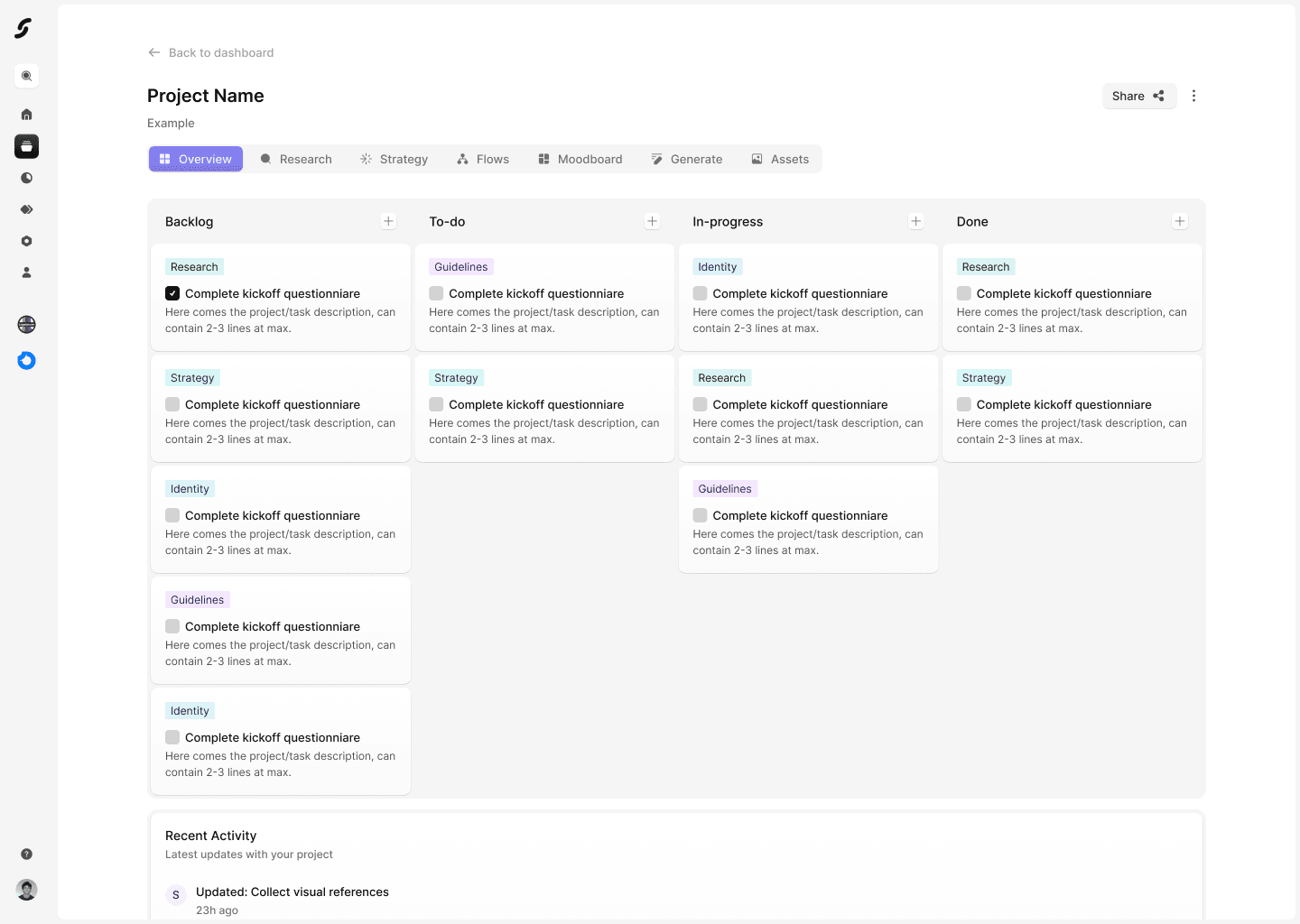
Stage is now live! Try it now at https://getstage.co
3. UX copy - Claude
Write every headline, button, and micro-copy. Claude understands context and tone better than any other model I've tested - I use it for every project.
4. Image & video generation - Limora
Generate icons, mockups, and hero images for any project. An AI toolkit built specifically for web designers - premium visuals, not stock-photo-AI-slop.
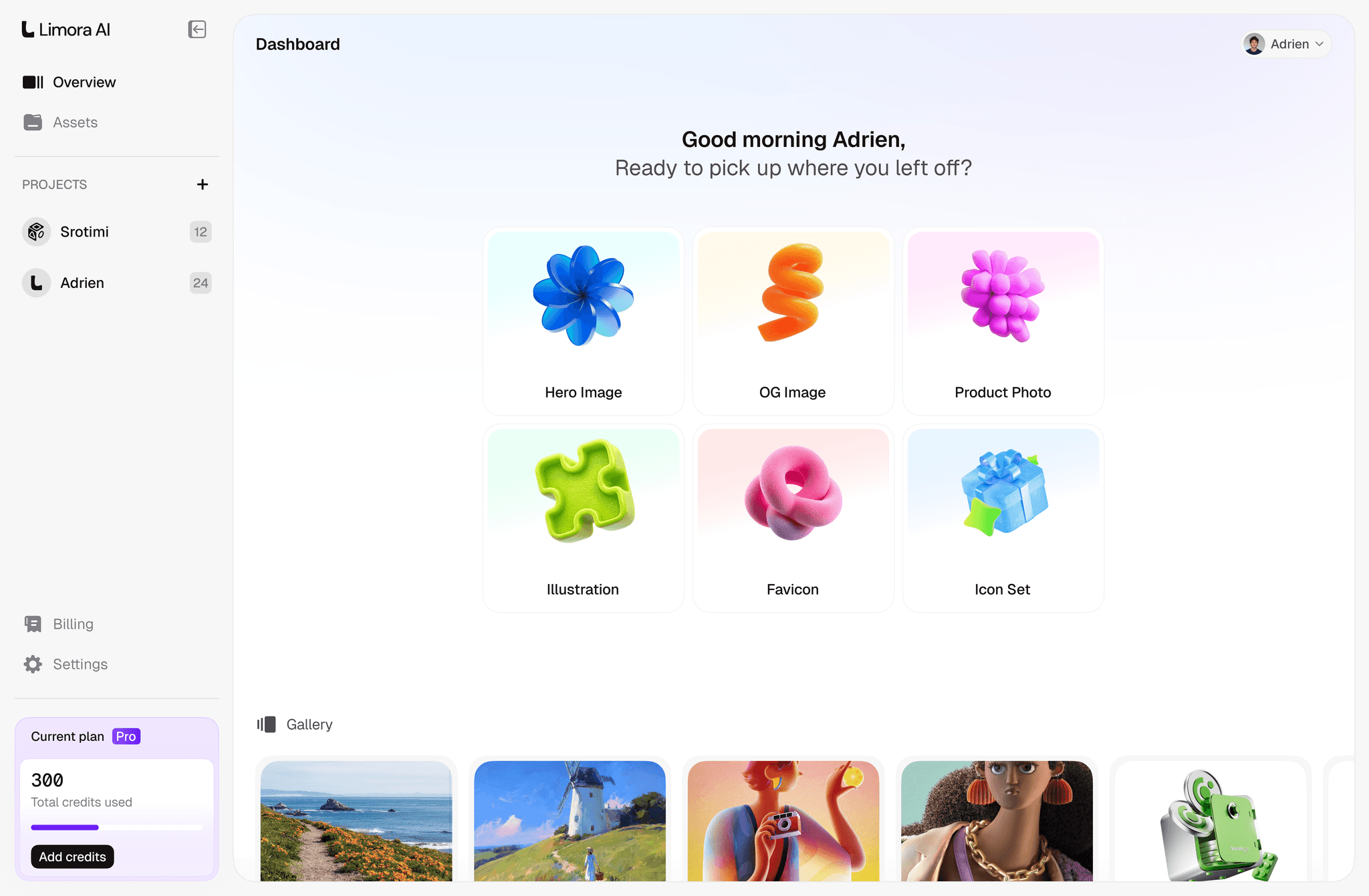
Limora is now live! Try it now at https://limora.ai and start generating on-brand assets for your design projects.
5. Motion design - Jitter
Animate any design straight from Figma. Import your frames, add keyframes, and export production-ready motion for social, product pages, or onboarding flows. No After Effects required.
6. Website building - Framer
Generate your site with AI and refine it in the editor. Real design freedom, CMS, interactions, and performance - without writing a line of code.
7. Full-stack coding - Claude Code
Build entire apps from your terminal. Frontend, backend, database, deployment - describe what you want, and Claude writes and runs the code for you.
8. Code editing - Cursor
Edit and refactor code with AI inline. If you're already comfortable in VS Code, Cursor feels like home - but with completions, chat, and codebase-aware suggestions that actually understand your project.
9. Deep research - Perplexity
Research anything with real sources, instantly. Competitors, design references, new industries for client projects - sourced answers, not hallucinated guesses.
10. Note-taking - Notion AI
Organize your projects and let AI write the docs. Smart search, auto-summaries, and the ability to ask questions across your entire workspace.