
Infinite FAQ
Oct 3, 2026 · 2 steps
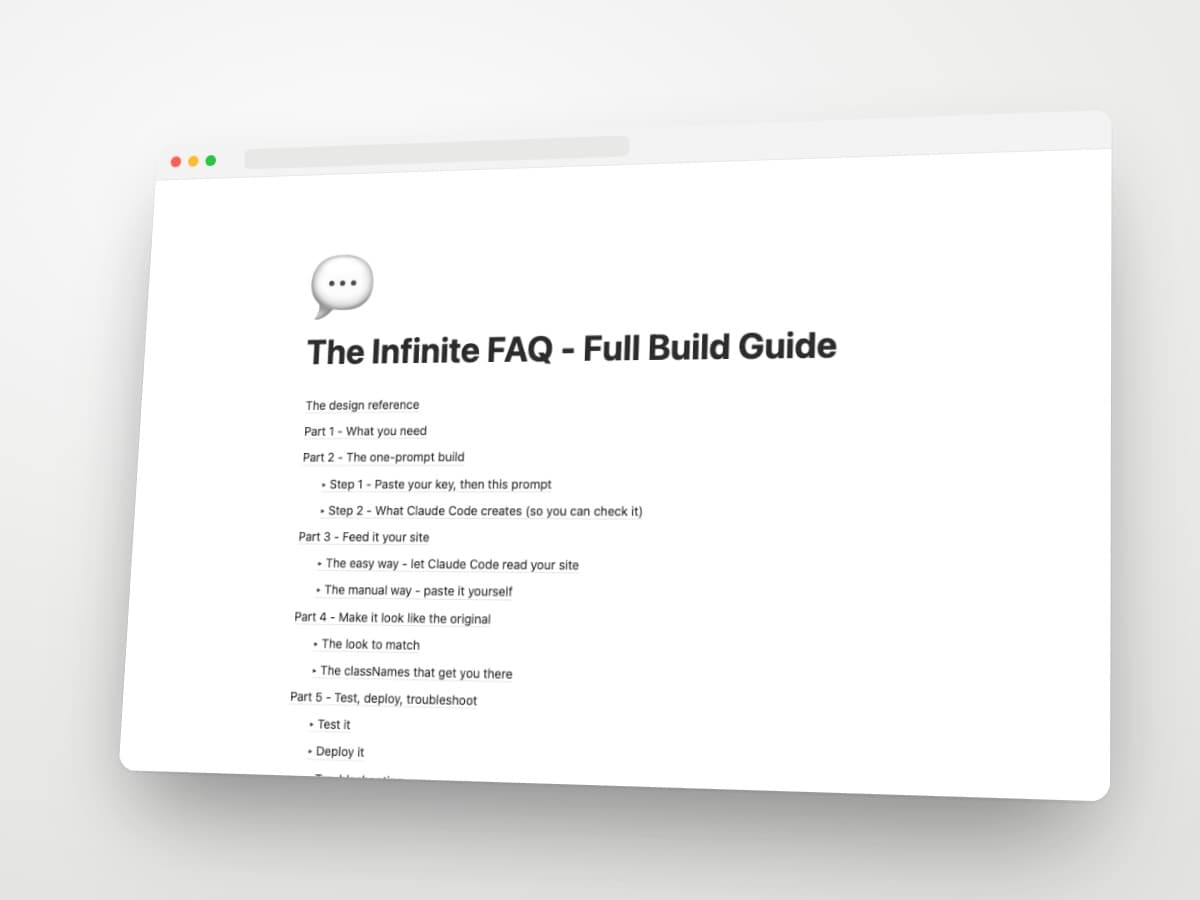
The design reference
Credit: Gustavo (@heyimgustavo), product and engineering at Foglamp.
The original clip: x.com/heyimgustavo/status/2100728786694136224
See it live: foglamp.dev - scroll to the "Questions" section and ask Foggy anything.
What makes it work: a normal five-question FAQ where the last row is not a question. It is an input labelled "Ask anything else". You type, it shows "Reading the docs", and the answer streams in and joins the list as a new FAQ item. The list never runs out.
The component in this guide is an open-source recreation of that idea by yapsgg, not by Gustavo. Use it for the mechanics, and use Gustavo's page as the visual target.
Part 1 - What you need
- A Next.js App Router project with Tailwind (v3 or v4). Light or dark theme, both work. The component ships Tailwind classes and a Next.js route factory, so it does not drop into Framer, Webflow or WordPress.
- Claude Code open in your project folder.
- An OpenRouter API key. Get one at openrouter.ai/keys and add a few dollars of credit. You will paste the key into Claude Code in the next step, and it saves it for you.
The key is the one thing no prompt can do for you. Without it the input does nothing. Create it before you start.
Part 2 - The one-prompt build
- 1
Step 1
Paste your key, then this prompt
Open Claude Code in your project. Paste your OpenRouter key as a message, then paste the prompt below right after it. It saves the key, installs the packages, creates the API route, sets up Tailwind and adds the component styled to your site. It also works whether or not your page already has an FAQ section.
The build prompt
Prompt1. Save the OpenRouter API key I just gave you in .env.local as OPENROUTER_API_KEY. Create the file if needed and make sure .env.local is in .gitignore. 2. Add the open-source infinite-faq component to this site. Run: npm install infinite-faq ai @openrouter/ai-sdk-provider 3. Create app/api/faq/route.ts using createOpenRouterFaqRoute from "infinite-faq/openrouter" with apiKey: process.env.OPENROUTER_API_KEY, model "deepseek/deepseek-v4.1-flash", and a placeholder system prompt that I will fill in next. 4. Detect my Tailwind version and add the package scan. For v4, add @source "../node_modules/infinite-faq/dist" under the tailwindcss import in globals.css. For v3, add "./node_modules/infinite-faq/dist/**/*.{js,cjs}" to the content array in tailwind.config. 5. If this site already has an FAQ section, replace it with the InfiniteFaq component and reuse my existing questions and answers as the static items, keeping the title, layout, fonts and colors identical. If there is no FAQ yet, add one to the homepage with the title "Questions" and 5 static questions written from my landing page copy. 6. Either way, set endpoint "/api/faq", placeholder "Ask anything else", loadingText "Reading the docs", maxLines 6. Style it with classNames to match my existing fonts, colors, spacing and theme: no card backgrounds, a thin divider between rows, a small chevron on the right of each question, and the last row as the input with an arrow submit icon. 7. Start the dev server and tell me the URL to open.Pasting the key into Claude Code is fine. It runs on your machine and writes it to a local file that is never committed. If you shared your screen while pasting it, rotate the key on OpenRouter afterwards.
Not on Next.js? Framer, Webflow, WordPress and static sites cannot run this package directly. It needs a React front end and a server route. On those platforms it is a custom build (a code component plus a separately hosted API), not a one-prompt install.
- 2
Step 2
Check what Claude Code creates
Four things should exist when it finishes:
1. The key in
.env.localPromptOPENROUTER_API_KEY=sk-or-...
2. The API route at
app/api/faq/route.tstsimport { createOpenRouterFaqRoute } from "infinite-faq/openrouter" export const { POST, OPTIONS, maxDuration } = createOpenRouterFaqRoute({ apiKey: process.env.OPENROUTER_API_KEY, model: "deepseek/deepseek-v4.1-flash", system: `You are the assistant for ACME. Only answer questions about ACME and its products. Keep answers to 1-3 short sentences.`, })3. The Tailwind scan. Tailwind v4, in
globals.css:css@import "tailwindcss"; @source "../node_modules/infinite-faq/dist";
Tailwind v3, in
tailwind.config.ts:tsexport default { content: [ "./app/**/*.{ts,tsx}", "./node_modules/infinite-faq/dist/**/*.{js,cjs}", ], }4. The component on your page:
tsimport { InfiniteFaq } from "infinite-faq" <InfiniteFaq endpoint="/api/faq" eyebrow="FAQ" title="Questions" placeholder="Ask anything else" loadingText="Reading the docs" maxLines={6} items={[ { question: "What is ACME?", answer: "ACME makes everything." }, { question: "How much does it cost?", answer: "One-time $1,999." }, ]} />If any of the four is missing, paste the relevant snippet above into Claude Code and say "add this". Skipping the Tailwind scan is the most common miss, and it makes the component render with no styling at all.
Part 3 - Feed it your site
The easy way - let Claude Code read your site
There is no search or retrieval inside this package yet (it is on the roadmap). The AI only knows what is in the system prompt. So the "Reading the docs" moment is real only if your content is in there.
You do not need to paste anything. Your landing page code is already in the project, so type this in Claude Code:
Read every page of this site and write the FAQ system prompt in app/api/faq/route.ts from the copy: headline, features, pricing, existing FAQ, support details. It must only answer questions about my product, keep answers to 1-3 short sentences, and politely decline anything unrelated.
Have extra docs? Drag the PDF or markdown files into a docs folder in the project and add: "also read everything in the docs folder". Claude Code reads them and folds them in.
The manual way - paste it yourself
Open app/api/faq/route.ts and paste your content into the placeholder block. Good sources, in order:
- Your docs, if you have them
- Your landing page copy (headline, features, pricing, FAQ)
- Your pricing page and your refund or support policy
System prompt template
You are the assistant for [PRODUCT]. Only answer questions about [PRODUCT] using the documentation below. Keep answers to 1-3 short sentences. If the question is not covered, say so and point to [support email or docs URL]. Politely decline anything unrelated.

=== DOCUMENTATION ===
[paste your docs / landing page copy / pricing here]
=== END ===
Keep the pasted docs under roughly 20,000 words. Every visitor question sends the whole system prompt to the model, so a huge doc dump makes every answer slower and more expensive.
Part 4 - Make it look like the original
The look to match
Gustavo's version: black background, white question text, a thin divider between rows, a small chevron on the right, and the last row as a muted "Ask anything else" input with an arrow icon. No cards, no borders, no boxes. On a light site, keep the same structure and let Claude Code swap the colors.
The classNames that get you there
Every part of the component accepts a Tailwind class override. This is the set to hand Claude Code if the default styling is off (dark version shown, swap the neutral shades for a light site):
<InfiniteFaq
  endpoint="/api/faq"
  items={items}
  placeholder="Ask anything else"
  loadingText="Reading the docs"
  maxLines={6}
  className="max-w-2xl"
  classNames={{
    root: "bg-transparent",
    item: "rounded-none border-0 border-b border-neutral-800 bg-transparent px-0",
    trigger: "py-5 text-[15px] text-white",
    icon: "text-neutral-500",
    answer: "text-neutral-400 text-[14px] leading-relaxed",
    loading: "text-neutral-500 text-[13px]",
    form: "rounded-none border-0 border-b border-neutral-800 bg-transparent px-0",
    input: "py-5 text-[15px] text-white placeholder:text-neutral-500",
    submit: "text-neutral-500 hover:text-white",
  }}
/>| classNames key | What it styles |
|---|---|
| root, header, title, description, list | The section layout and heading |
| item, trigger, question, icon, content, answer | Each question row and its answer |
| loading, error | The "Reading the docs" state and the error state |
| form, input, submit | The "Ask anything else" row |
Two-column layout like Foglamp? Wrap the component in a grid: heading and one-line description on the left, the FAQ on the right. Ask Claude Code: "Put the FAQ in a two-column grid, title and description left, list right, stack on mobile."
Part 5 - Test, deploy, troubleshoot
Test it
Open the dev URL Claude Code gave you, scroll to the FAQ and type a question your static list does not cover. You should see "Reading the docs", then the answer streaming in, then the new item sliding into the list.
Deploy it
Push to GitHub and deploy on Vercel as usual. Add OPENROUTER_API_KEY in the Vercel project settings under Environment Variables, then redeploy. The route runs server-side, so the key is never exposed to visitors.
Troubleshooting
| Problem | Fix |
|---|---|
| Component renders with no styling | The Tailwind scan is missing. Tell Claude Code "the Tailwind scan for infinite-faq is missing, add it and restart the dev server". |
| Typing a question does nothing or shows an error | The key is missing or has no credit. Check .env.local, check your OpenRouter balance, restart the dev server after editing env. |
| Works locally, breaks on Vercel | The env var is not set in Vercel. Add it in project settings and redeploy. |
| Answers are generic or wrong | The system prompt is too thin. Tell Claude Code "add the pricing and feature details from the homepage to the FAQ system prompt". |
| Answers are slow | Your pasted docs are too long, or the model is slow. Trim the docs, or switch the model id to a faster one on OpenRouter. |
| Looks like a card grid instead of a clean list | Default styling uses shadcn tokens. Pass the classNames block from Part 4. |
Tips
- Write five static questions that cover the top objections, and let the input handle the long tail. The static ones are still what most visitors read.
- Add "If you are not sure, say you are not sure" to the system prompt. A confident wrong answer on a pricing question costs you more than no answer.
- Ask your own site ten real customer questions before shipping. Fix the docs, not the prompt, when an answer is off.
- Not on Next.js? The package exports a plain request handler (
createFaqHandler) that works in Remix, Hono, Bun or Deno, and a headlessuseInfiniteFaqhook for any React UI. Both are documented in the repo README.