
Cinematic Site Generator
Apr 17, 2026 · 5 steps
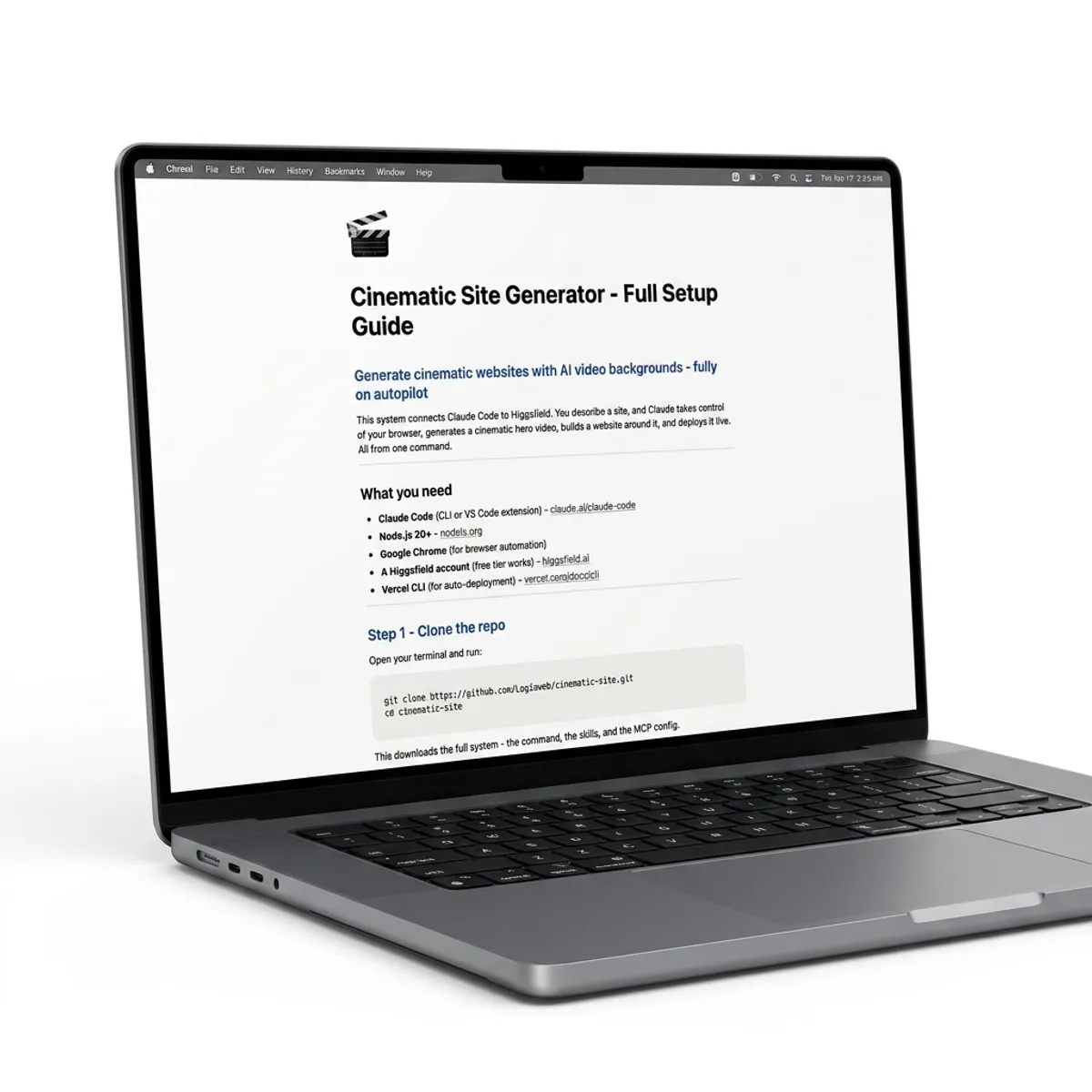
This system connects Claude Code to Higgsfield. You describe a site, and Claude takes control of your browser, generates a cinematic hero video, builds a website around it, and deploys it live. All from one command.
What you need
- Claude Code (CLI or VS Code extension) - claude.ai/claude-code
- Node.js 20+ - nodejs.org
- Google Chrome (for browser automation)
- A Higgsfield account (free tier works) - higgsfield.ai
- Vercel CLI (for auto-deployment) - vercel.com/docs/cli
- 1
Step 1
Clone the repo
Open your terminal and run:
Terminalgit clone https://github.com/Logiaweb/cinematic-site.git cd cinematic-site
This downloads the full system - the command, the skills, and the MCP config.
- 2
Step 2
Install Vercel CLI
Vercel handles the deployment. Install it globally and log in:
Terminalnpm i -g vercel vercel login
Follow the prompts to authenticate with your Vercel account.
- 3
Step 3
Log into Higgsfield
Open Google Chrome and go to higgsfield.ai. Sign in or create a free account.
Important: You must be logged into Higgsfield in Chrome before running the command. Claude automates the browser directly - it needs an active session.
- 4
Step 4
Open in Claude Code
Open the project folder in Claude Code:
Terminal (CLI)
Terminalcd cinematic-site claude
VS Code
Open the
cinematic-sitefolder in VS Code. The Claude Code extension will auto-detect the project.The Chrome DevTools MCP is preconfigured in
.mcp.json- it loads automatically. No extra setup needed. - 5
Step 5
Run the command
In Claude Code, type:
Prompt/generate "A luxury candle brand called Ember & Oak"
Replace the brief with whatever site you want to build. You can also drop a reference image alongside your brief for visual direction.
What happens next
The system runs a fully automated 4-phase pipeline:
Brief - Claude parses your description, extracts the brand name, mood, and visual direction. If you dropped a reference image, it analyzes the style.
Video - Claude generates an optimized Seedance 2.0 prompt, then takes control of Chrome, opens Higgsfield, enters the prompt, generates a cinematic hero video, and downloads it. You approve the prompt before it runs.
Build - Claude creates a full Next.js site around the video. Single-viewport hero page with the video background, headline, subline, and CTA. Dark mode, responsive, animated.
Deploy - The site is automatically deployed to Vercel. You get a live URL in seconds.
The generated site
Every site Claude builds uses this stack:
- Next.js 16 + React 19 + TypeScript
- Tailwind CSS v4
- Framer Motion (spring physics animations)
- Single full-viewport video hero (muted, autoplay, loop)
- Dark mode by default
- Responsive and accessible
prefers-reduced-motionsupport
Project structure
Here's what's inside the repo:
cinematic-site/
├── .claude/
│   ├── commands/
│   │   └── generate.md          # The main command
│   └── skills/
│       ├── higgsfield-cinematic/ # Video prompt generation
│       ├── taste/                # Design quality rules
│       └── site-builder/         # Site template specs
├── outputs/                     # Generated sites land here
├── .mcp.json                    # Chrome DevTools MCP config
├── CLAUDE.md                    # Project context
└── README.md
Tips
Use reference images. Drop an image alongside your brief and Claude will match the color palette, typography feel, and overall mood of your reference.
Be specific in your brief. "A luxury candle brand called Ember & Oak" works better than "make a website." Include the brand name, industry, and vibe.
Iterate after deploy. Don't like the headline? Want a different color? Just tell Claude and it will update and redeploy.
Use it for outreach. Generate personalized sites for prospects - send them a live link with a cinematic video tailored to their brand. That's a different level.
Troubleshooting
| Problem | Fix |
|---|---|
| Chrome DevTools MCP not loading | Make sure Chrome is open. The MCP config in .mcp.json loads automatically - no manual setup needed |
| Higgsfield automation fails | Make sure you're logged into Higgsfield in Chrome before running the command |
| Video generation times out | Higgsfield can take 1-3 minutes to generate. If it takes over 5 minutes, Claude will alert you |
| Vercel deploy fails | Run vercel login to make sure you're authenticated. Check that Vercel CLI is installed globally |
| Site looks off | Tell Claude what to change - it can update copy, colors, layout, and redeploy in seconds |