
Email Design Guide
May 16, 2026 · 3 steps
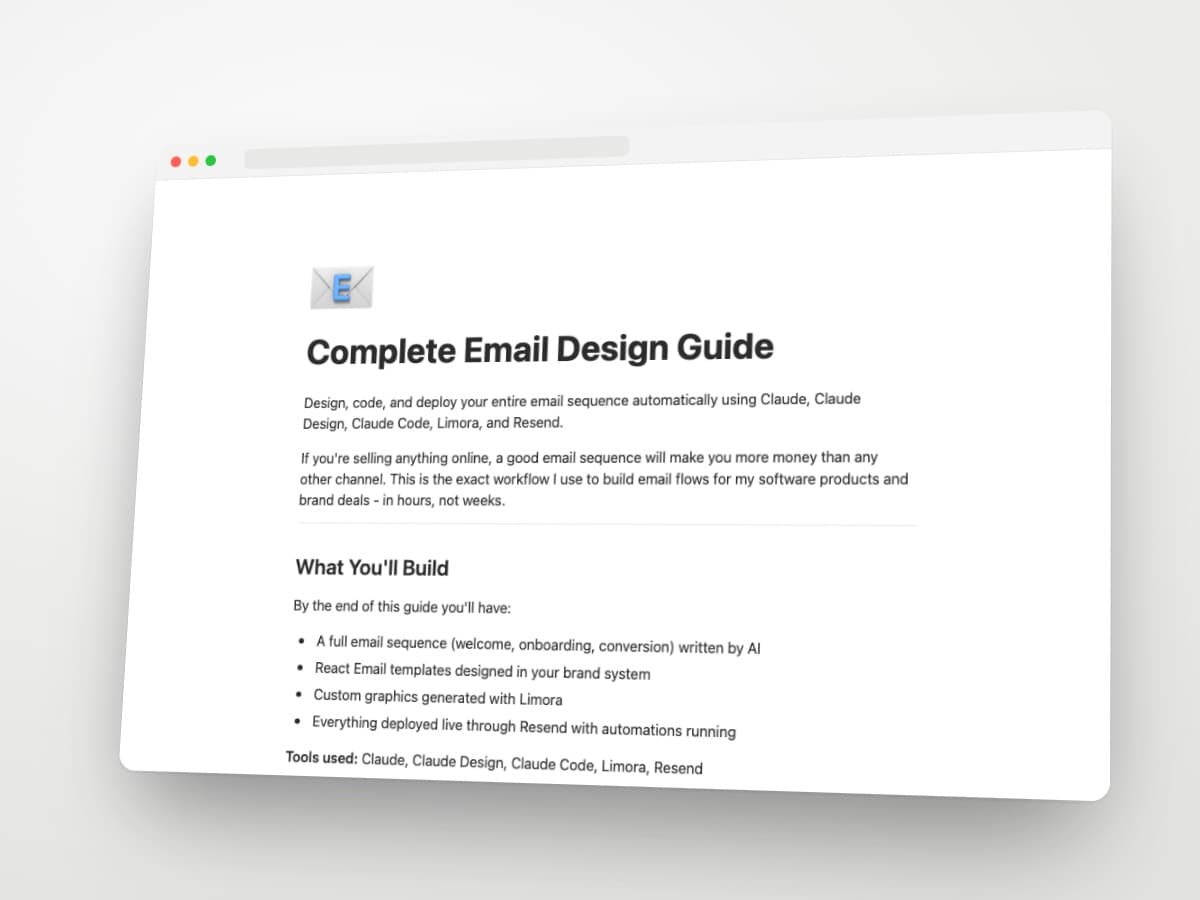
Design, code, and deploy your entire email sequence automatically using Claude, Claude Design, Claude Code, Limora, and Resend.
If you're selling anything online, a good email sequence will make you more money than any other channel. This is the exact workflow I use to build email flows for my software products and brand deals - in hours, not weeks.
What you'll build
By the end of this guide you'll have:
- A full email sequence (welcome, onboarding, conversion) written by AI
- React Email templates designed in your brand system
- Custom graphics generated with Limora
- Everything deployed live through Resend with automations running
Tools used: Claude, Claude Design, Claude Code, Limora, Resend
- 1
Step 1
Generate the copy and design the first email
1.1 Write the full sequence in Claude
Open Claude and describe your product, your audience, and the sequence you want. Welcome, onboarding, conversion, re-engagement - whatever your funnel needs.
Prompt to use:
PromptI'm launching [product name]. It helps [audience] do [outcome]. Write me a full email sequence: 1 welcome email, 3 onboarding emails, 2 conversion emails, 1 re-engagement email. Each email should have a subject line, preheader, and body copy in my voice: [drop your voice notes here]. Save the entire sequence as a markdown file with one email per section.
Claude writes the full copy and outputs a single
emails.mdfile. Download it.1.2 Design the first email in Claude Design
Open Claude Design and upload two things:
- Your brand design system (colors, typography, spacing, components)
- The first email copy from your markdown file
Prompt to use:
PromptGenerate the React Email code for this welcome email using my brand design system. Use @react-email/components. Keep it modular - header, body, CTA, footer as separate components. Match the design system exactly. Here’s the first email copy (paste copy)
Iterate until the first email looks right. This becomes your master template.
Download the code as a ZIP file.
- 2
Step 2
Build the full sequence in Claude Code
2.1 Set up the project
Drop your template file and
emails.mdinto a folder. Open Claude Code in that folder.Prompt to use:
PromptI have a React Email template at `welcome.tsx` and a full email sequence in `emails.md`. Generate the rest of the emails using the same template structure and design system. Create one .tsx file per email. Match the visual style of the welcome email exactly - only the body content changes.
Claude Code generates every email from the same template. Preview them with the React Email dev server:
Terminalnpx react-email dev
2.2 Add custom graphics with Limora
For any email that needs a hero image, illustration, or product mockup, use Limora.ai to generate it on-brand.
Upload your brand reference, describe the visual, and download the asset. Drop the image into
/public/emails/and reference it in your React Email components.Iterate with Claude Code until every email looks polished.
- 3
Step 3
Deploy automatically with the Resend MCP
3.1 Install the Resend MCP
Add the Resend MCP server to Claude Code. This lets Claude Code push emails, manage contacts, and set up automations directly from your terminal.
Get your Resend API key from
resend.com/api-keysand add it to your.env:TerminalRESEND_API_KEY=re_xxxxxxxx
3.2 Push the sequence
Prompt to use:
PromptPush all React emails in this folder to Resend as templates. Then create an automation: when a contact is added to the "new-signup" audience, send the welcome email immediately, then the onboarding sequence over 7 days, then the conversion sequence over 5 days.
Claude Code uploads every template, creates the audience, and wires up the automation triggers.
3.3 Verify and go live
- Send a test email to yourself from each template
- Check rendering in Gmail, Outlook, and Apple Mail
- Confirm the automation triggers fire correctly
- Add your first real contact to the audience
Done. Your full email funnel is live.
The stack at a glance
| Tool | Job |
|---|---|
| Claude | Generate all email copy as a markdown file |
| Claude Design | Design the first email template in React |
| Claude Code | Generate the rest of the sequence + iterate |
| Limora | Custom on-brand graphics for emails |
| Resend MCP | Deploy templates and automations |
Bonus - Prompts cheat sheet
Copy generation:
Write [N] emails for [product]. Audience: [audience]. Goal: [outcome]. Voice: [voice notes]. Output as markdown, one email per section with subject, preheader, body.
Template generation:
Generate React Email code from this email copy using my brand design system. Modular components. Use @react-email/components.
Sequence generation:
Generate the rest of the emails from `emails.md` using the same template style as `welcome.tsx`. One .tsx per email.
Deployment:
Push all React emails to Resend as templates. Create automation: [trigger] -> [sequence] over [timing].
Next steps
- Replace your existing email tool with this stack
- Reuse the same template for transactional emails (receipts, password resets)
- Plug Resend events into your CRM or analytics for open/click tracking