
Premium Dashboard Build
May 30, 2026 · 3 steps
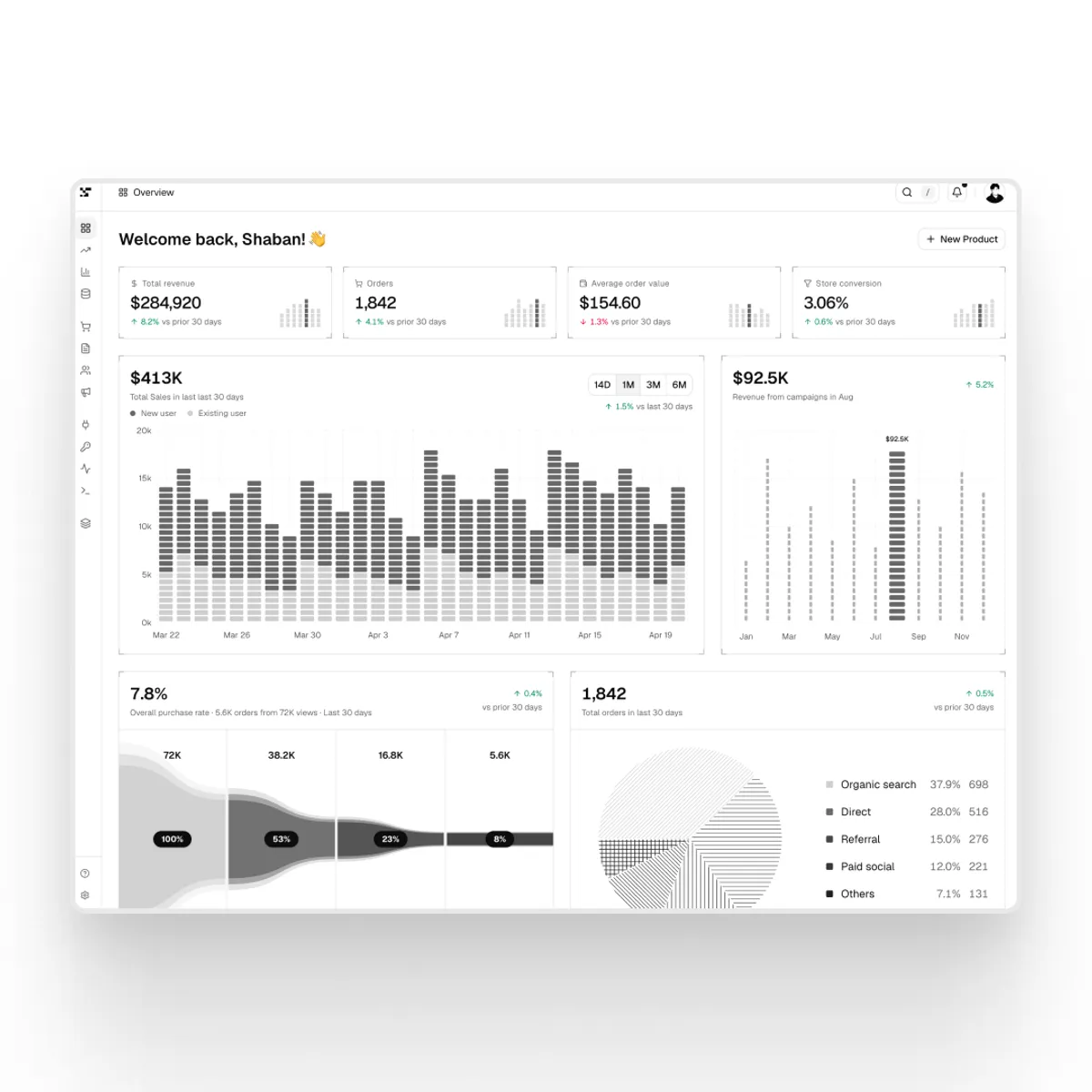
The 3-step process to ship a dashboard that doesn't look AI-generated - in under 10 minutes.
- 1
Step 1
Pick a block
Go to efferd.com/blocks/dashboard and pick the dashboard block you like.
Copy the prompt and paste it into Claude Code.
Then describe what the dashboard is for - so Claude adapts the template instead of just replicating it.
- 2
Step 2
Add a custom background with Limora
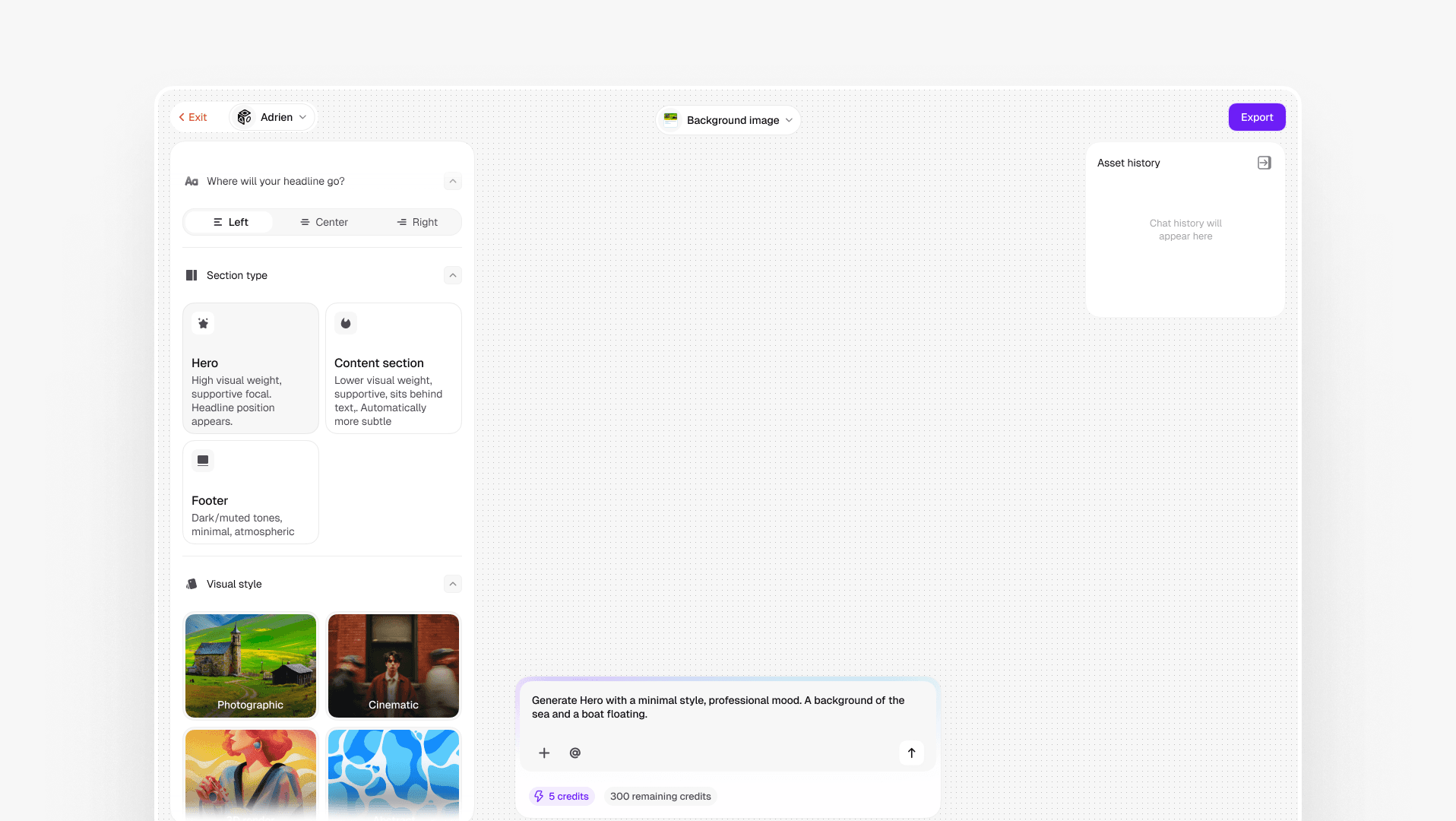
This is what makes your dashboard stop looking like every other AI build.
Open Limora and go to Background Image.
Describe the visual you want and adjust the settings.
Download the image, upload it to Claude Code, and ask it to add it to your dashboard as a banner.
Get Limora
- 3
Step 3
Animate your interface
Install the transitions.dev skill in Claude Code.
Ask it to animate your interface. Refine the design until it feels right.
Once everything looks good, ask Claude to publish it - and your dashboard is live.
Resources
- Shadcn blocks: efferd.com/blocks/dashboard
- Limora: limora.ai
- Transitions skill: transitions.dev
- Claude Code: claude.com/claude-code